Wan - The Open-Source AI Video Generator That Rivals the Best
14B parameters. Apache 2.0 license. LoRA fine-tuning. Runs on your RTX 4090. The most powerful open-source video model with full local control, advanced text to video AI workflows, and image to video AI support.
What is Wan? text text test test
Wan AI, also known as Wan Video, is an advanced, open-source, and creative AI video model developed by Alibaba. It has several versions, Wan 2.1 / 2.2 / 2.5 / 2.7. Users can create high-quality and realistic video clips using text prompts or reference images. The Alibaba video AI model is mostly known to have the capability to handle advanced motion and physics, and cinematic controls. In addition, it has image-to-video and text-to-video open model workflows to process any video request. Right from the first version, Wan 2.1, there have been several releases like Wan 2.2 that introduced the Mixture-of-Experts system, and Wan 2.5 with native audio support. The current version, Wan 2.7, has more refined generation quality and motion consistency. In all, the 14B parameter video model has a unified workflow to generate scenes, characters, and dialogue.
Wan AI is released under the Apache 2.0 license, and this allows creators and developers to use and modify it for commercial purposes. This feature distinguishes it from other commercial alternatives like Kling, Runway, and Sora, which require users to subscribe to a plan. You can download and set it up on your local system, and users can use a consumer-grade GPU for the setup.
You can access it directly on our platform to generate videos; that way, you won't need to bother about getting the required GPU.
What Makes Wan Different
Fully Open-Source (Apache 2.0)
Since Wan AI is fully open-source, it has no restrictions, so creators can download, modify, and use it for commercial projects. So, if you are an individual creator, a research lab, or a startup that wants control over outputs at no cost, this Apache 2.0 license model is your best bet.
LoRA Fine-Tuning Ecosystem
Creators can fine-tune outputs using Low-Rank Adaptation (LoRA), a technique to customize AI models to reduce computational power. This fine-tuning can help create anime renderings, art, video effects, and realistic portraits. Multi-stacking these LoRAs can also help get a better output quality.
Mixture-of-Experts Architecture
The Mixture-of-Experts is only available in Wan 2.2 and higher, and it includes 27 billion parameters. It employs selective routing in which 14 billion of the total parameters are used. The architecture decreases computing cost, allowing Wan AI to create outputs with dramatic adaptive lighting and realistic skin textures video.
Benchmark-Proven Quality
Wan AI has output quality that is proven by an industry-standard test, VBench score. It has a score above 84.7%, demonstrating its excellent scene realism and temporal coherence. In addition, the model has an AI video prompt adherence that enables it to create perfect text rendering and photorealistic video AI.
Key Features
Text-to-Video (T2V)
The T2V creation pipeline enables users to utilize text prompts to create high-quality videos. Creators have the flexibility to describe scenes, camera movement, characters, and other elements as they see fit
Image-to-Video (I2V)
Wan AI uses motion inference to generate video animation. Once you upload a reference image, the model uses it to create a video animation. It only uses the image but does not change its style, composition, and identity.
Native sounds Generation (Wan 2.5+)
Wan 2.5 and the higher versions of this AI model enable creators to create audio native to the visuals. This can be background music, character dialogue, and environmental sound effects.
Multiple Model Sizes
This framework is adaptable to a wide range of sizes, allowing it to accommodate diverse hardware limitations and project needs. The 1.3B model supports 480p preview output on consumer GPUs, whereas the 14B model requires a high-end GPU like the RTX 4090.
Multilingual Text Support
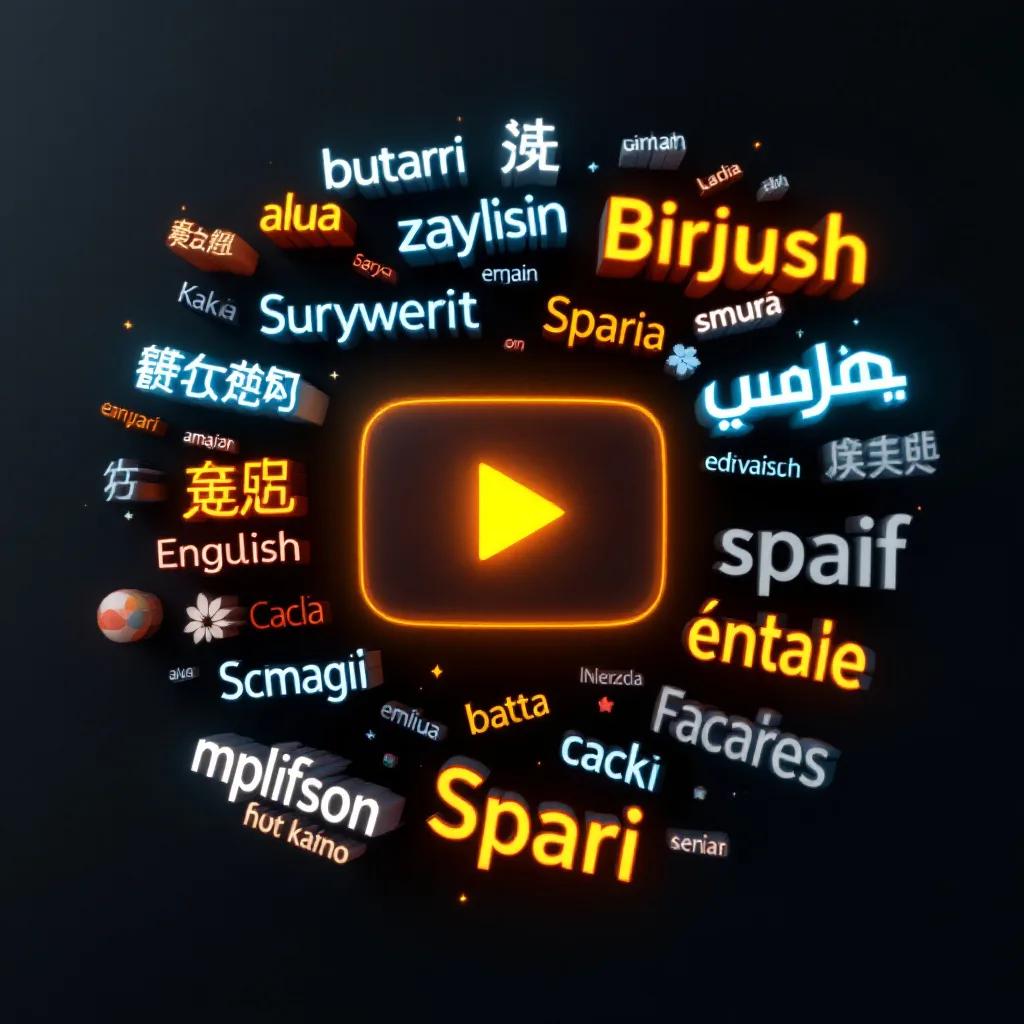
Creators can interact with Wan AI in multiple languages. This means you can enter prompts in your native language to make videos. In addition, the model can do overlay and render text in multiple languages.
ComfyUI Integration
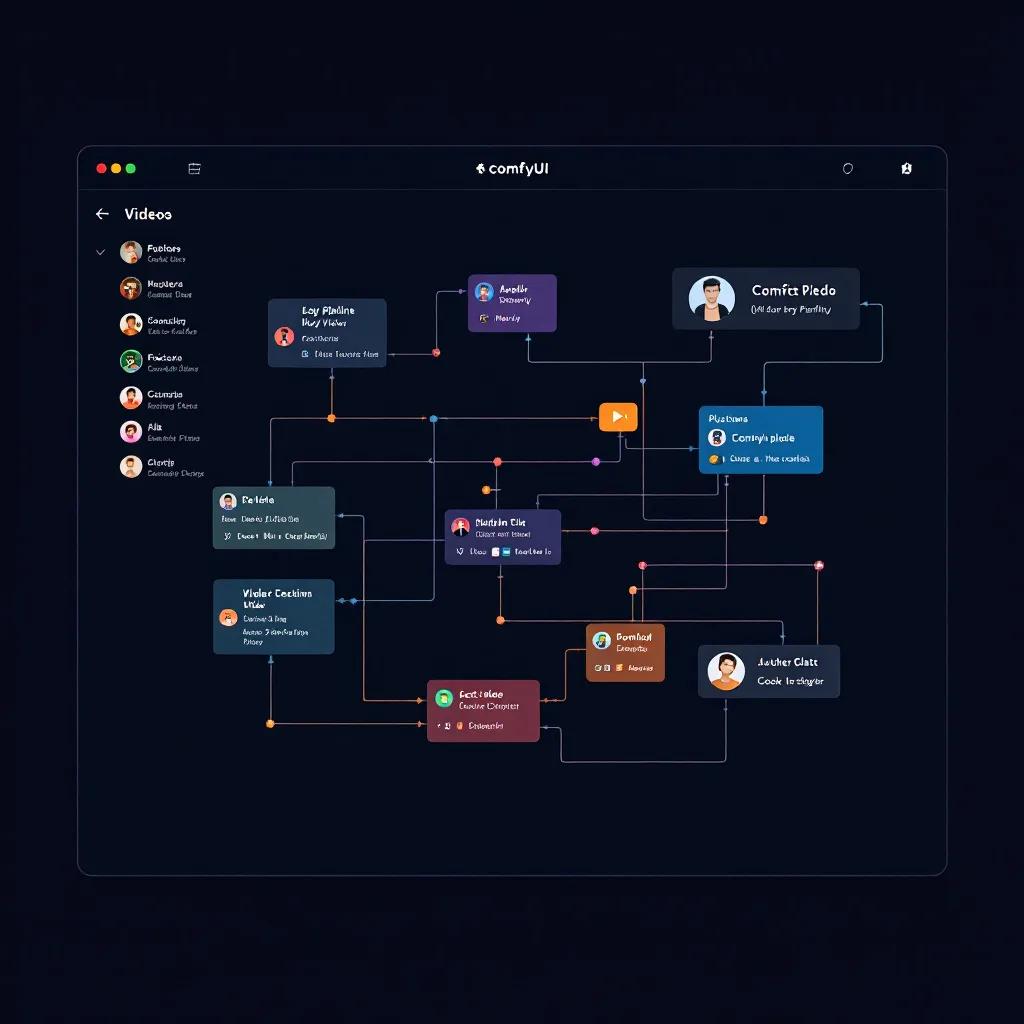
All Wan AI models are natively linked into ComfyUI, and customers may utilize workflow templates for high-quality text-to-video, image-to-video, and complex animation.


How It Works
Three steps to your video

Write Text
Describe scenes, characters, camera motion, and Wan will give an accurate output. The model offers absolute control over the output so users can indicate camera movements, lighting conditions, and AI video aspect ratio. In addition, you can add a reference image as the first frame in the workflow.
Wan Generates
Once you have specified instructions using prompts, Wan will generate the output within 30-60 seconds for a 5-second video. However, CausVid LoRA acceleration or Wan animate to cut down generation time to 3-5 seconds.
Refine and Export
There is a complete creative flexibility using Wan AI video, as users can generate clips, refine, regenerate, and preview results before creating the final versions.
Camera & Motion Control
Wan has an excellent AI video motion control, and this feature enables it to process camera movement without producing fragmented frames.
Speed & Efficiency
Another edge Wan has over its competitors is that it enables video generation on consumer hardware. Unlike other enterprise-only AI models, it allows creators and small studios to deploy locally.
Hardware Requirements:
| Model | VRAM | GPU Example | Quality |
|---|---|---|---|
| Wan 1.3B | 8 GB | RTX 3060 | Good (fast previews) |
| Wan 14B | 24 GB | RTX 4090 | Best (production quality) |
| Wan 14B (quantized) | 12–16 GB | RTX 4070 Ti | Very Good (95% of full) |
CausVid LoRA — 10× Video Generation Speed
The CausVid LoRA has an 8-step fast generation feature that ensures fast video creation by reducing the diffusion steps from 50+ to 8. This means a 5-second clip can be generated in 3–5 seconds as opposed to the normal 30–60 seconds.
480p Fast Preview Generation
Wan AI has a 480p quality for a fast preview generation before the full-quality rendering for the 720p AI video generation. This preview allows creators to refine the prompt, review motion and composition, then later render at 720p.
MoE Efficiency (Wan 2.2+)
The ecosystem has a Mixture-of-Experts architecture, which means not all parameters are used up during generation. Only 14B out of the 27B parameters are active during generation. This system of operation helps ensure Wan can deliver better quality per FLOP than other models.
Image-to-Video & Video-to-Video
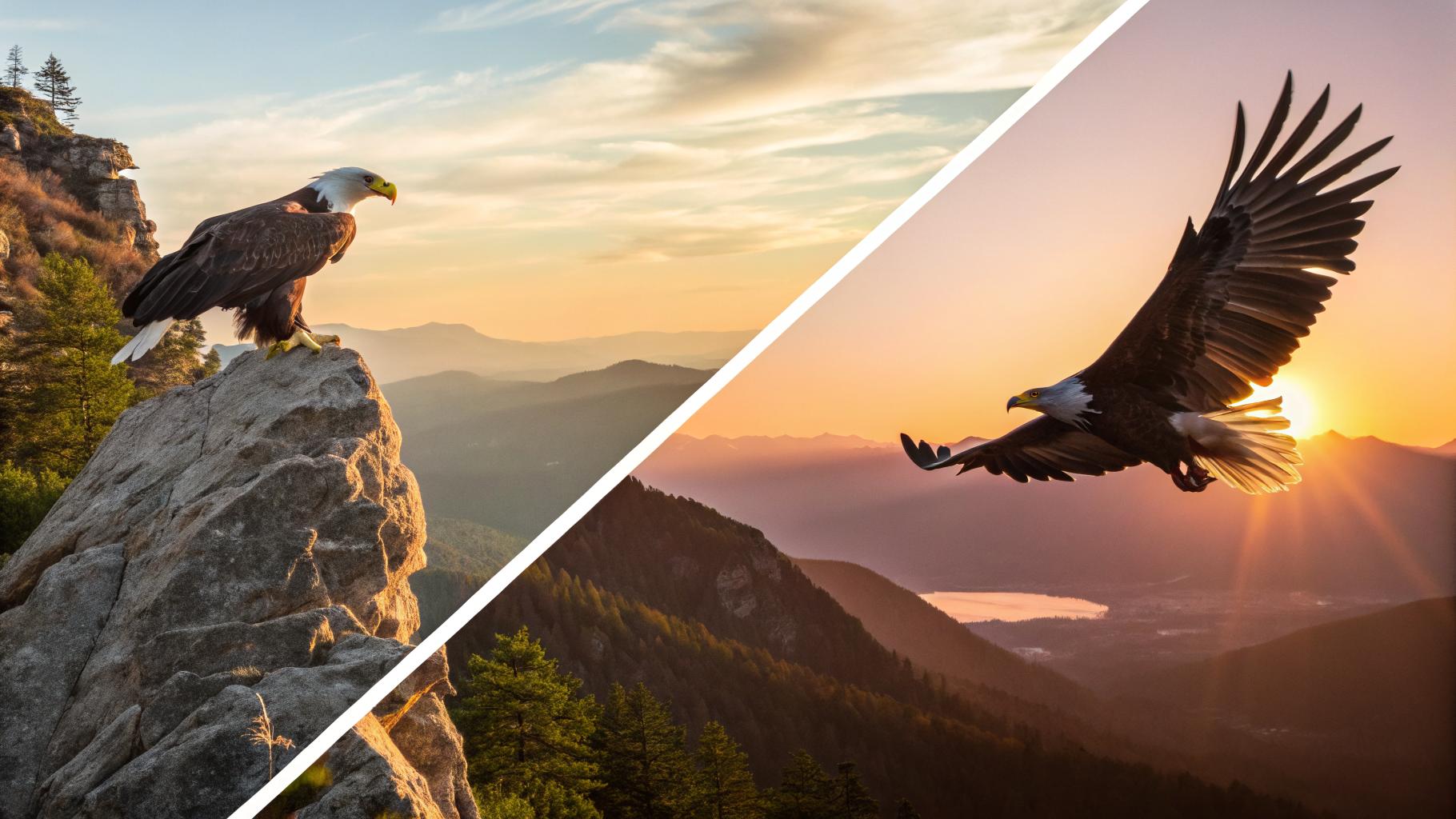
To begin the image-to-video AI workflow on Wan, upload any image as the initial frame. Before producing motion-coherent continuation, the DiT model will examine the composition, depth, illumination, and placement. As objects spin during presentations, portraits blink and breathe, and landscapes react to changes in their surroundings, the framework suggests mobility.
Wan's AI video character consistency function adds camera motion and animations while preventing distortion, maintaining scene composition, and preserving character traits.
The V2V creation pipeline uses an already-made video to generate another video. But a more improved video with new styles and the original structure untouched. You can apply styles like anime, watercolor, and other cinematic styles.
Community Models & LoRAs
The open-source advantage: a thriving ecosystem of community-trained adapters
Video-to-Audio Pipeline
The video-to-audio pipeline adds audio to visual content, and it is available in Wan 2.5 and above. The audio branch operates with the same latent space as the video branch to ensure temporal alignment. This way, the sound effect reacts naturally to visual events without feeling out of place.
What it generates:
The audio branch integrates four sound categories into the video:
- Character dialogue with lip-sync matching
- Environmental sound effects
- Ambient audio layers that add depth and immersion
- Background music matching the scene's mood
How it works:
Both the audio and visual generating branches operate in the same latent space, so there is a temporal alignment between them. This will help ensure the audio matches the visuals.
Practical Impact:
The integrated process eliminates the need for independent audio production by creators. With a single workflow, you can create an entire video that includes character action, motion, environment, and synced sound.
Compare AI Video Models
See how Wan stacks up against other models — all available on our platform.
| Features |  Wan Alibaba |  Sora 2 OpenAI |  Runway Gen-4 Runway |  Kling 3.0 Kuaishou |
|---|---|---|---|---|
| License | Apache 2.0 (open) | Proprietary | Proprietary | Proprietary |
| Price | Free (local) / pay (cloud) | $20+/mo | $15+/mo | $5.99+/mo |
| Max Resolution | 720p | 1080p | 1080p | 4K |
| Duration | 5–20s | 10s | 10s | 5s–3min |
| Native Audio | ||||
| LoRA Support | ||||
| Local Run | ||||
| Best For | Control, customization | Physics, remix | Character consistency | Audio, multi-shot |
What Creators Say About Wan
Open-source flexibility that actually works in production
Wan AI is a fully open-source model that operates locally using diffusers, ComfyUI, and custom pipelines. Creators have total control over the workflow, and there is no vendor lock-in or API limitations.
Wan 2.1 is worth your attention because it turns open-source video generation into a workflow you can actually run, tweak, and re-run without feeling lost
Temporal coherence on par with closed-source leaders
Because Wan's benchmark score for AI video quality is higher than 84.7%, all outputs consistently exhibit temporal coherence. Scenes are cohesive, characters are consistent, and the outcome is comparable to that of industry leaders.
It achieves a score exceeding 84.7%, demonstrating strong temporal coherence, object accuracy, and scene realism.
Smooth, natural camera and object motion
The model can handle any camera motions, whether it is pan, tilt, zoom, or tracking shots, without frame-skipping. You only need to describe the motion, and it will deliver.
Wan 2.1 handles camera movement and object motion smoothly, avoiding the jittery or fragmented feel seen in some AI videos.
Quality over speed — and it pays off
Wan prioritizes output quality over generation time, and this paid off because the outputs always include environment details, character consistency, and cinematic motion.
While it sacrifices generation speed compared to competitors, the quality of its video production is exceptional.
Scalable architecture built by Alibaba's research team
The Alibaba research team built the framework from scratch with an enterprise-scale production in mind. It can process image-to-video, text-to-video, and video-to-video within a single framework.
Wan 2.1 is an advanced AI framework developed by Alibaba Group that pushes the frontier of video generation with its scalable architecture, multi-task versatility, and open-source accessibility.
Trained at a massive scale
Wan AI was trained using billions of high-quality images and videos. These datasets contain millions of visual labels, such as color, motion patterns, composition, and lighting, to enable precise generation.
Trained on billions of images and videos, Wan 2.1 demonstrates the scaling laws of video generation, achieving state-of-the-art results.
Prompt → Result Gallery
Generated with Wan 2.6 — open-source AI video with strong motion quality.


