Recraft — Design Platform with True SVG Generation
The only AI that generates real, editable vector paths. Native SVG output, Brand Kit system, and a full design studio — ranked #1 on HuggingFace’s image generation benchmark.
What is Recraft?
Recraft is a professional <span class="hl-pill">AI design platform</span> built around a 20-billion-parameter model that understands design at a fundamental level. Unlike general-purpose image generators, Recraft was purpose-built for <span class="hl-pill">visual design workflows</span> — from brand identity and marketing assets to icon sets and UI components. It currently holds the <span class="hl-pill">#1 ranking on HuggingFace’s</span> text-to-image benchmark, outperforming every major model including FLUX, DALL-E 3, and Midjourney on objective quality metrics.
The platform’s defining capability is <span class="hl-pill">true native SVG generation</span> — not raster images wrapped in an SVG container, but genuine vector paths with editable nodes, scalable to any resolution without quality loss. Pair that with a <span class="hl-pill">Brand Kit system</span> that enforces consistent colors, fonts, and styles across every asset, and you have a tool that actually fits into a professional design workflow. <span class="hl-pill">Text rendering</span> is best-in-class, making Recraft the go-to for logos, posters, and any creative work where typography matters.
Recraft’s built-in <span class="hl-pill">design studio</span> completes the loop: inpainting, outpainting, background eraser, upscaler, mockup generator, and vectorizer — all in one interface. Export SVGs directly into <span class="hl-pill">Figma or Illustrator</span>, maintain brand consistency with custom style presets, and choose from over 50 curated visual styles or train your own from reference images.
What Makes Recraft Different
True SVG Vectors
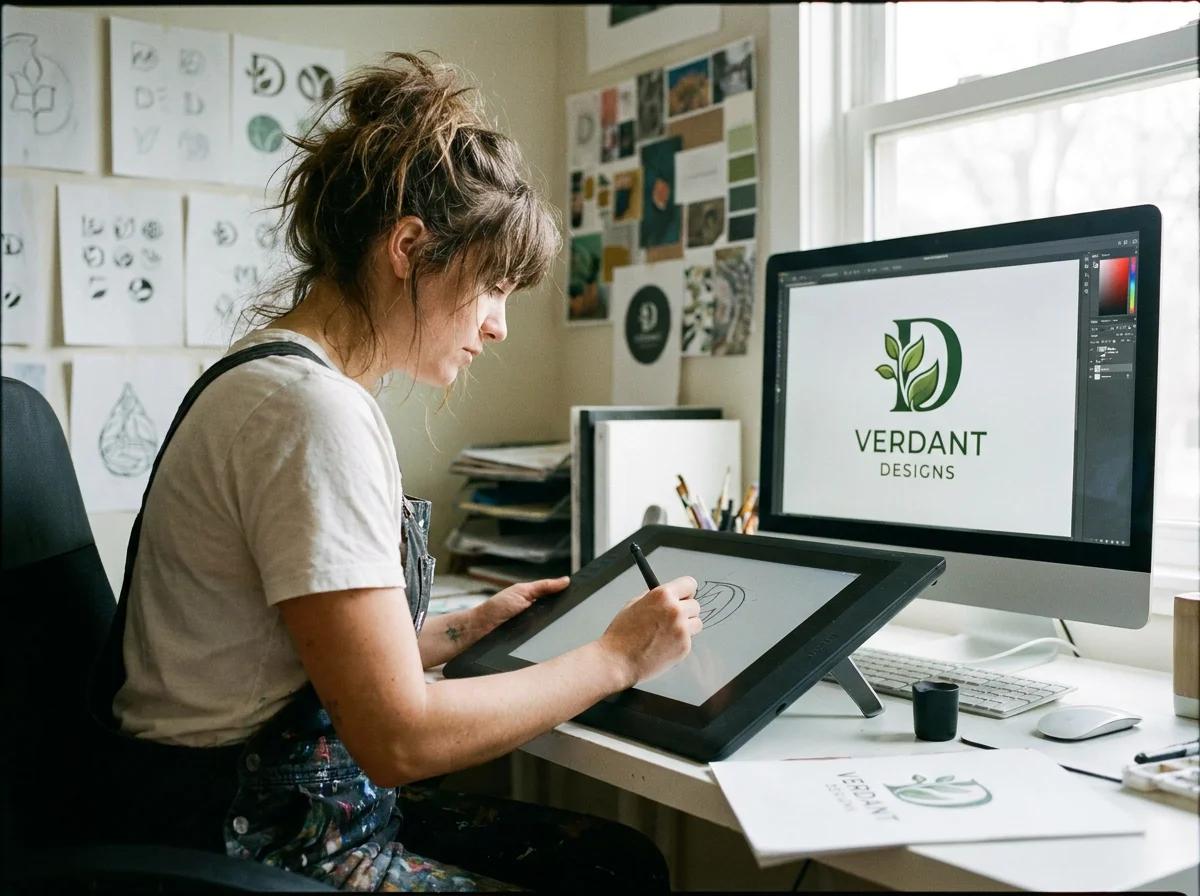
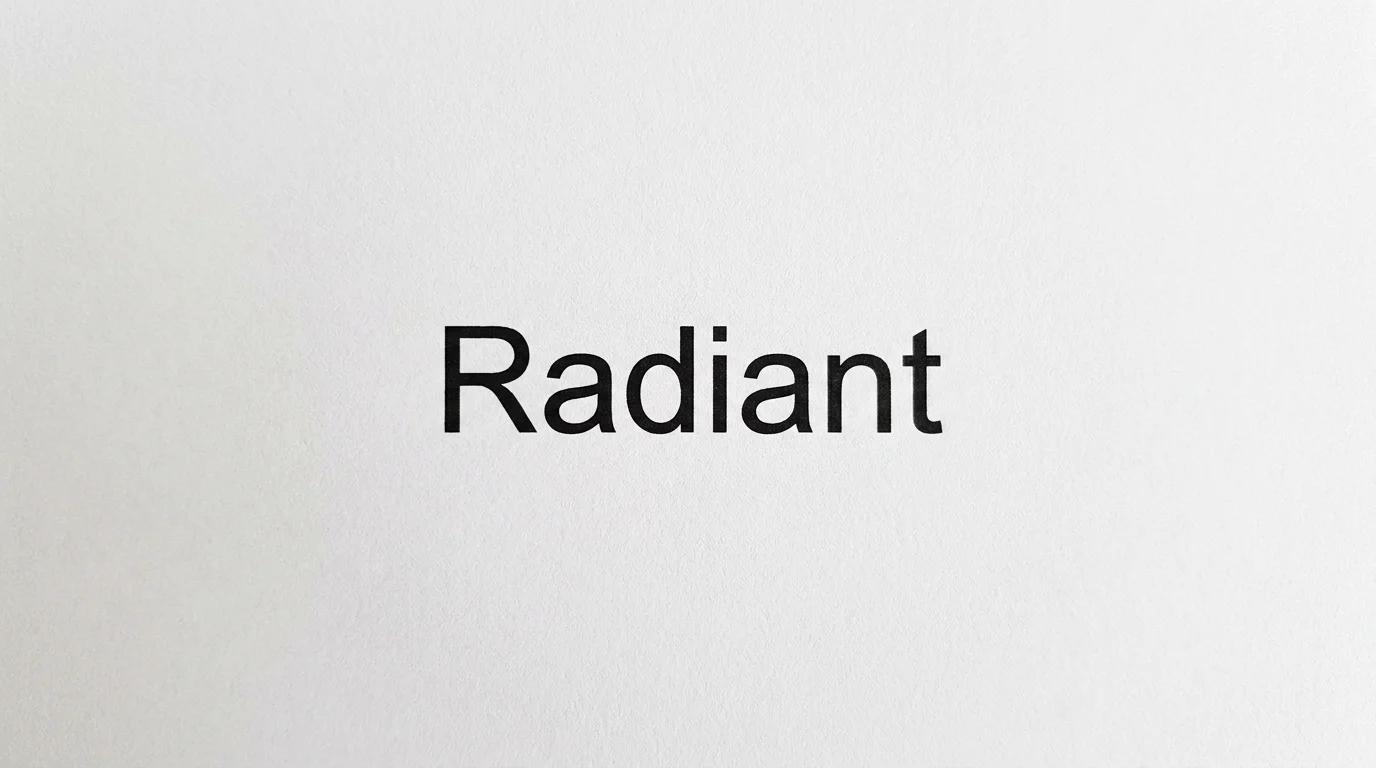
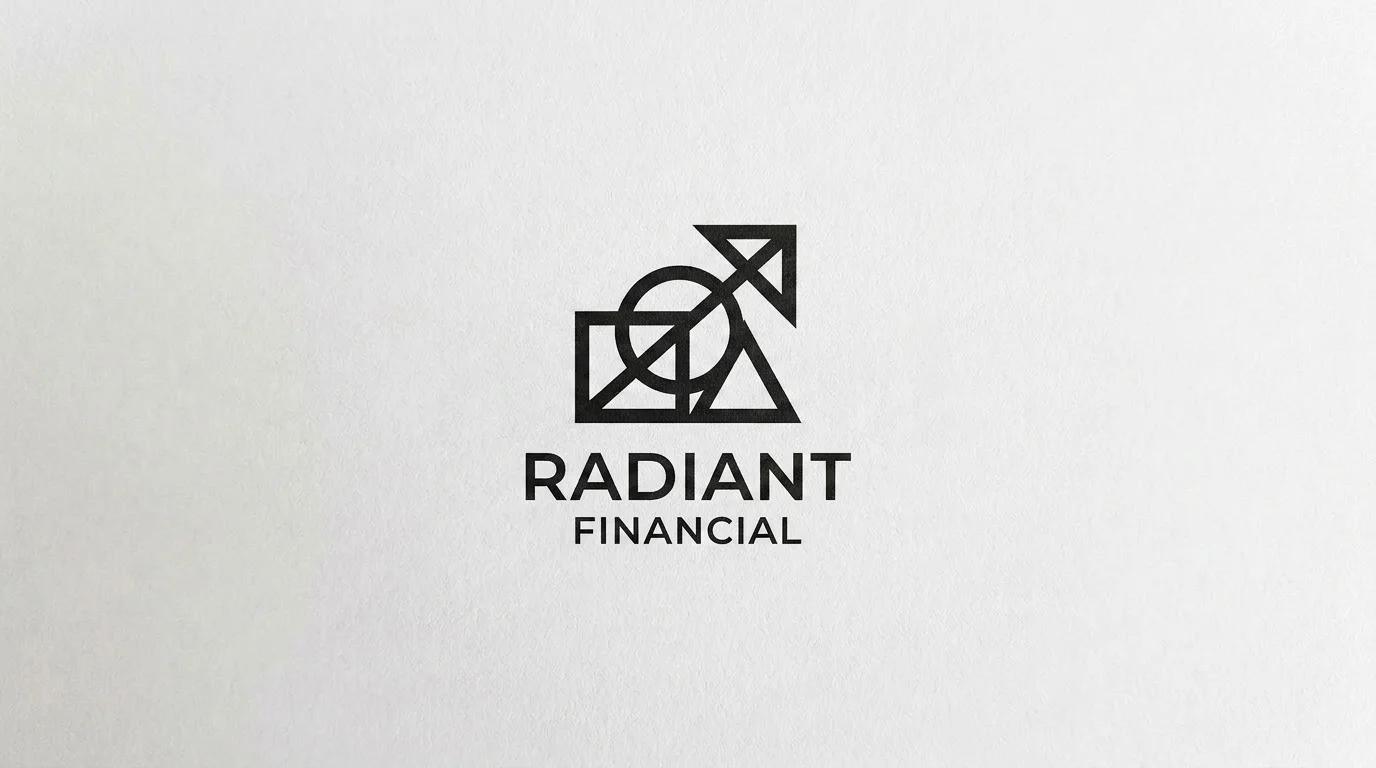
Recraft generates real vector graphics with editable paths — not raster images disguised as SVG files. Every shape, curve, and line is a genuine vector object. Open the file in Illustrator or Figma and see actual nodes, handles, and editable paths. Scale to billboard size without a single pixel of degradation.
Brand Consistency
The Brand Kit system locks in your palette, typography, and visual language across every generation. Create a brand preset once, apply it to all assets. Generate 100 social posts, icon sets, or marketing banners — every one will look like it came from the same design system, not a random AI.
Text Rendering
Recraft renders legible, correctly spelled text in images at a level that rivals dedicated typography tools. Logos with custom lettering, posters, infographics, UI labels — the model handles complex text layouts, mixed fonts, and precise positioning that other AI generators consistently fail at.
#1 on HuggingFace Benchmark
Recraft V3 debuted at the top of HuggingFace’s text-to-image leaderboard, outscoring Midjourney and FLUX 1.1 Pro on ELO. A 20-billion parameter model trained specifically for design output — not a photo generator moonlighting as a design tool. Independent, crowd-sourced evaluation by thousands of users.
Platform Features
Native SVG Generation
Generate real vector graphics with editable anchor points and bezier curves. Export directly to Illustrator, Figma, or any vector-capable tool. True SVG — not raster-in-a-wrapper.
Brand Kit System
Define your brand’s color palette, typography, and visual language once. Every generation automatically respects your brand guidelines — consistent assets across all touchpoints, every time.
Design Studio
Full post-generation editing: inpainting, outpainting, background eraser, AI upscaler, mockup generator, and vectorizer. A complete creative workflow in one interface, no external tools required.
50+ Curated Styles
Choose from more than 50 professionally designed visual styles, from photorealism to flat design, 3D rendering to fine art. Or train a custom style from your own reference images for a look no one else has.
Superior Text Rendering
Legible, correctly spelled text in generated images. Logos, posters, infographics, UI mockups — Recraft handles complex typography layouts that cause every other AI generator to hallucinate garbled characters.
Figma & Illustrator Compatible
SVG exports open natively in Figma, Adobe Illustrator, Inkscape, and any design tool that supports vectors. No plugins, no conversion steps, no quality loss. Drop Recraft assets straight into your existing workflow.

How It Works
From prompt to production-ready asset in three steps

Describe Your Design
Type a prompt and choose your output format — raster image or true SVG vector. Select a style from 50+ presets or apply your Brand Kit for automatic consistency.
Recraft Generates
The 20B-parameter model renders your design in the chosen style, producing genuine vector paths for SVG output. Text is rendered legibly, proportions are precise, brand colors are respected.
Refine & Export
Use the built-in studio to inpaint, erase backgrounds, upscale, or expand the canvas. When ready, export to SVG for Figma/Illustrator, or PNG/WebP for web and print.
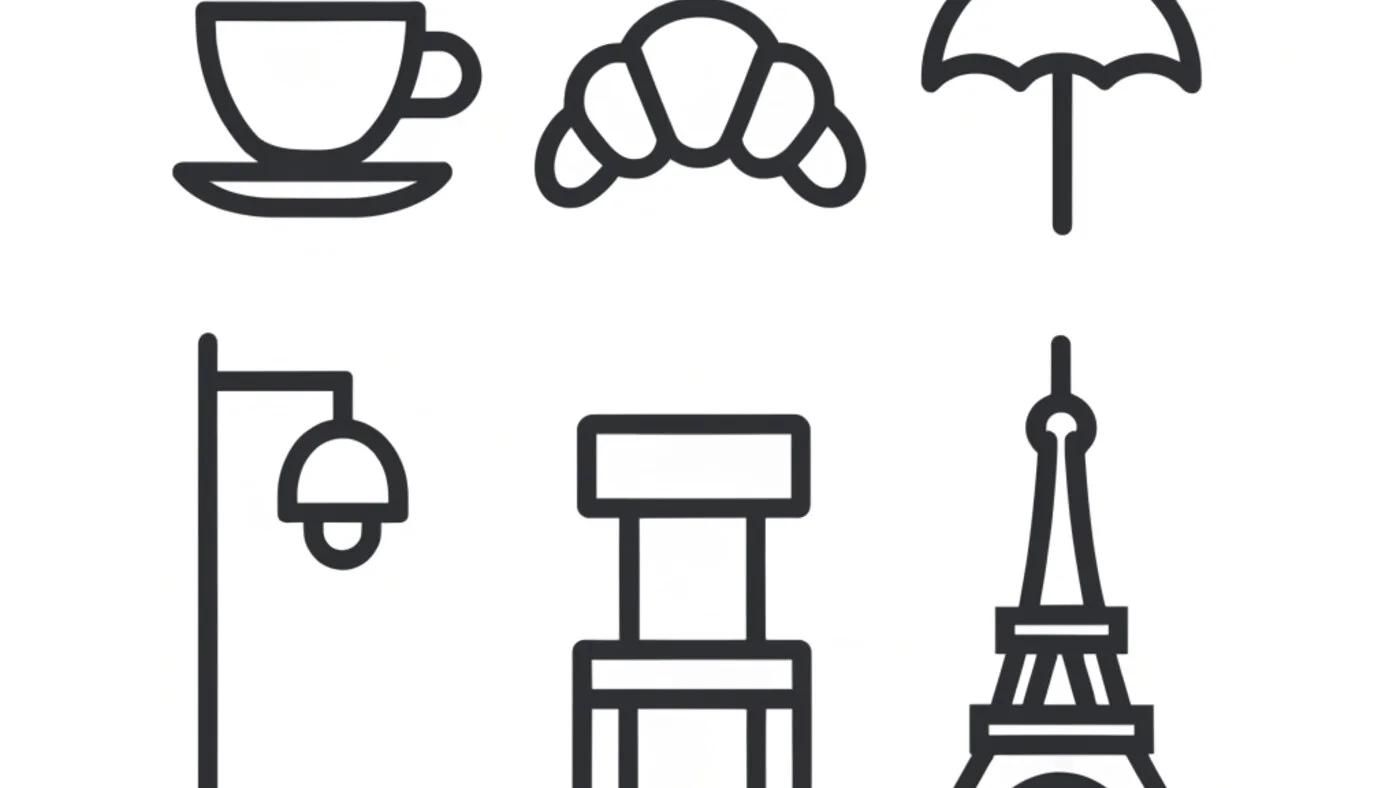
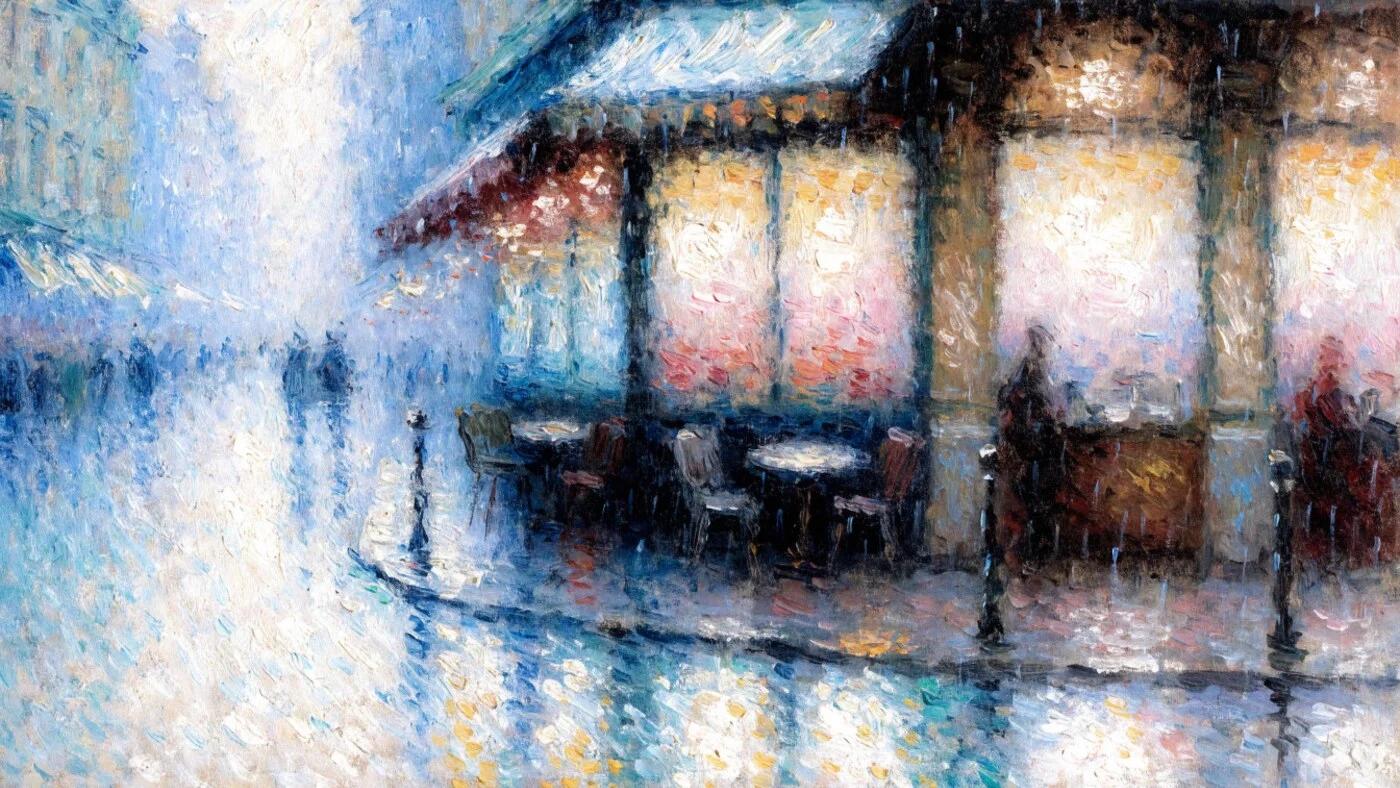
Style Modes
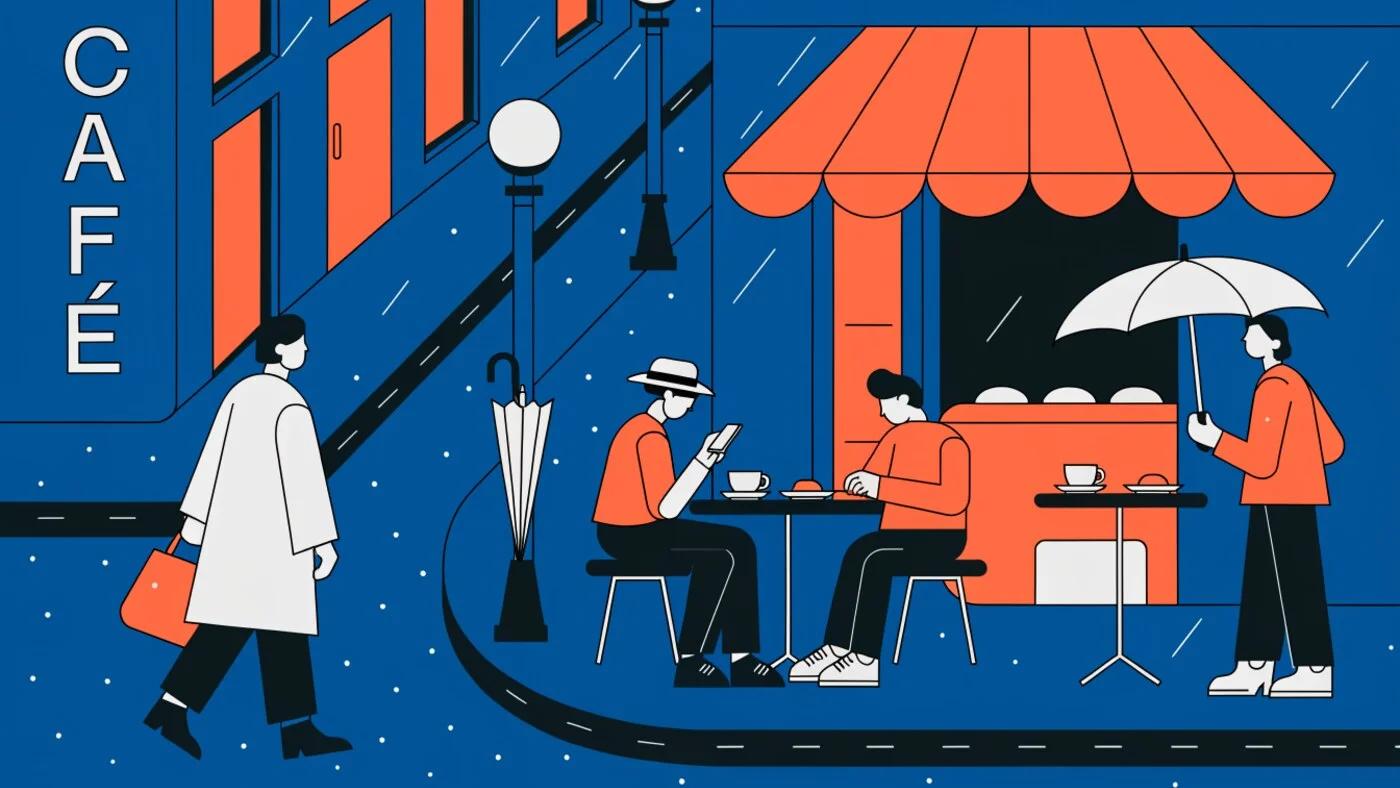
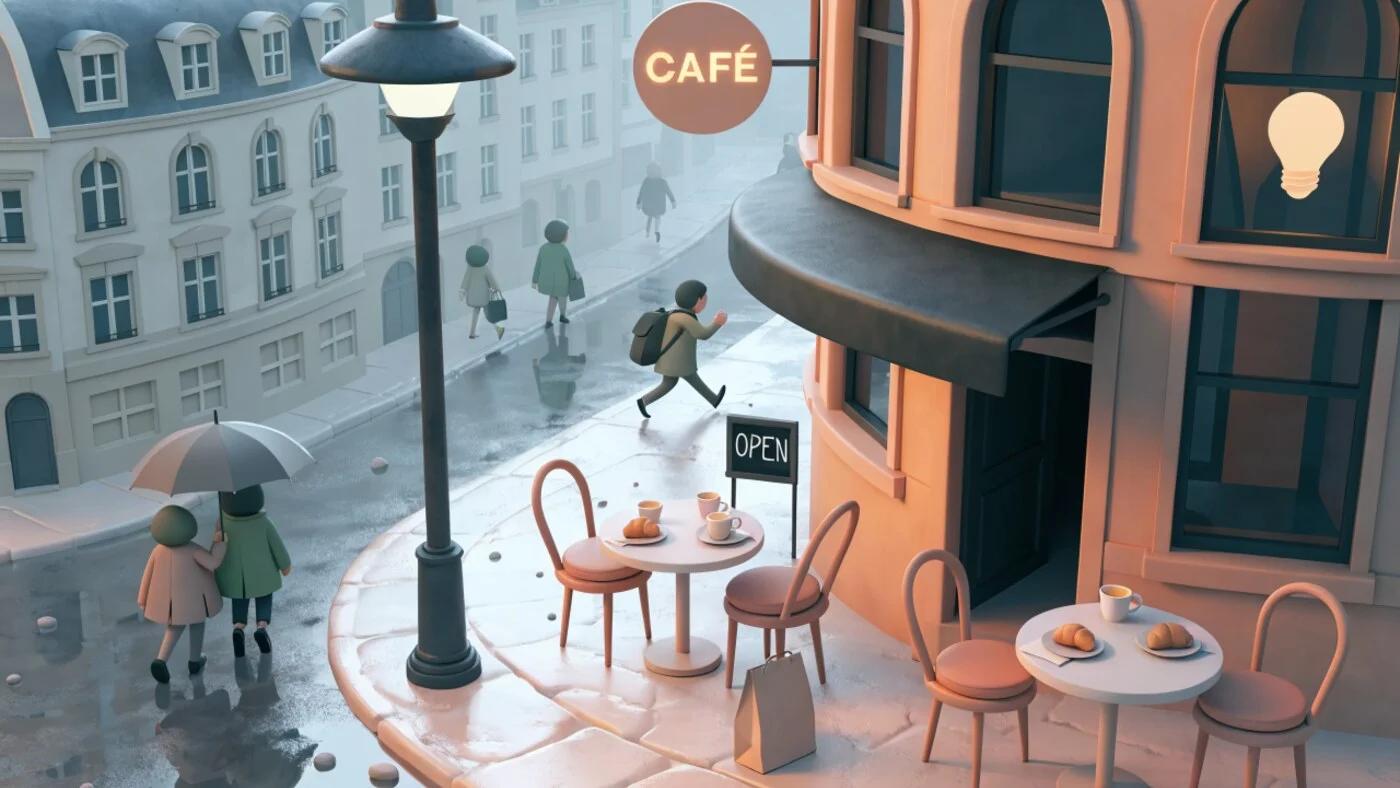
Six distinct visual modes for every design need


Benchmark Performance
Recraft vs. leading AI image models on objective quality metrics
Who Uses Recraft
Brand & Identity Designers
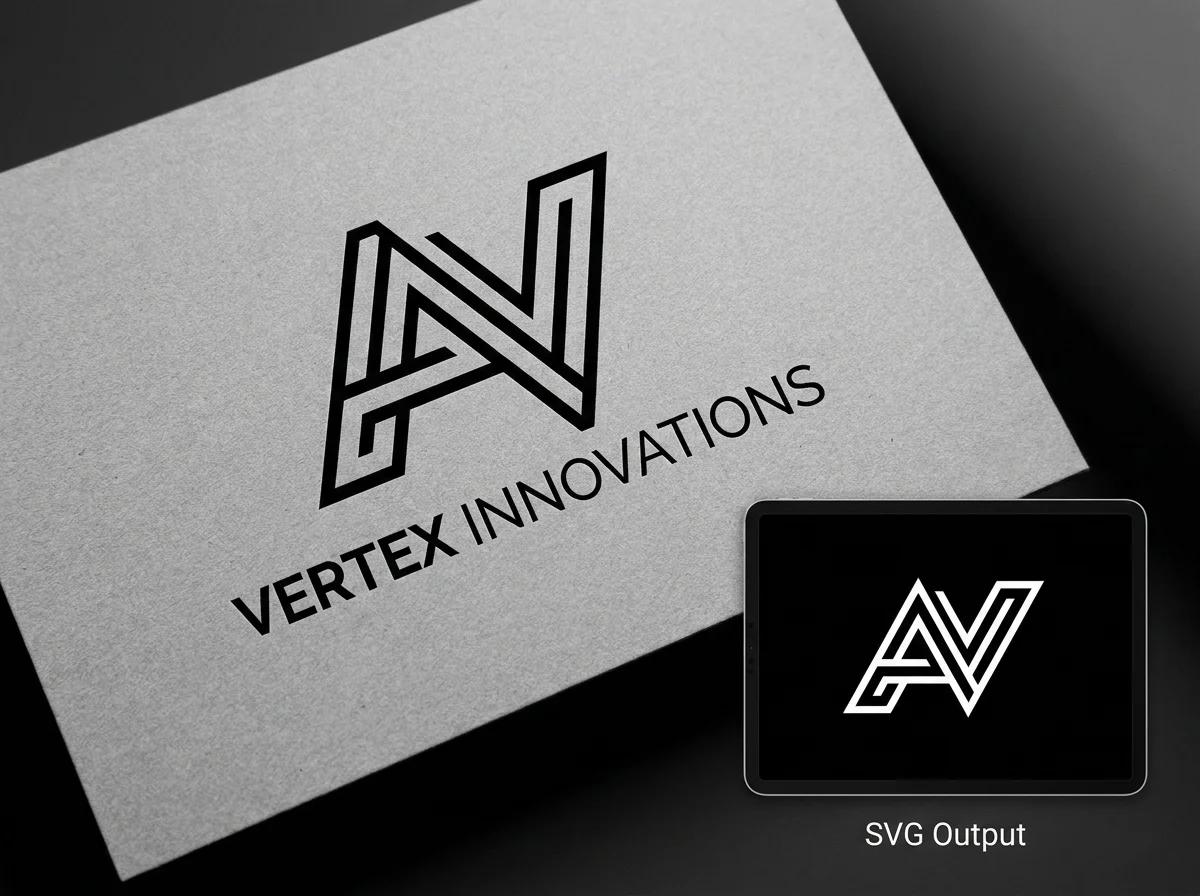
Generate logo concepts as real SVG vectors, build out icon systems, and maintain strict brand consistency with the Brand Kit. Every asset exports directly to Illustrator — no conversion, no cleanup, editable paths on arrival.
UI/UX Designers
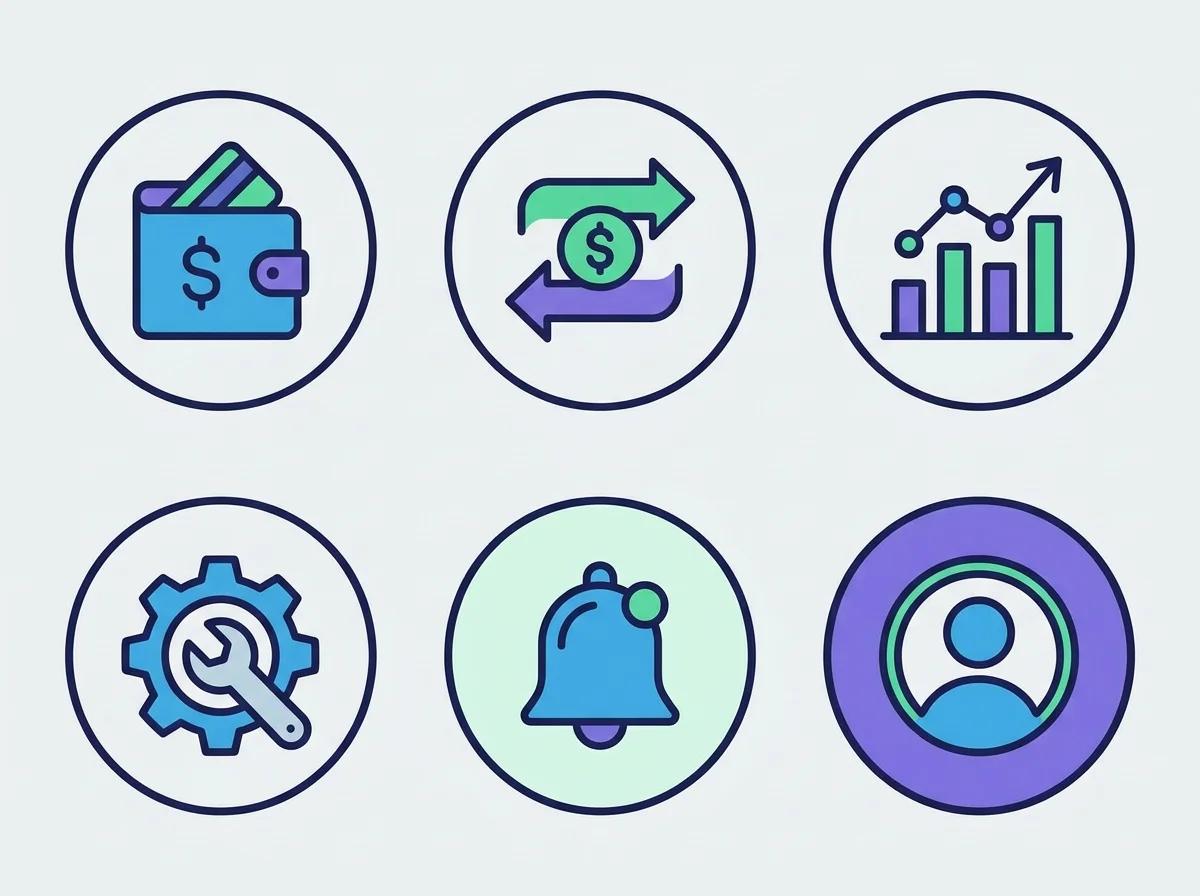
Rapidly prototype UI components, illustration sets, and icon libraries. Generate a full set of 24 matching icons in minutes rather than hours. SVG output drops directly into Figma design files without any intermediate steps.
Marketing Teams
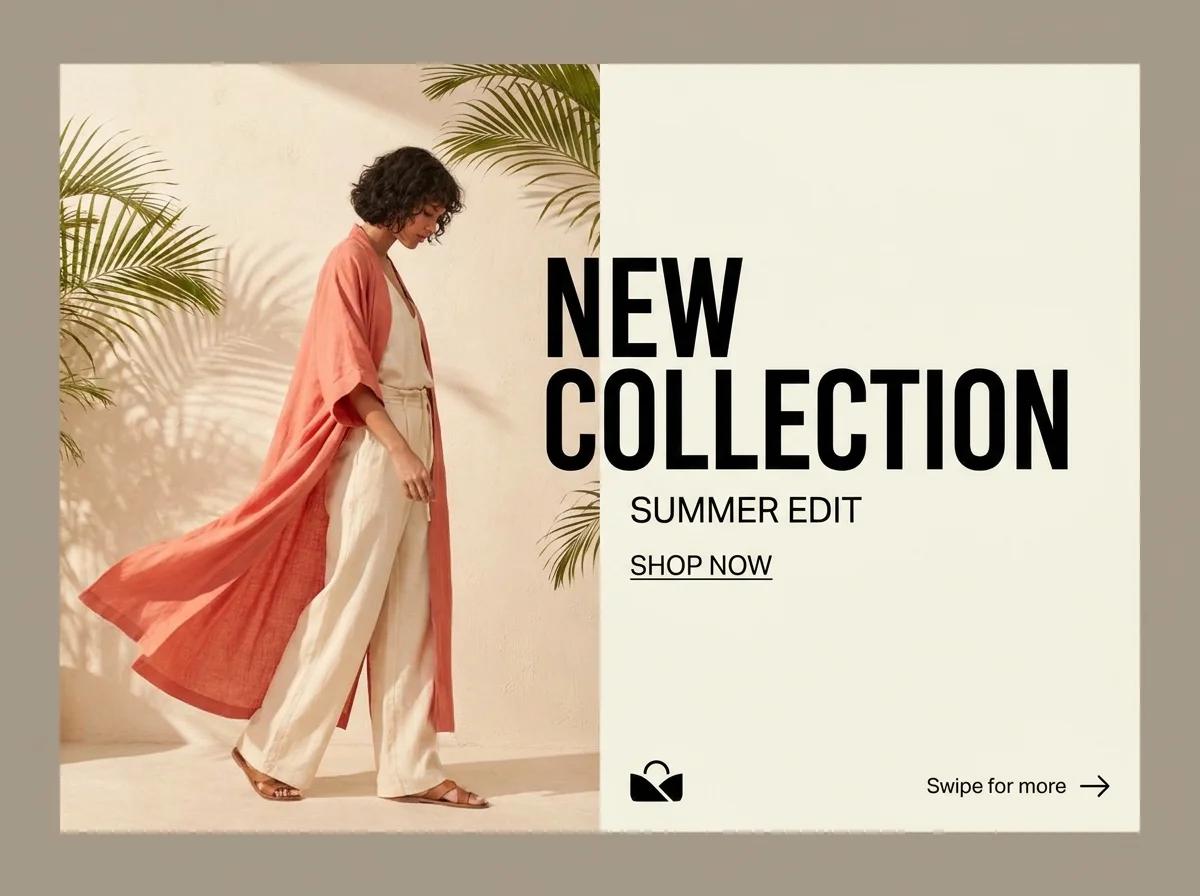
Create on-brand campaign visuals, social media graphics, email headers, and ad creatives at scale. The Brand Kit ensures every asset — regardless of who generated it — respects company colors, fonts, and visual style.

E-commerce & Product
Generate photorealistic product imagery in lifestyle contexts, produce mockups with the built-in mockup generator, and create custom packaging designs. Professional product visuals without a photography studio or 3D team.
Content Creators & Publishers
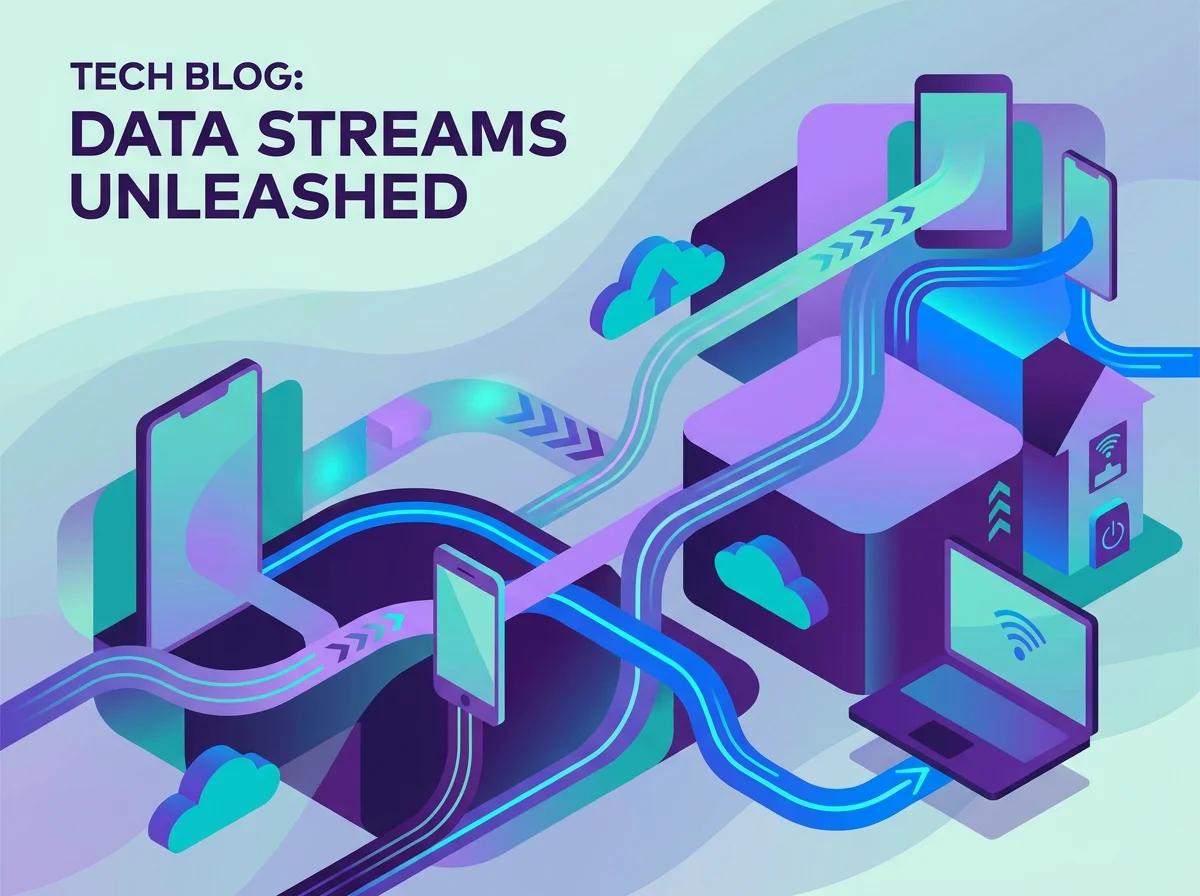
Produce featured images, infographics with correctly rendered text, and editorial illustrations at publishing speed. Custom style training locks in a visual identity that makes content instantly recognizable across platforms.

Startups & Solo Founders
Launch with a complete visual brand without a design agency. Generate logos, landing page illustrations, app icons, and pitch deck visuals — all consistently on-brand. One subscription replaces thousands in design fees.
Why Designers Choose Recraft
Best-in-Class SVG Output
Recraft is the only AI that produces real, editable vector graphics. Designers who work in Illustrator and Figma finally have an AI that outputs files they can actually use.
I’ve been waiting for an AI that generates actual SVG paths I can edit. Recraft delivers exactly that — open the file, grab the anchor points, tweak shapes. It fits into my existing Illustrator workflow perfectly.
Purpose-Built for Design
A 20-billion-parameter model trained specifically for design tasks — not a general image generator with a design-flavored prompt wrapper. The difference shows in every output.
Other AI tools generate pretty pictures. Recraft understands design. The proportions are right, the hierarchy makes sense, and the Brand Kit means my whole team generates assets that actually match our identity.
Custom Styles That Stick
Train Recraft on your own visual references and get a locked-in aesthetic that’s uniquely yours. Over 50 built-in styles cover every major design language as a starting point.
We trained a custom style on our brand’s illustration library and now every AI-generated asset looks like it was hand-drawn by our illustrator. No one believes it’s AI until we show them the prompt.
Raster vs Vector — The Recraft Difference
Logo


Social media
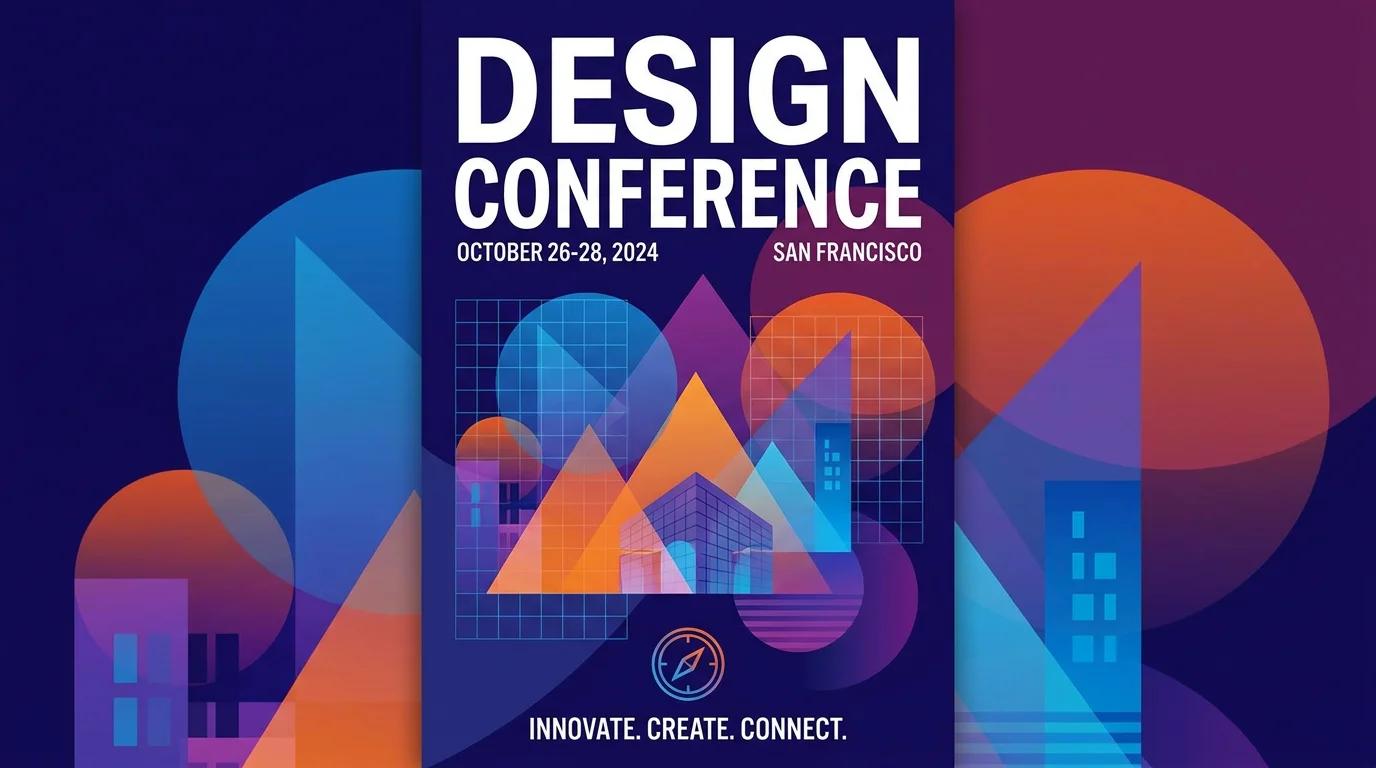
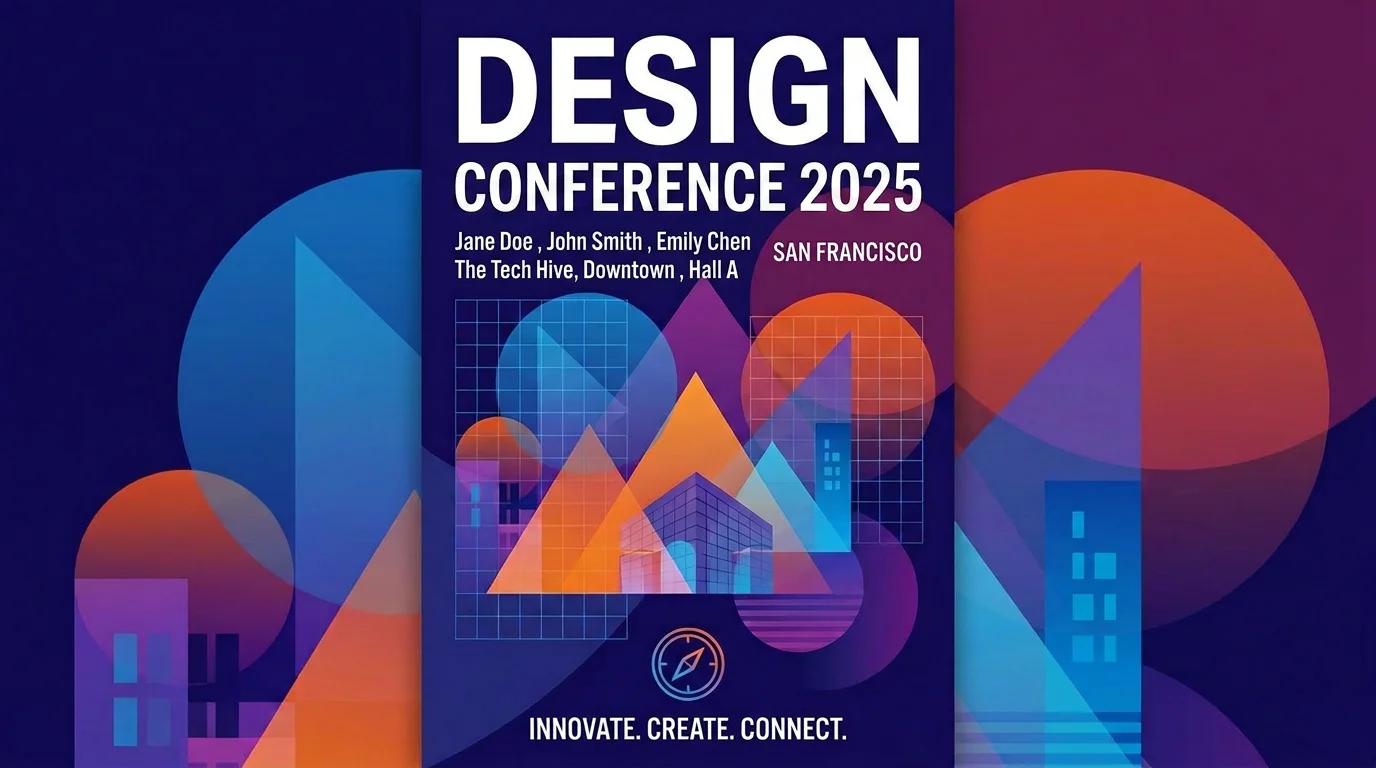
Event
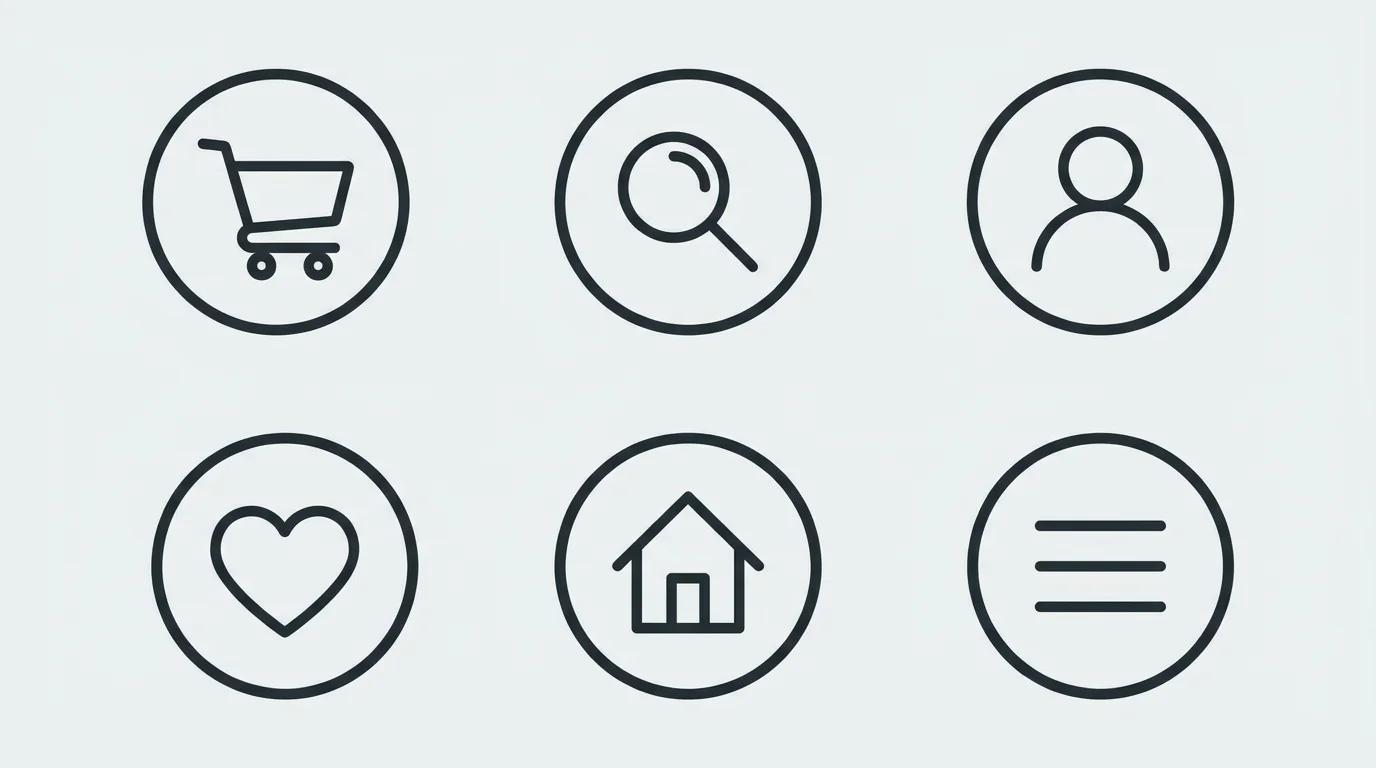

E-commerce
Recraft vs. Other AI Design Tools
How Recraft stacks up for professional design workflows — all available on our platform.
| Features |  Recraft V3 Recraft AI |  GPT Image OpenAI |  FLUX 1.1 Pro Black Forest Labs |  NB Pro Yesmind |
|---|---|---|---|---|
| True Native SVG Output | ||||
| Editable Vector Paths | ||||
| Brand Kit System | Partial | |||
| Text Rendering Quality | Excellent | Very Good | Good | Excellent |
| HuggingFace Benchmark Rank | #1 (74.6) | N/A | #2 (72.1) | N/A |
| Built-in Design Studio | Partial | |||
| Custom Style Training | ||||
| Icon Set Generation (6-pack) | ||||
| Figma / Illustrator Export | Native SVG | PNG only | PNG only | PNG / WebP |
| Best For | Brand & vector design | Conversational editing | High-fidelity images | Professional studio work |
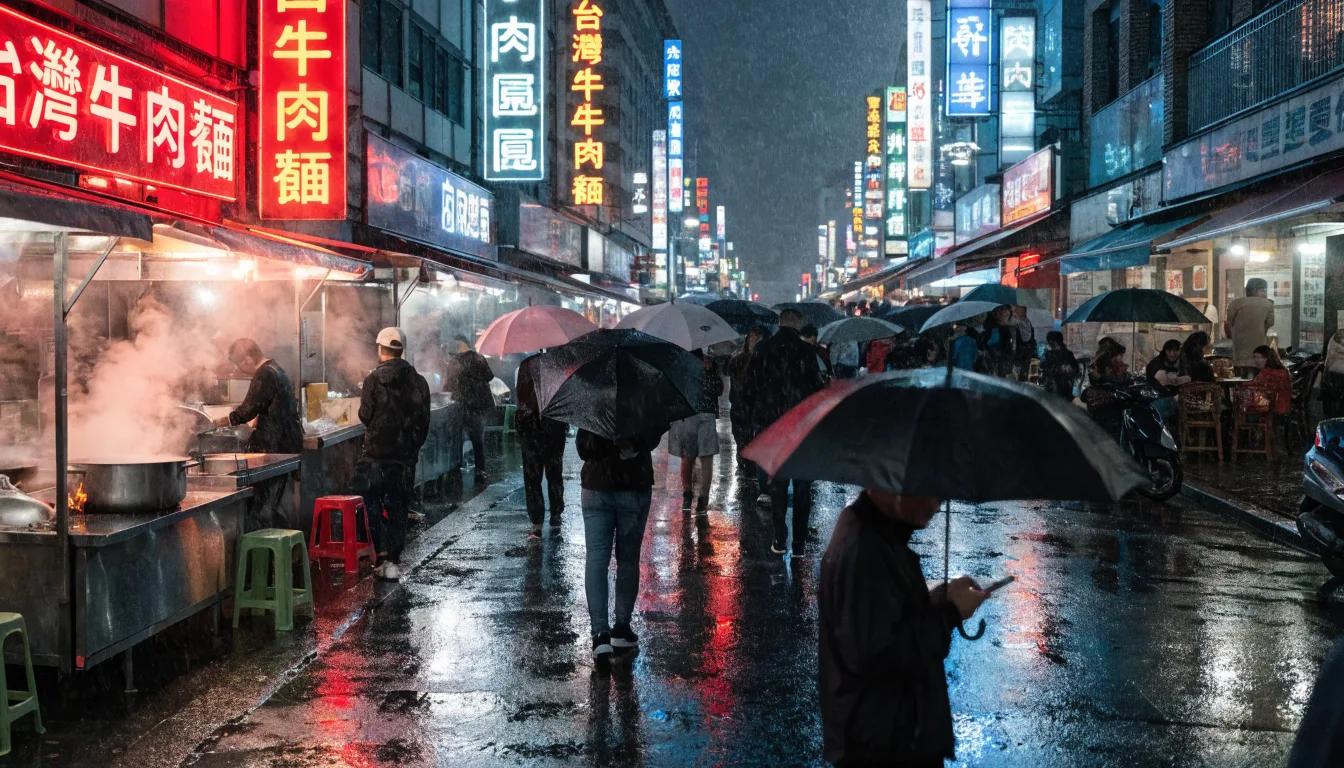
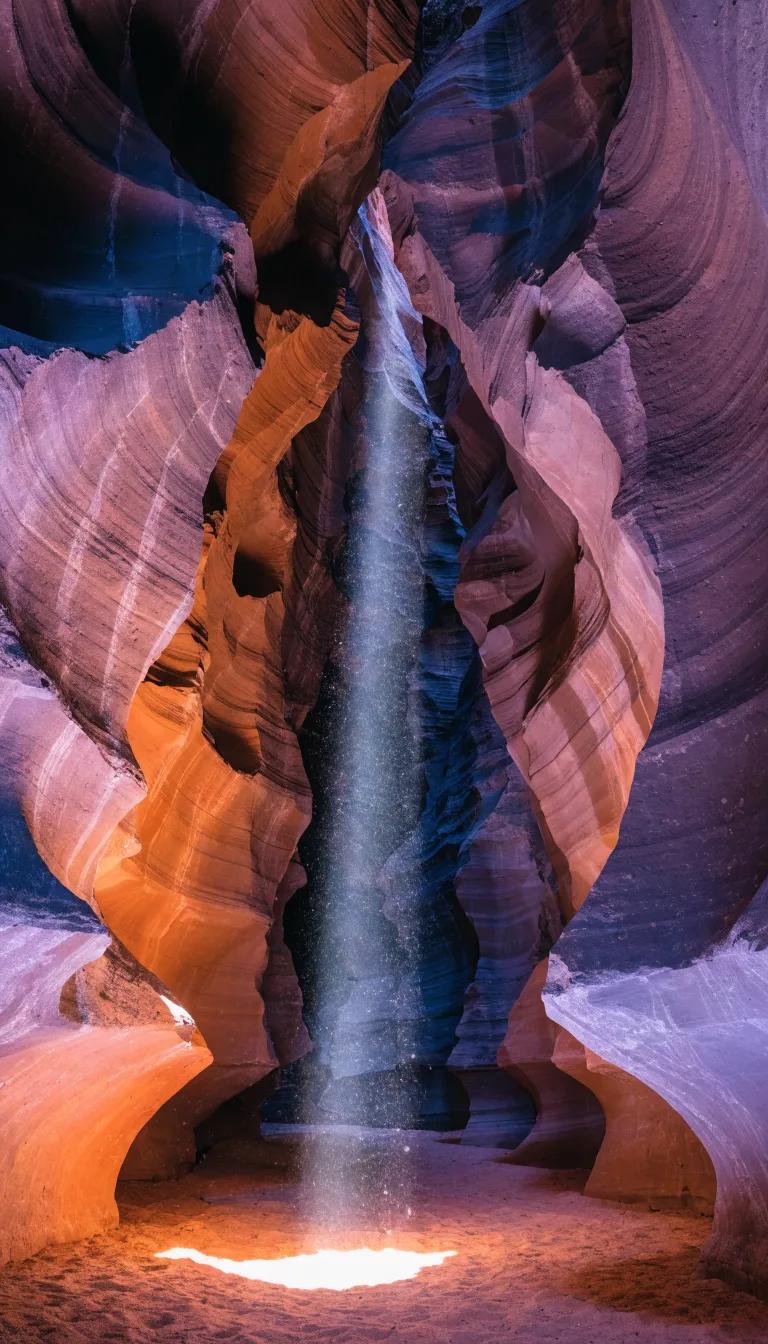
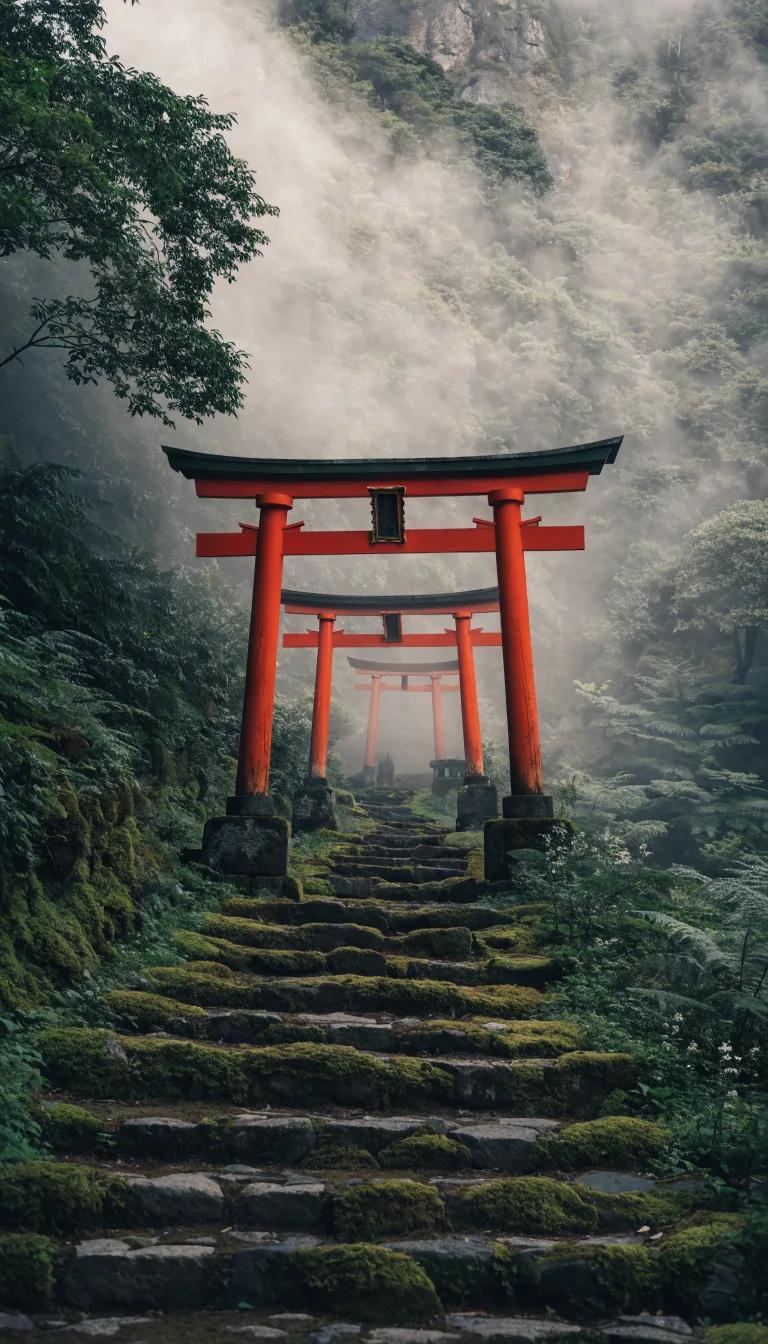
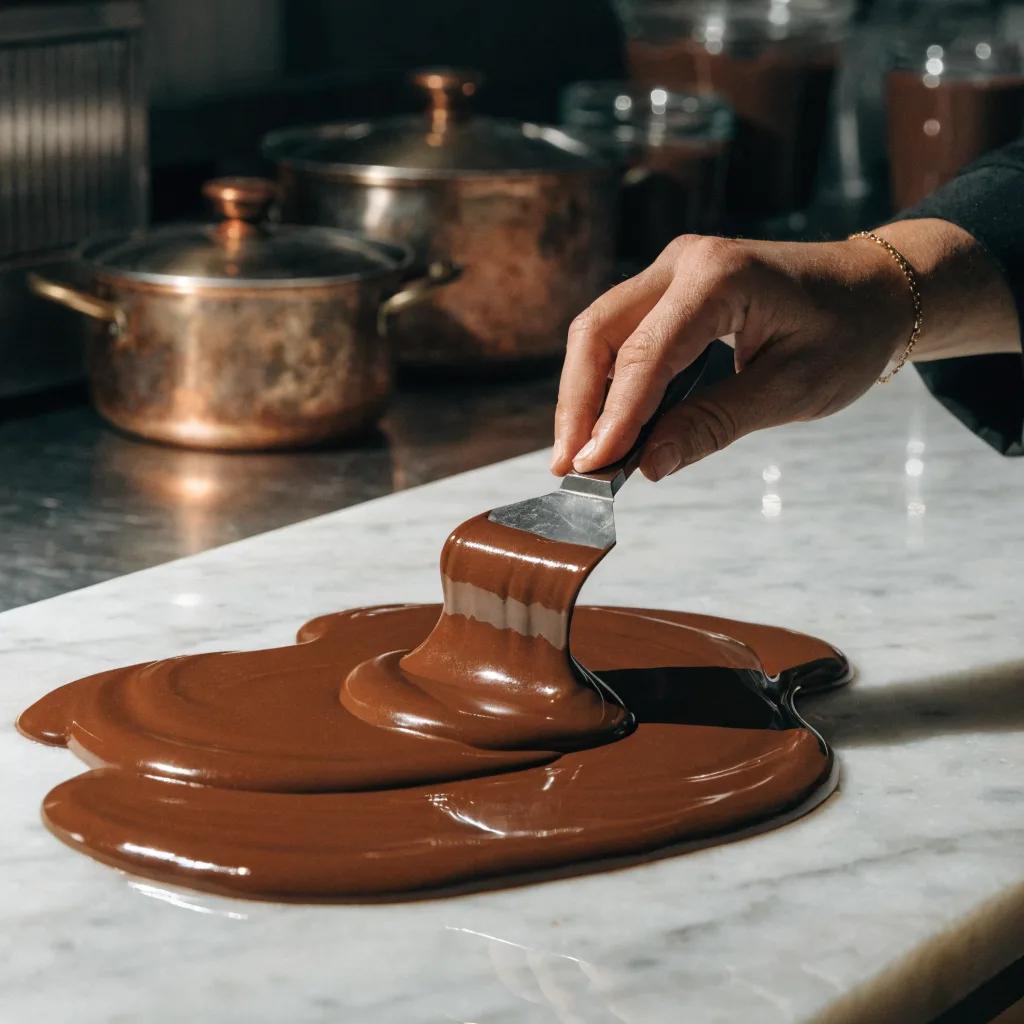
Prompt → Result Gallery
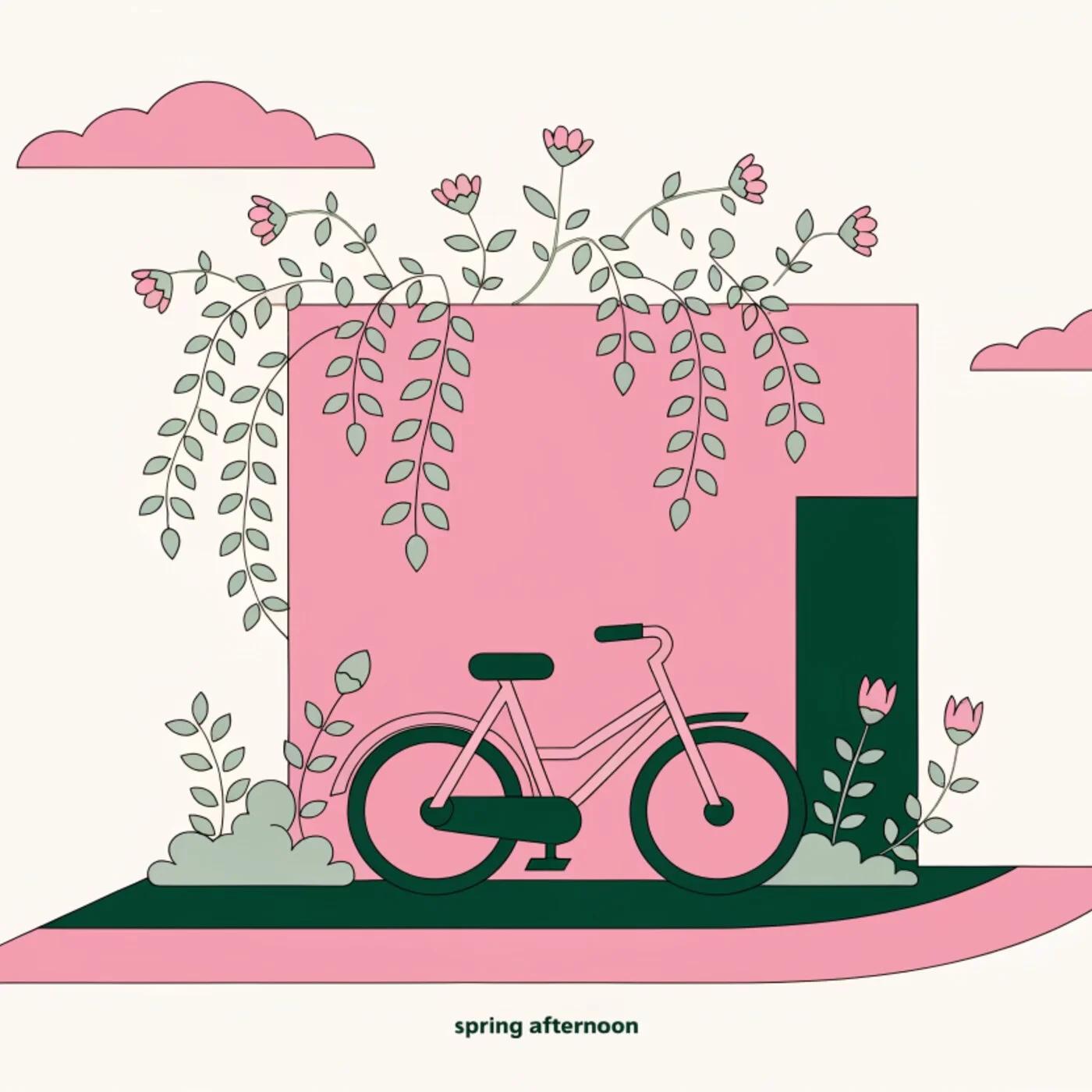
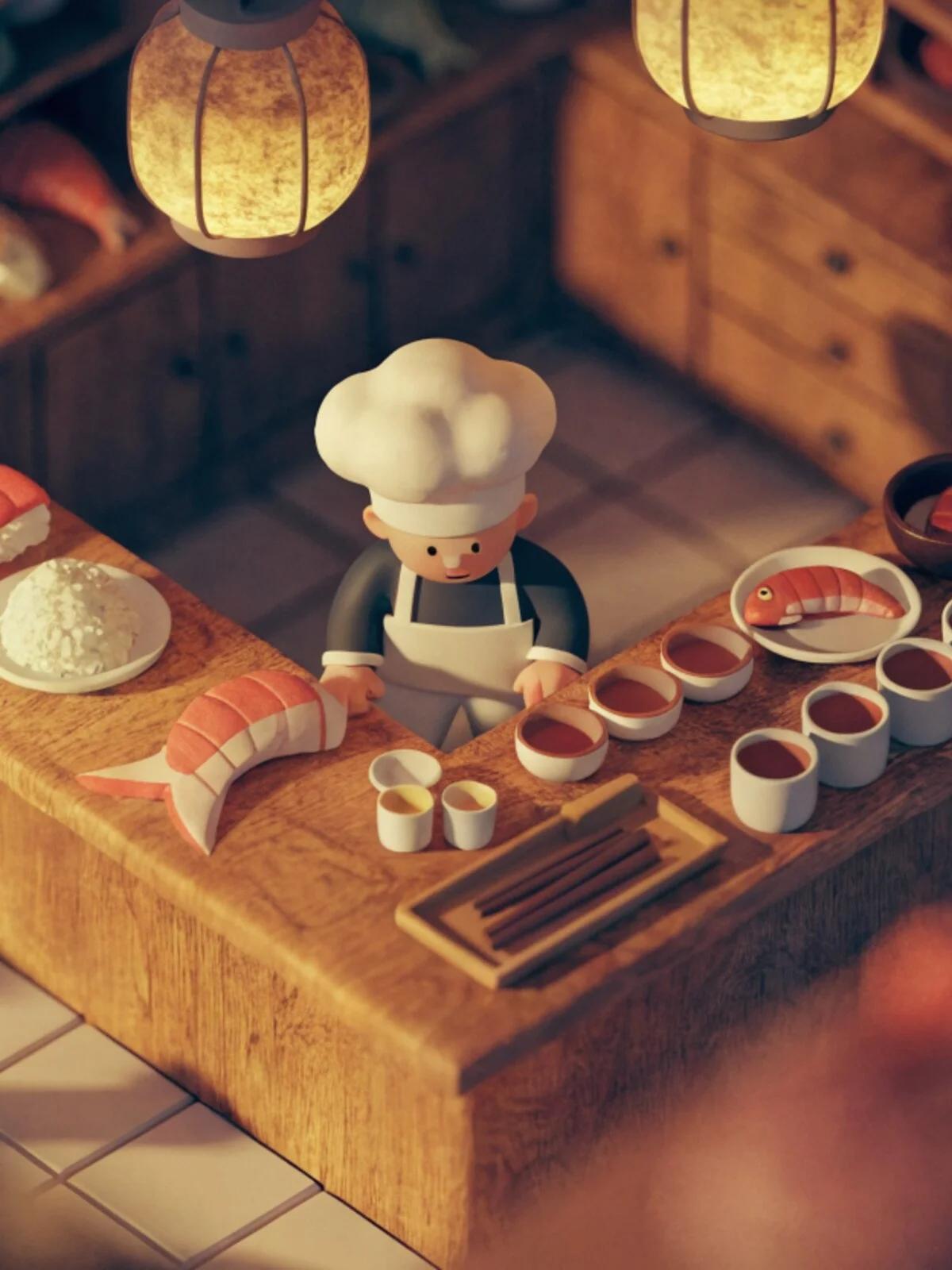
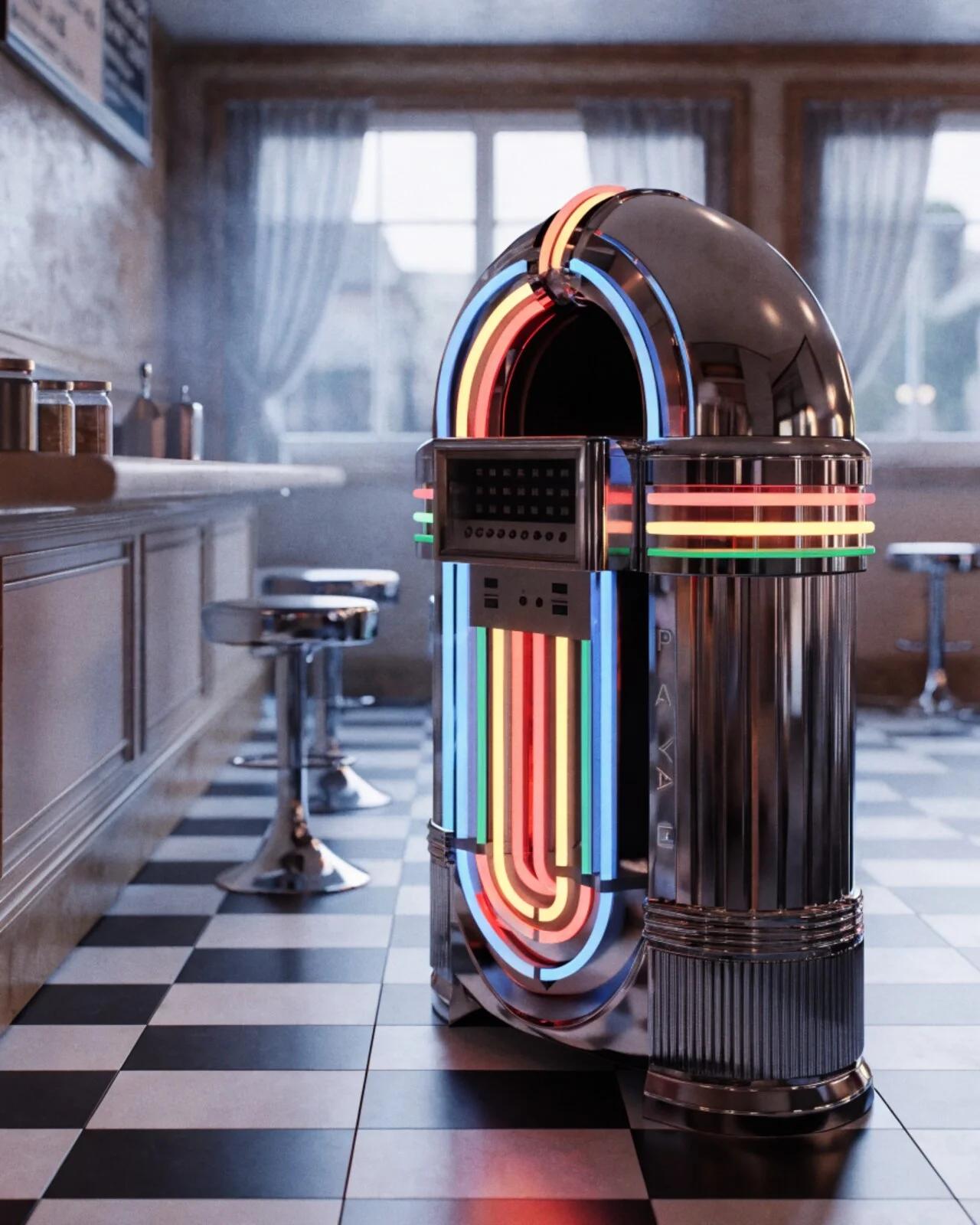
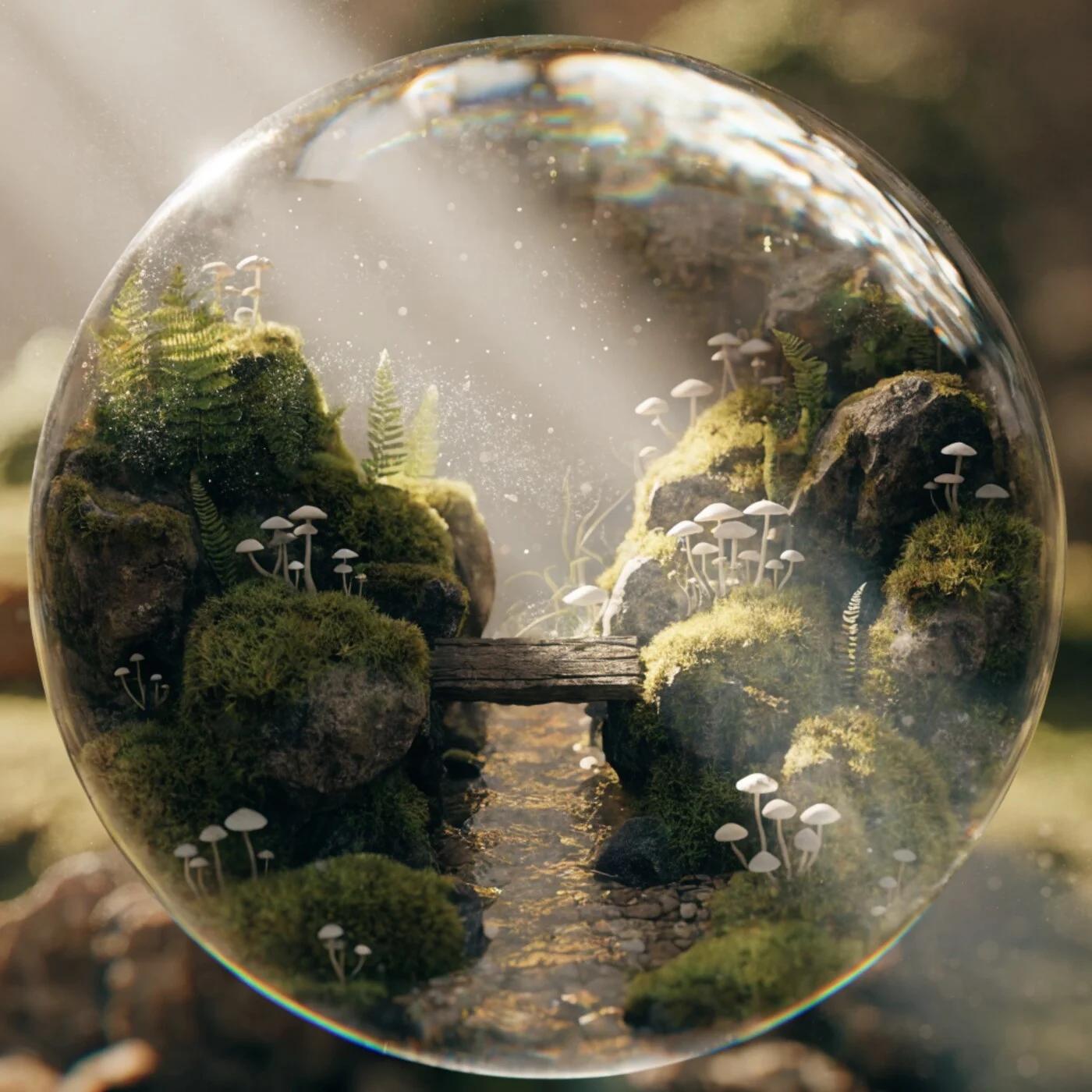
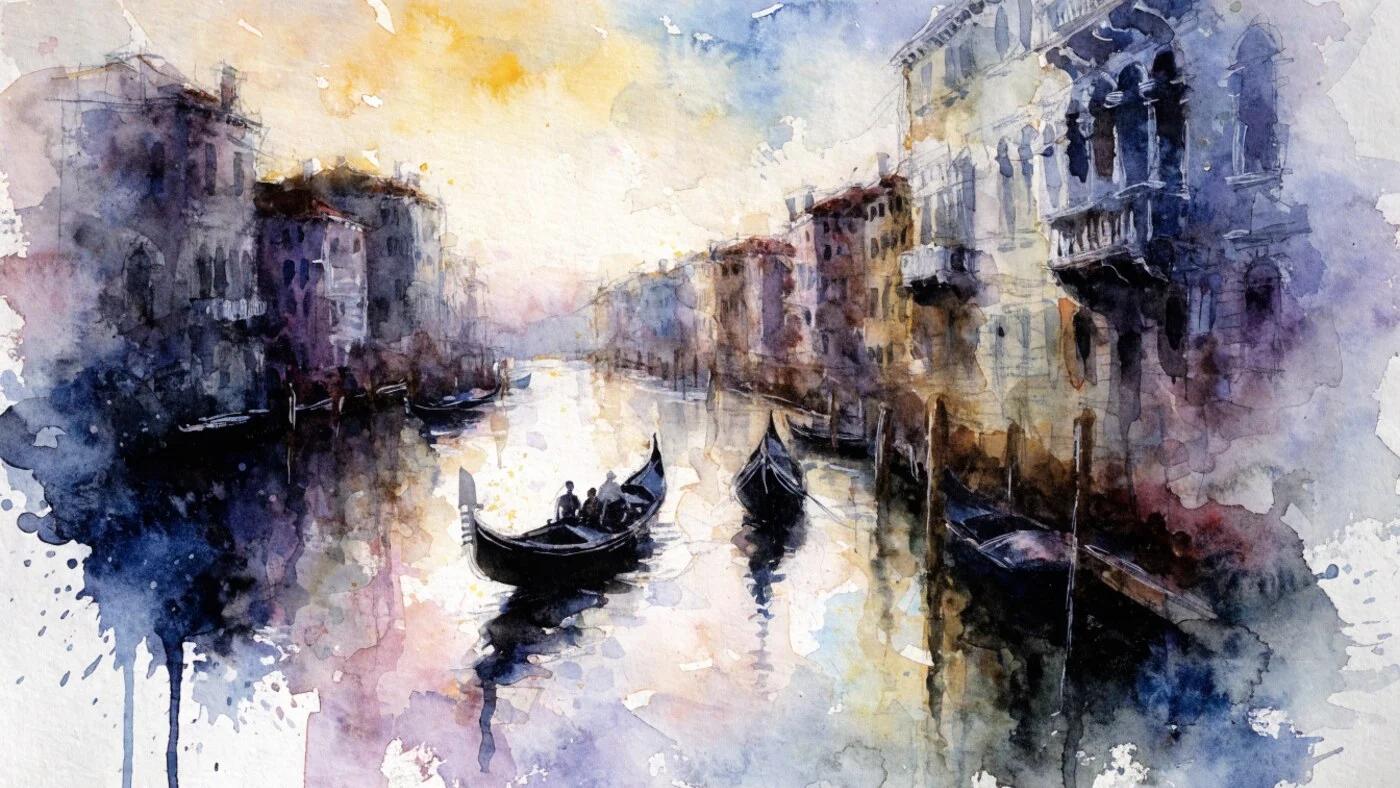
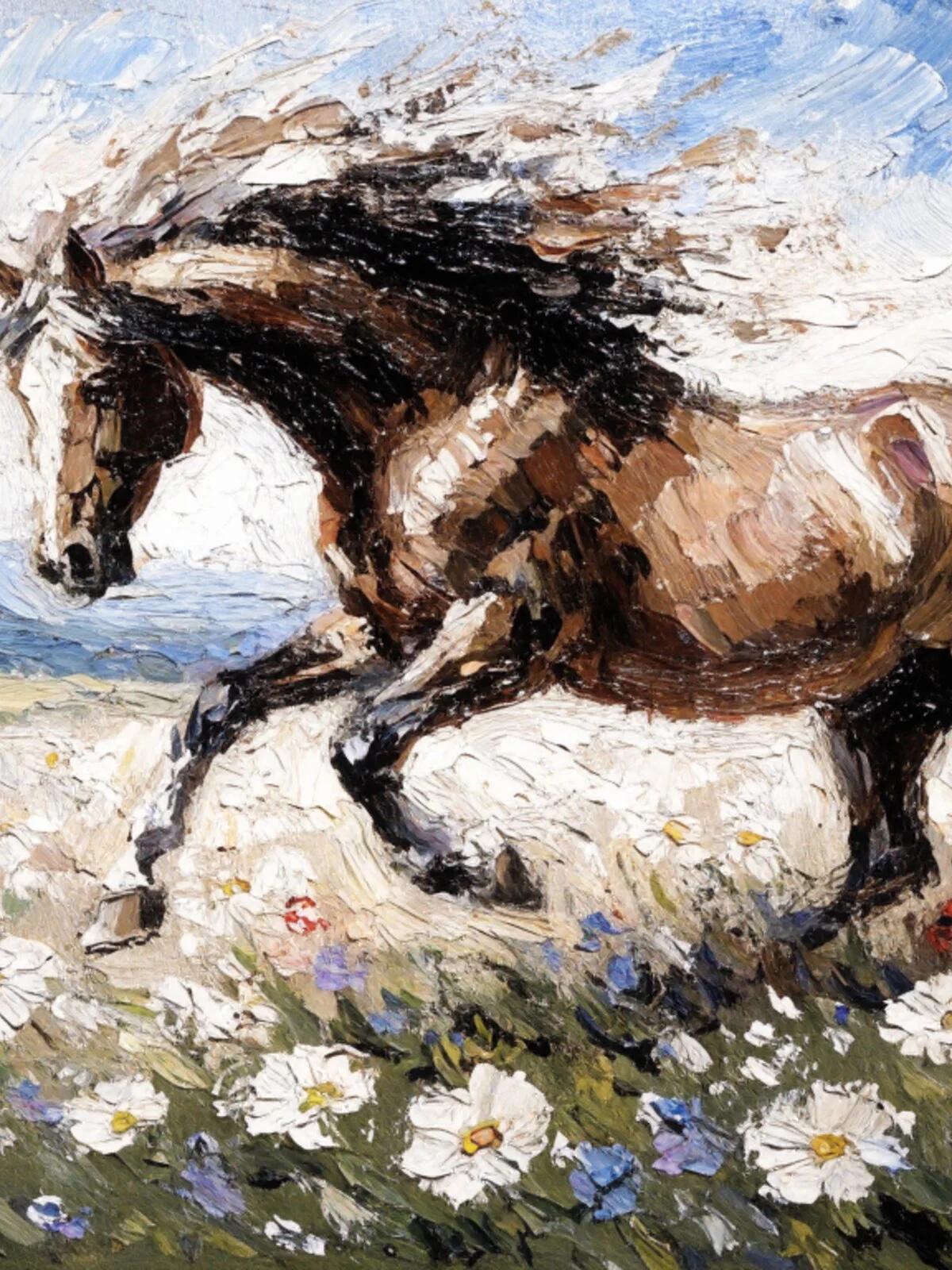
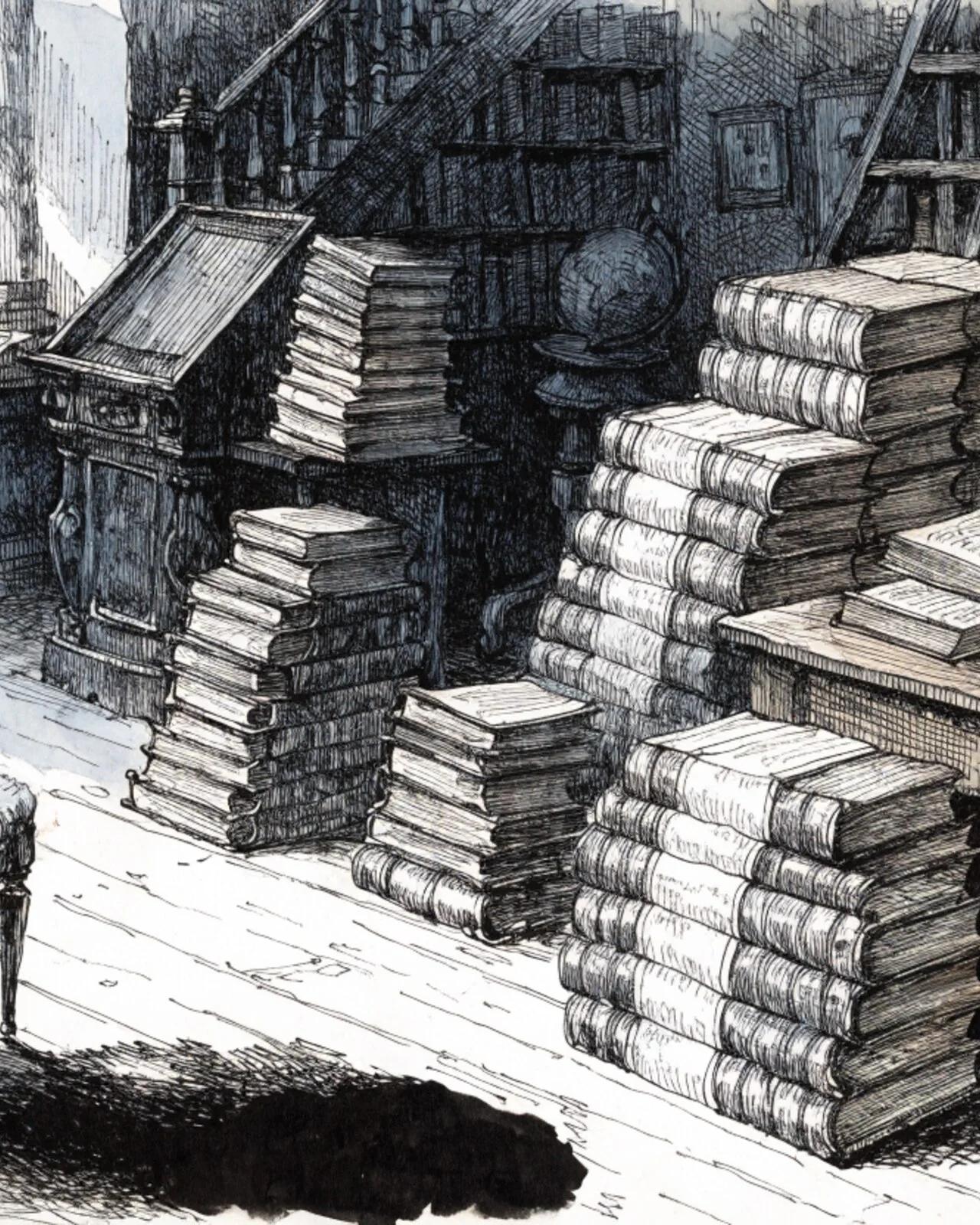
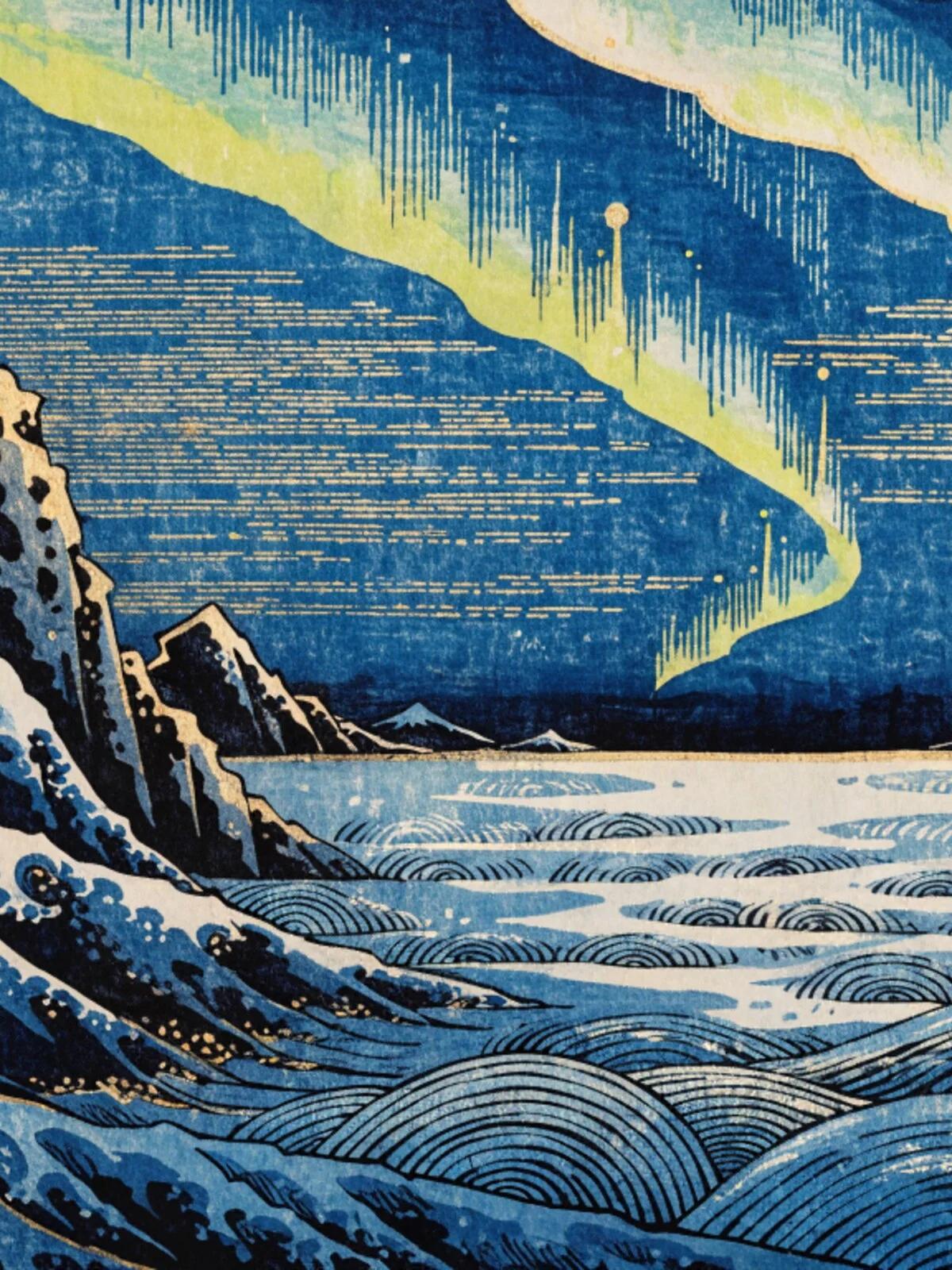
All images generated with Recraft V4.1 — click to see details