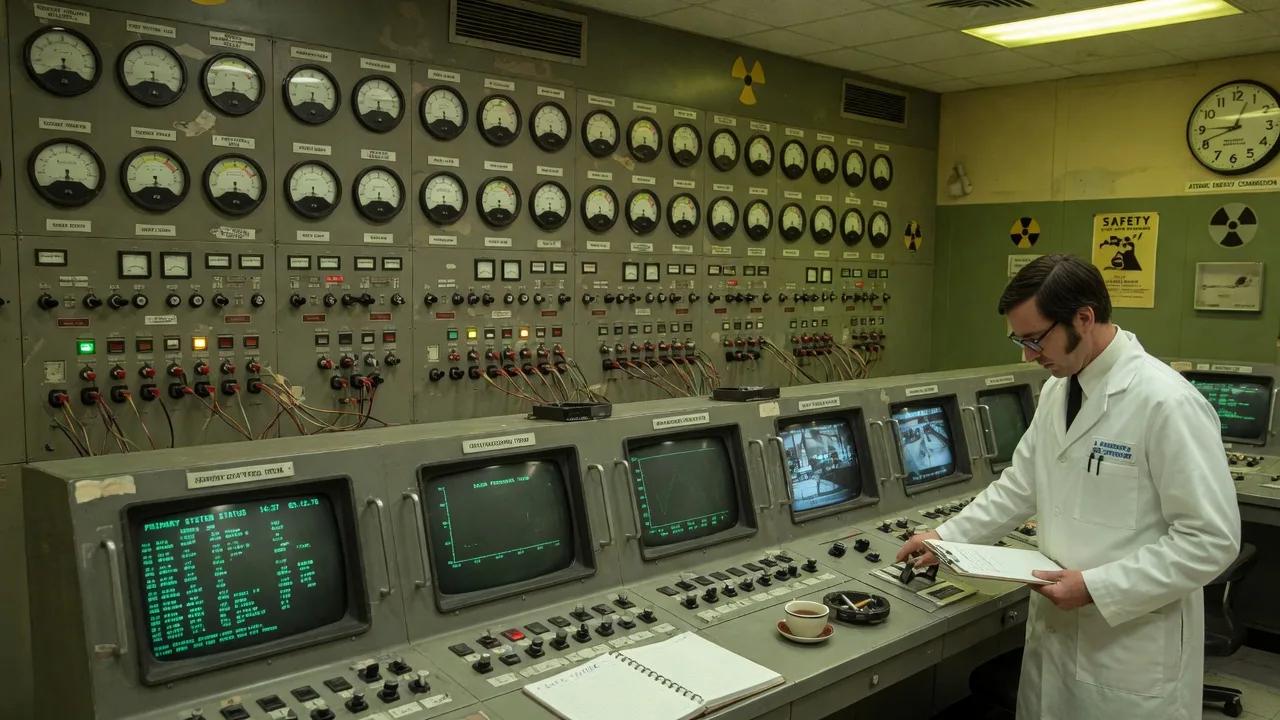
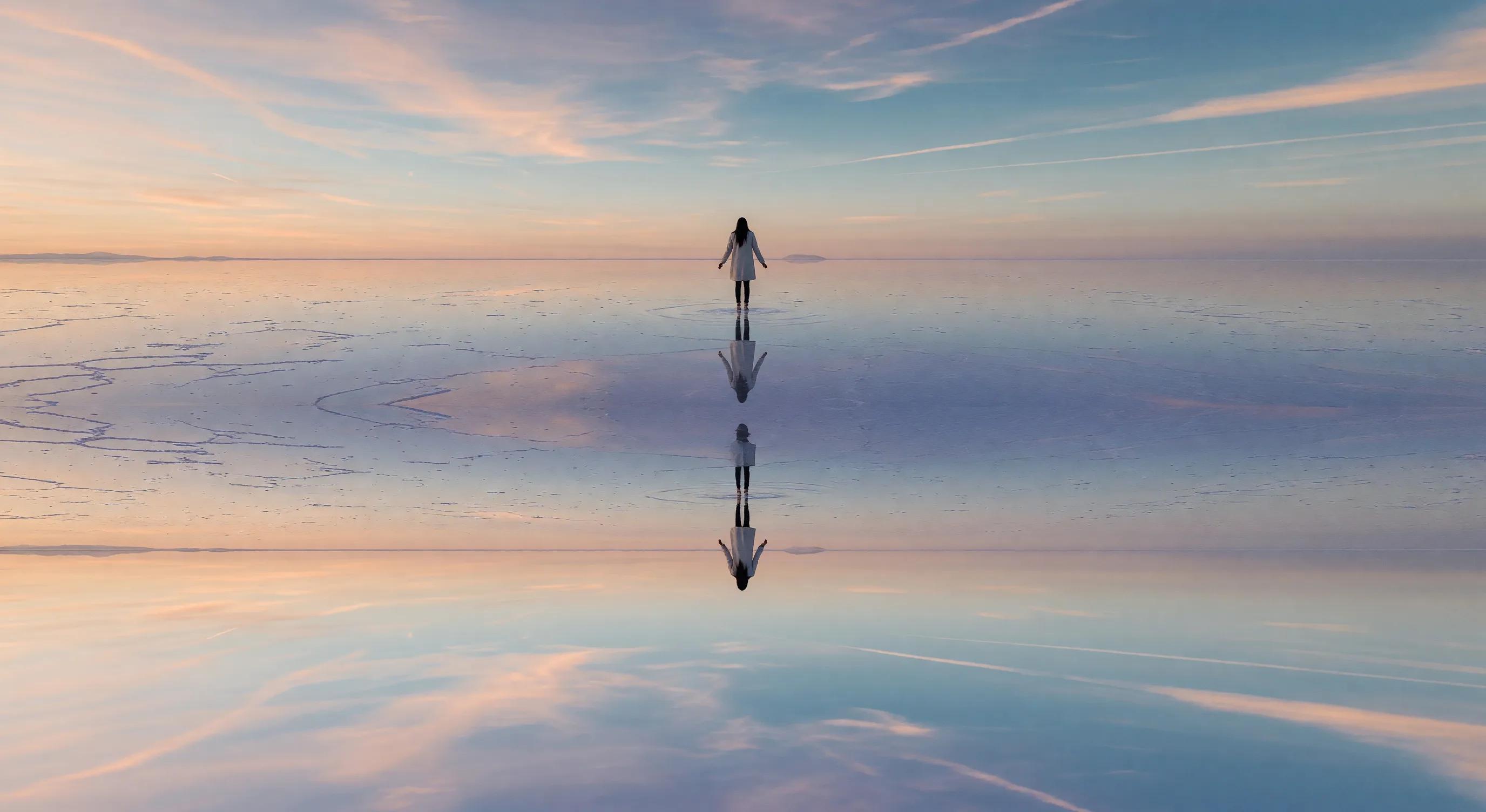
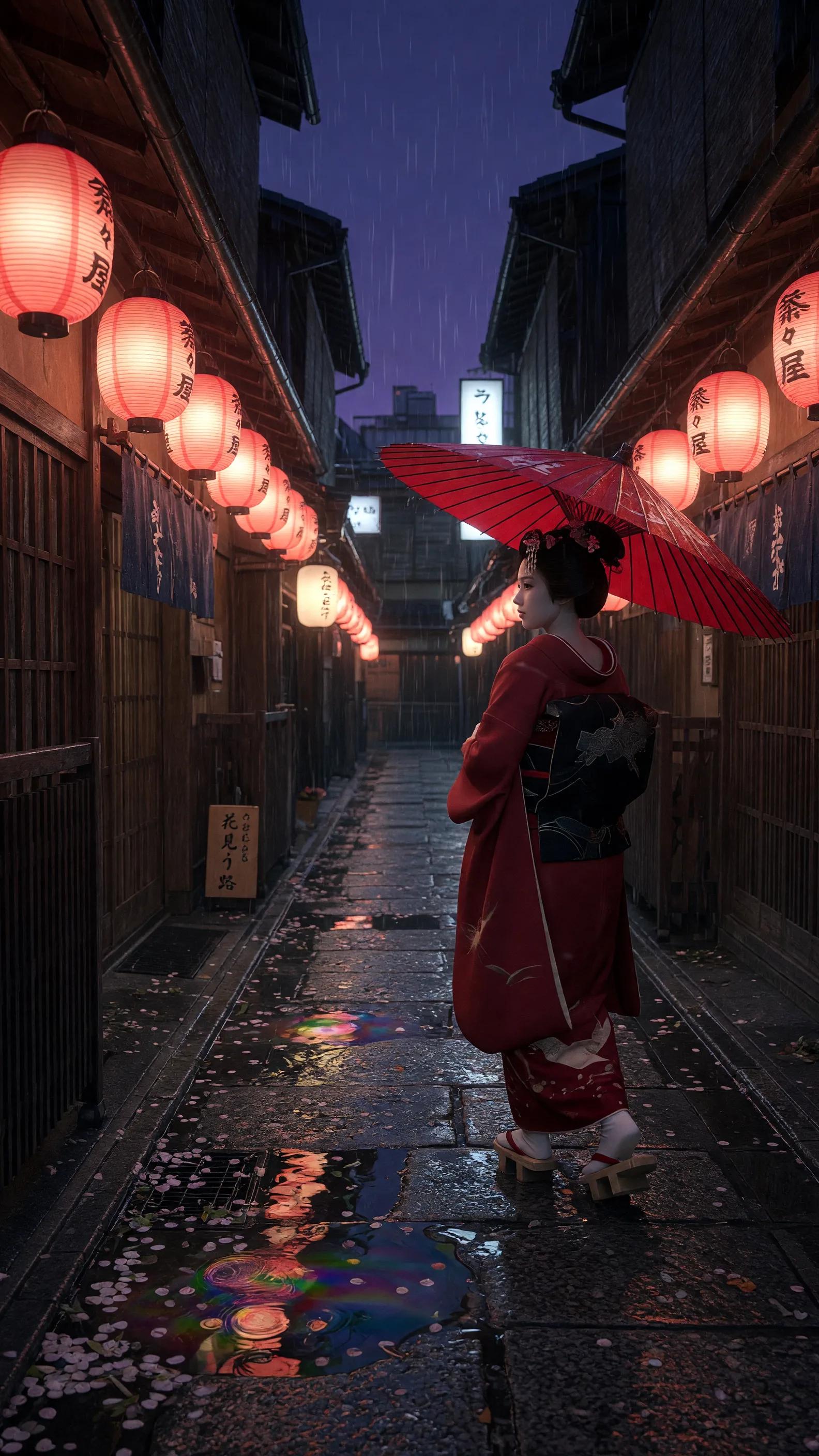
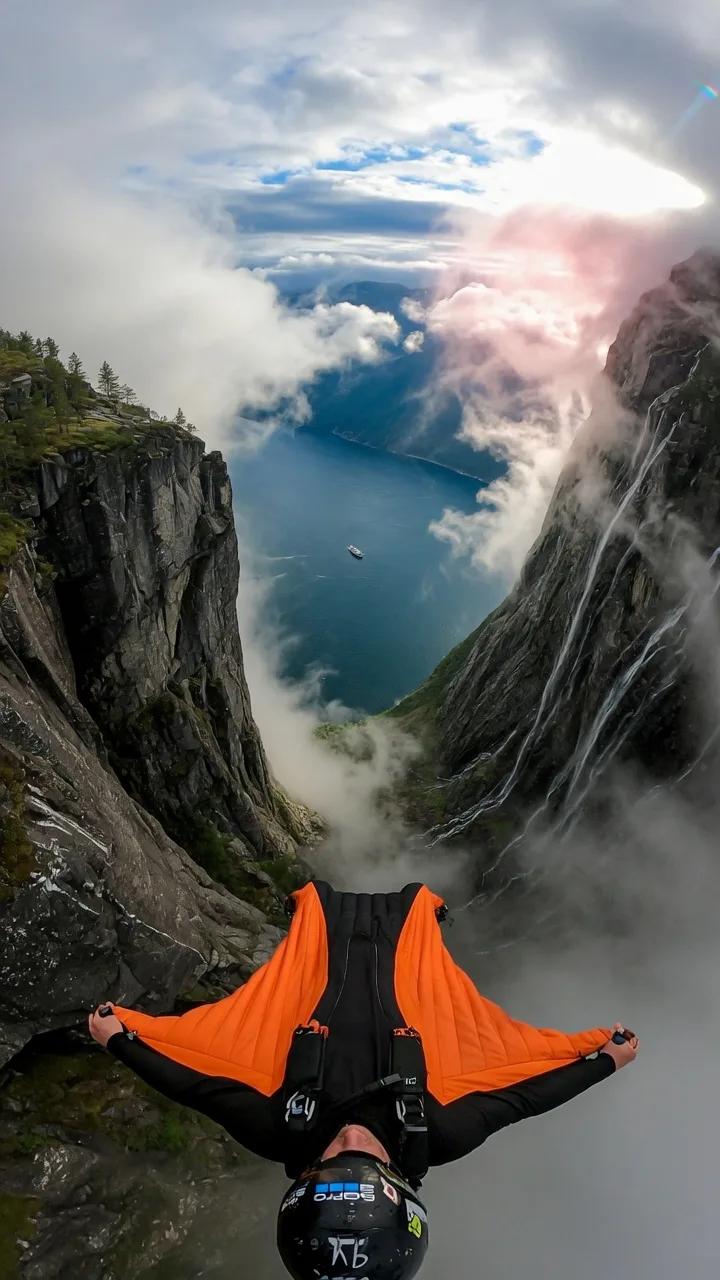
Grok Imagine — AI Image and Video Generator by xAI
Create images and videos in seconds with the Aurora engine. Four creative modes — from professional to unfiltered. 16 variants per video and image generation, 2K resolution, and native audio.
What is Grok Imagine?
Grok Imagine is a highly-developed AI-powered image and video generation tool created by xAI running on the Aurora engine. As an autoregressive MoE model, it predicts image tokens sequentially to create a coherent and high-quality output. At first, it was launched in December 2024 as a model for generating images. Following further rebranding and expansion, on October 5, 2025, v0.9 was released. The latest update comes with improved audio synchronization and exciting video features.
Speed, adaptability, and volume are some of the features that make Grok Imagine exceptional among models. With the ability to generate 16 image variants per request in 20 seconds, it offers a real-time fast generation speed greater than most AI models. It enables image to video, text to image, sketch to life transformation and text-to-image-to-video workflow within an interface.
Combining these features helps make sure you can get your creative work done without needing different tools. The model encompasses different creative needs ranging from creating static visuals to short cinematic clips. All subscribers (free or paid) can access the model, but premium subscribers are able to use features like Spicy Mode and higher generation limits.
Grok Imagine AI is available right here on this platform. You can create photos and videos using your browser without having to sign up or experience any redirects. Type your prompts and start creating.
What Makes Grok Imagine Different
Aurora Engine — Autoregressive Architecture
Aurora differs from classic models by predicting image elements one at a time to generate images. This is similar to how modern language models generate text, step by step. This procedure guarantees xAI Aurora produces outputs with strong, well-structured compositions. It also helps the model better deal with a complicated natural language video prompt.
Four Creative Modes
Custom, Normal, Fun, and Spicy — four modes that adjust to the model's creative constraints. Moderation uses different thresholds, a feature no other major AI model provides. Other models use a single dial (either safe or unsafe), but Grok Imagine works in multiple modes. Each mode serves various creative contexts, from brand-safe to completely unfiltered — delivering real creative freedom AI video at every level.
Unfiltered Generation
This is the hallmark capability of the model: a no censorship AI generator that can create content that other models wouldn’t allow. From edgy humor, public figures, adult-oriented visuals, politically sensitive imagery, and controversial subjects, content can be generated with few restrictions. This design decision is the biggest draw and the most debated aspect of the tool. Although xAI blurs out certain outputs, the unfiltered feature remains unmatched by its competitors.
Native Video and Audio — Full Design Pipeline
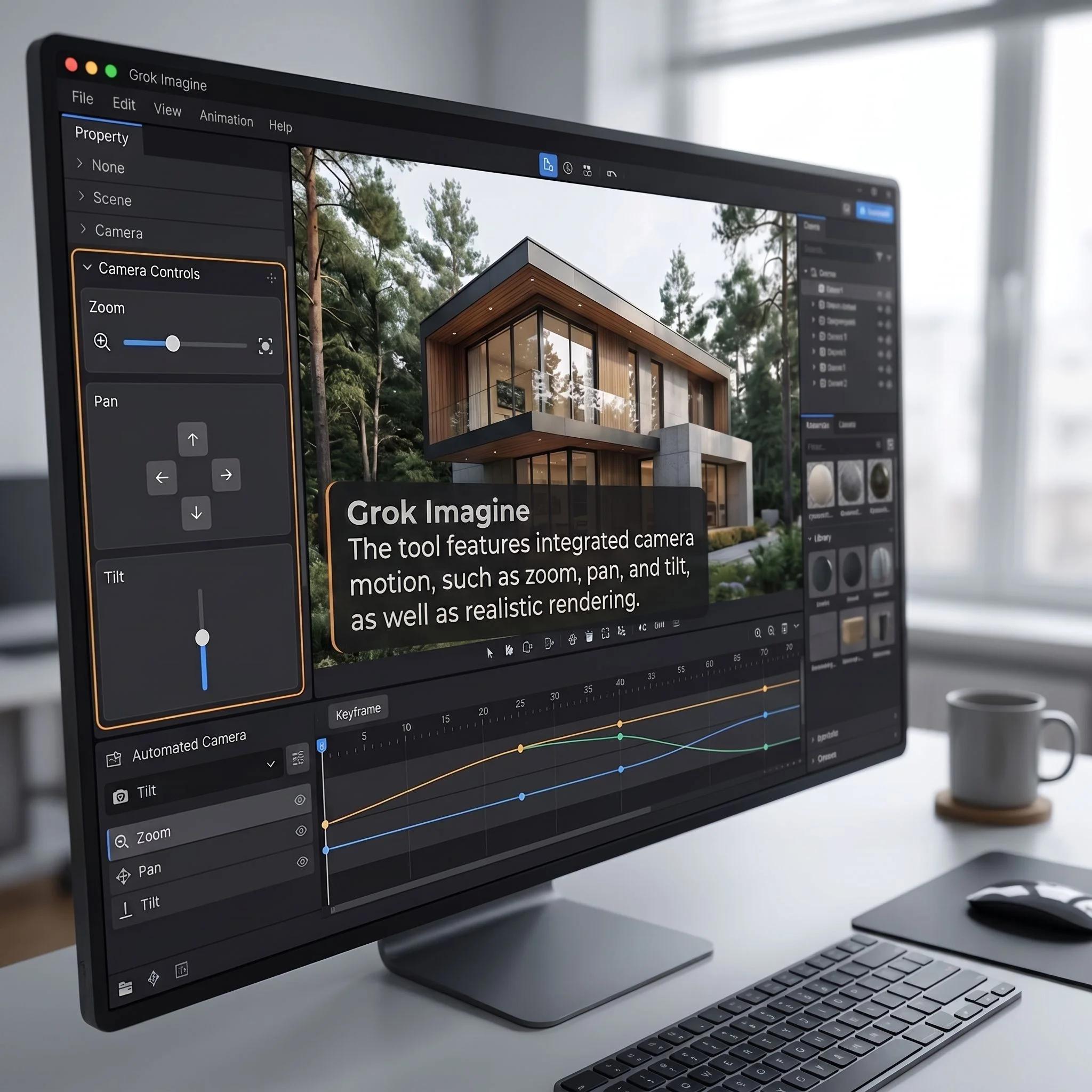
Its capability goes beyond image creation. Grok Imagine AI creates videos with synchronized audio lasting image to video 6-15 seconds. The tool also applies advanced features such as cinematic camera movement — zoom, pan, tilt, and physics-aware motion. It is a complete creative pipeline within one tool.
Key Features
16 Variants Per Generation
Within 20 seconds, each prompt yields outputs with 16 image options — 4x more than most AI generators can produce. This means fewer prompts, more output options, and faster iteration.
2K Resolution Output
Generate crisp visuals with quality output up to a 2046 resolution using the API. Several aspect ratios are available, including 1:1 (square), 2:3 (vertical), 3:2 (horizontal), 3:4, 4:3, 9:16 (portrait), 16:9 (widescreen) and cinematic widescreen 2.39:1 format, ensuring support for all platform formats.
In-painting
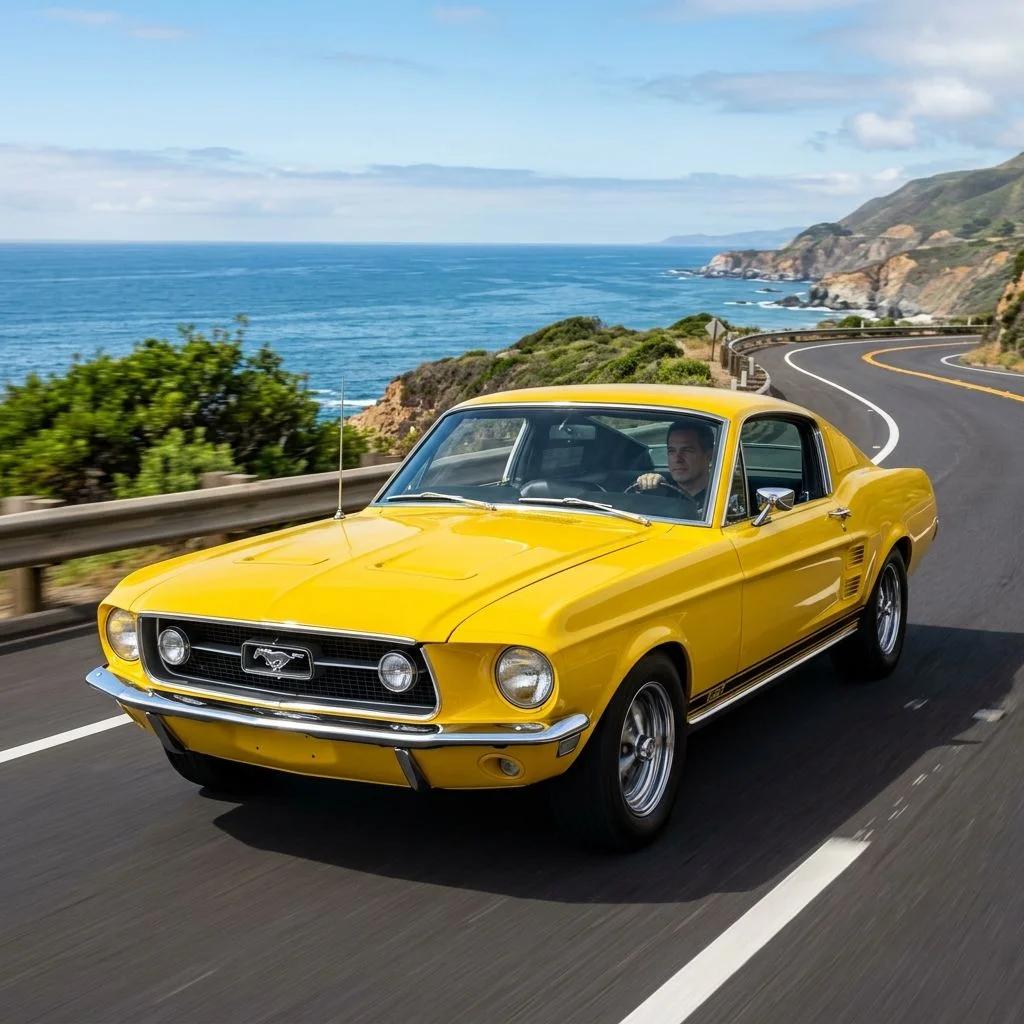
Image editing AI at its most precise: edit a selected area of an image, while leaving the rest intact. Achieve this in 10–12 seconds using simple text instructions, such as "Change the car color to yellow."
Text-to-Video
Using natural language video prompts, create short 6–15 second videos with native audio and dramatic camera movement. The tool features integrated camera motion, such as zoom, pan, and tilt, as well as realistic transitions.
Sketch-to-Life
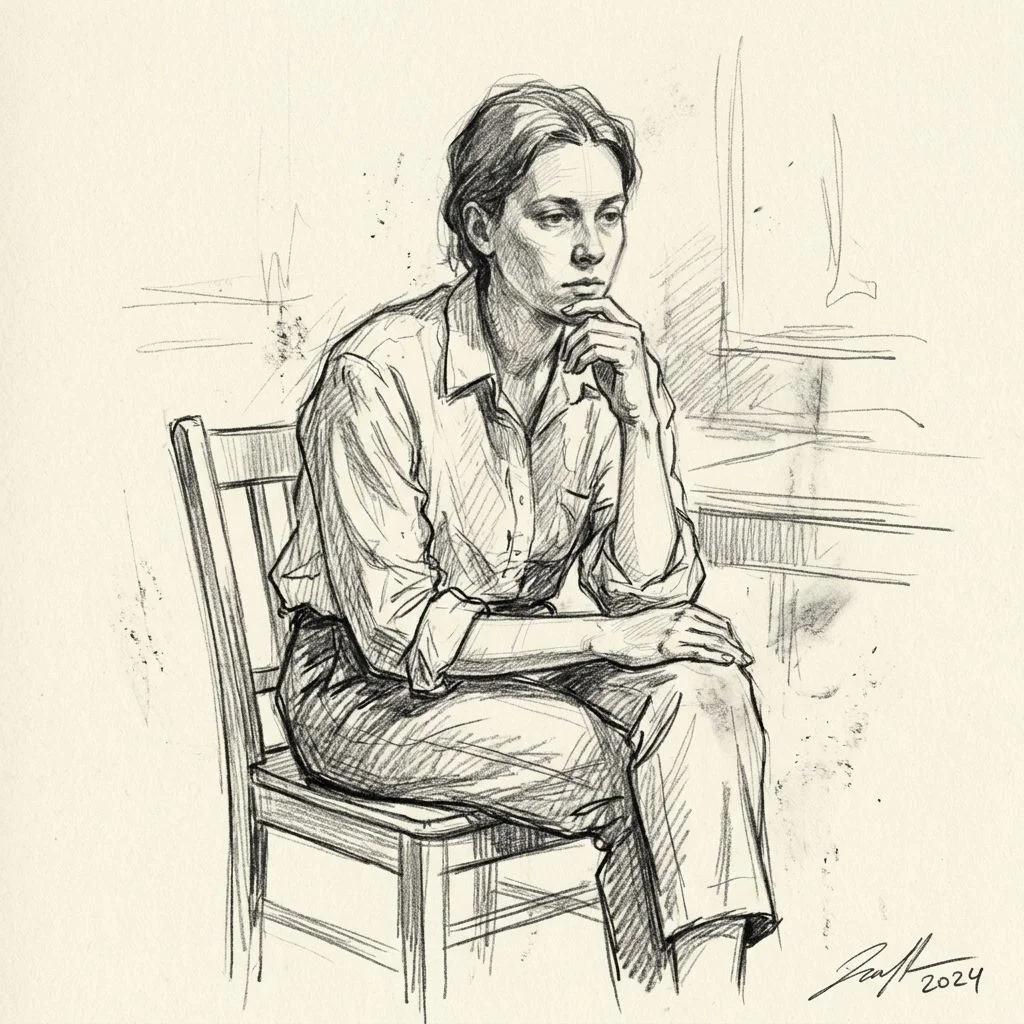
Transform static sketches and hand-drawn ideas into dynamic, fully rendered scenes. Artists and illustrators can move from rough concept to lifelike images in seconds.

How It Works

Enter Your Prompt
Upload an image or rough sketch, or enter a text-based description using the 1000 character prompt limit. Select your creative mode (Custom, Normal, Fun, or Spicy) and also choose your desired aspect ratio.
Grok Imagine Generates
The AI tool processes your text prompts and produces a short video clip or 16 image variants within seconds. Thanks to real-time fast generation, you're never waiting long.
Refine and Download
Select your desired output. Next, you can use in-painting to adjust certain elements, upscale to maximum resolution, or generate more variations. Now you can download or use it directly on your preferred platform.
Creative Modes — Custom, Normal, Fun, and Spicy
Grok Imagine AI offers four modes, each setting clear boundaries for content generation. This feature is exclusive to the Aurora-powered model, as no other major AI tools provides comparable moderation control.
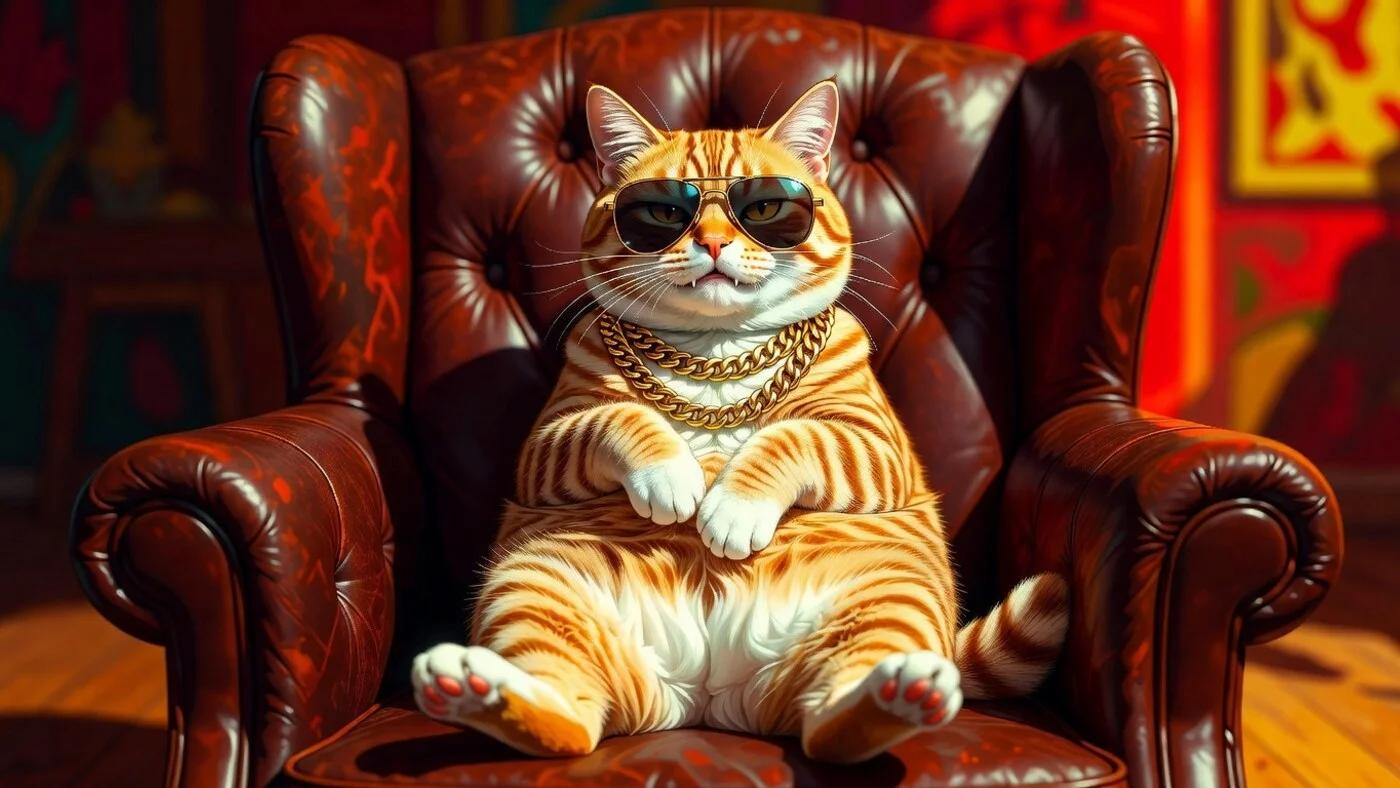
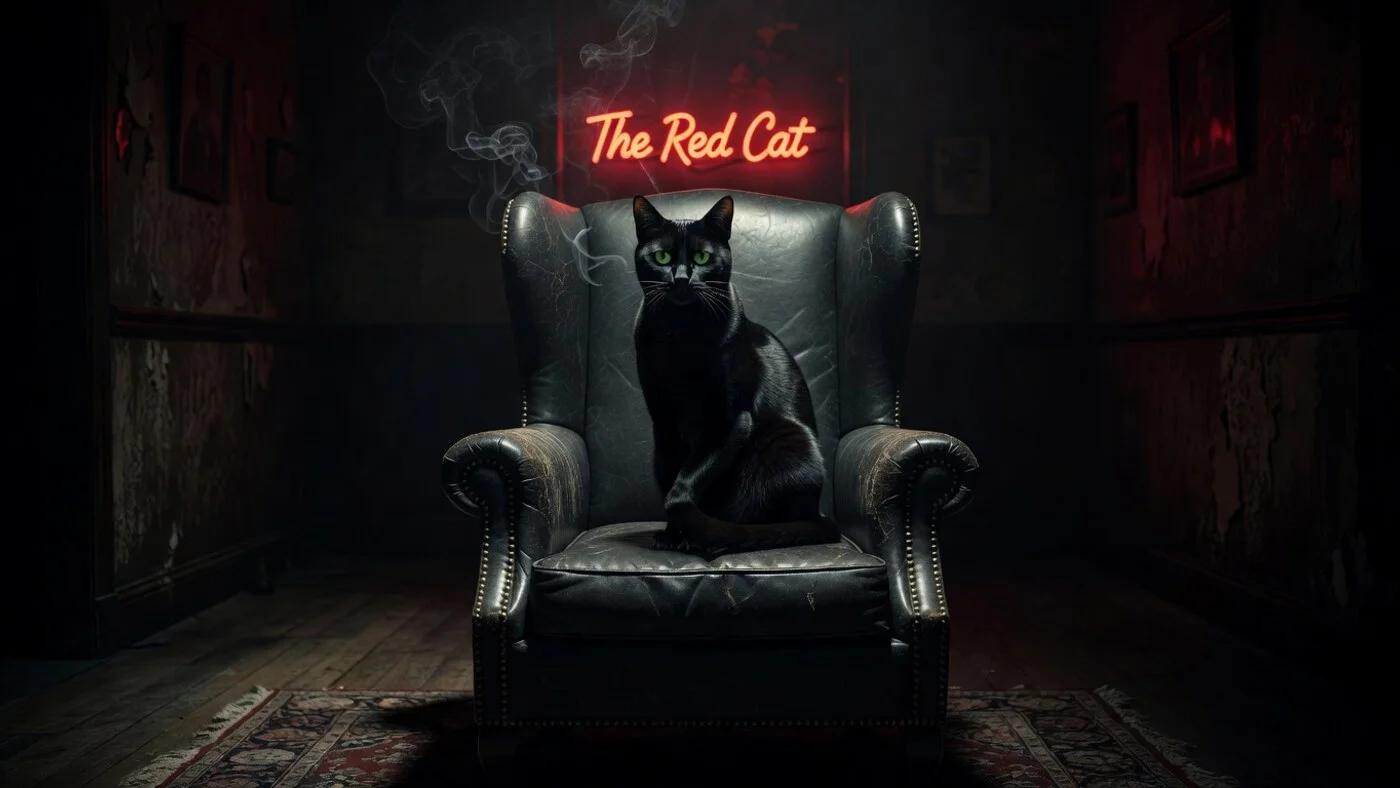
What You Can Create — Grok’s Unfiltered Edge
Grok Imagine excels at what other models cannot do as its capabilities go beyond image generation. Below are some of the benefits the Aurora engine has over other AI models:
Use Cases — How Creators Use Grok Imagine

Meme and Viral Content
Looking to create trendy memes, reaction images, and viral content? Grok Imagine makes this possible and you can even create something beyond your imagination using the Spicy Mode.

Social Media Content
Create clean and on-brand visuals for social media platforms like Instagram, X, and TikTok. It gets interesting as you can create using various aspect ratios according to these platforms. For instance, 1:1 for feed posts, 9:16 for Reels and Stories, and 16:9 for YouTube thumbnails. With a single prompt, you can create 16 variants and then post your preference.
Video Content Creation
Grok Imagine allows you to create short-form videos for social media content and digital advertisements with synchronized audio. It has an image-to-video feature that helps convert motionless content into energetic motion. Without a production team, you can use a single prompt to create a video with cinematic motion.
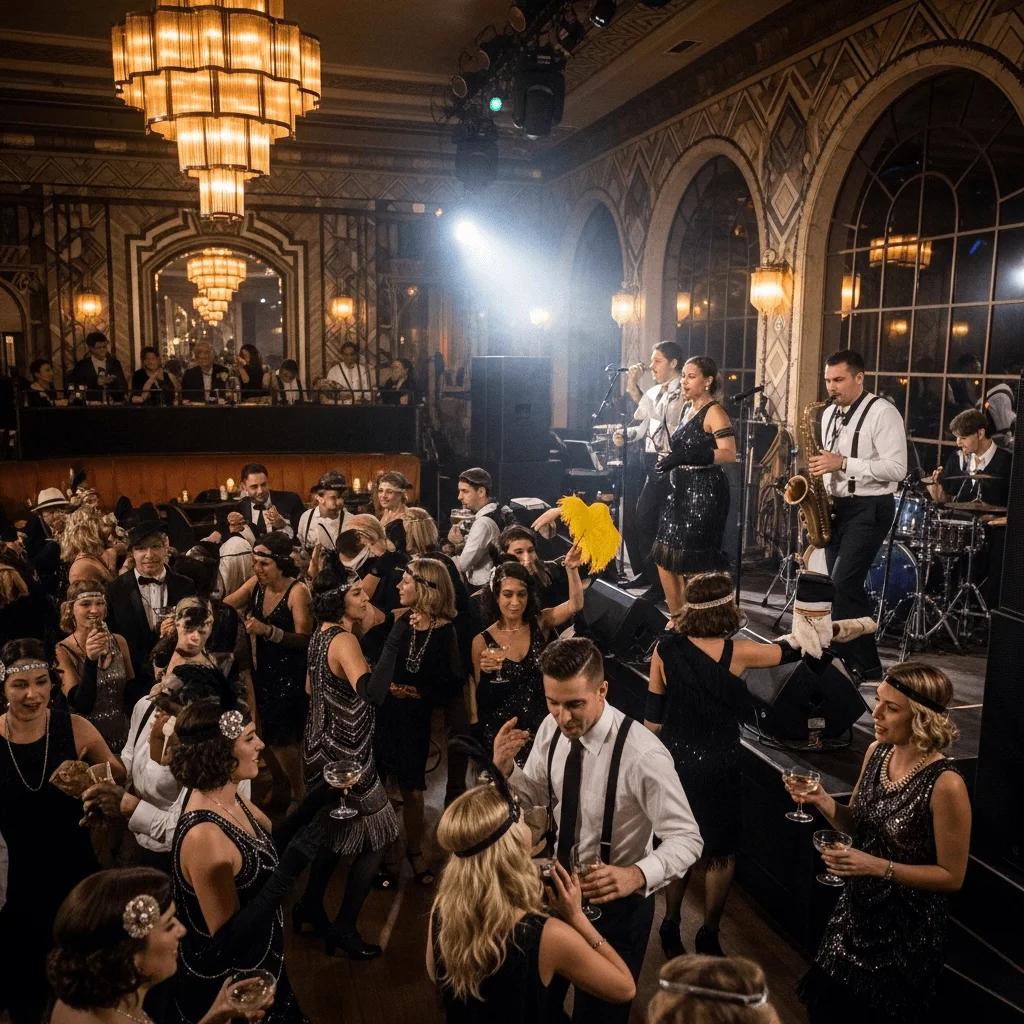
Concept Art and Illustration
Remake concepts into polished illustrations with this sketch-to-life tool. This AI model speeds up visual development from concepts to final output. Grok Imagine can help create character designs, environment concepts, and storyboard frames while ensuring harmony with the style transfer feature. You can use the model for pre-production, game art, and illustrated editorial work.
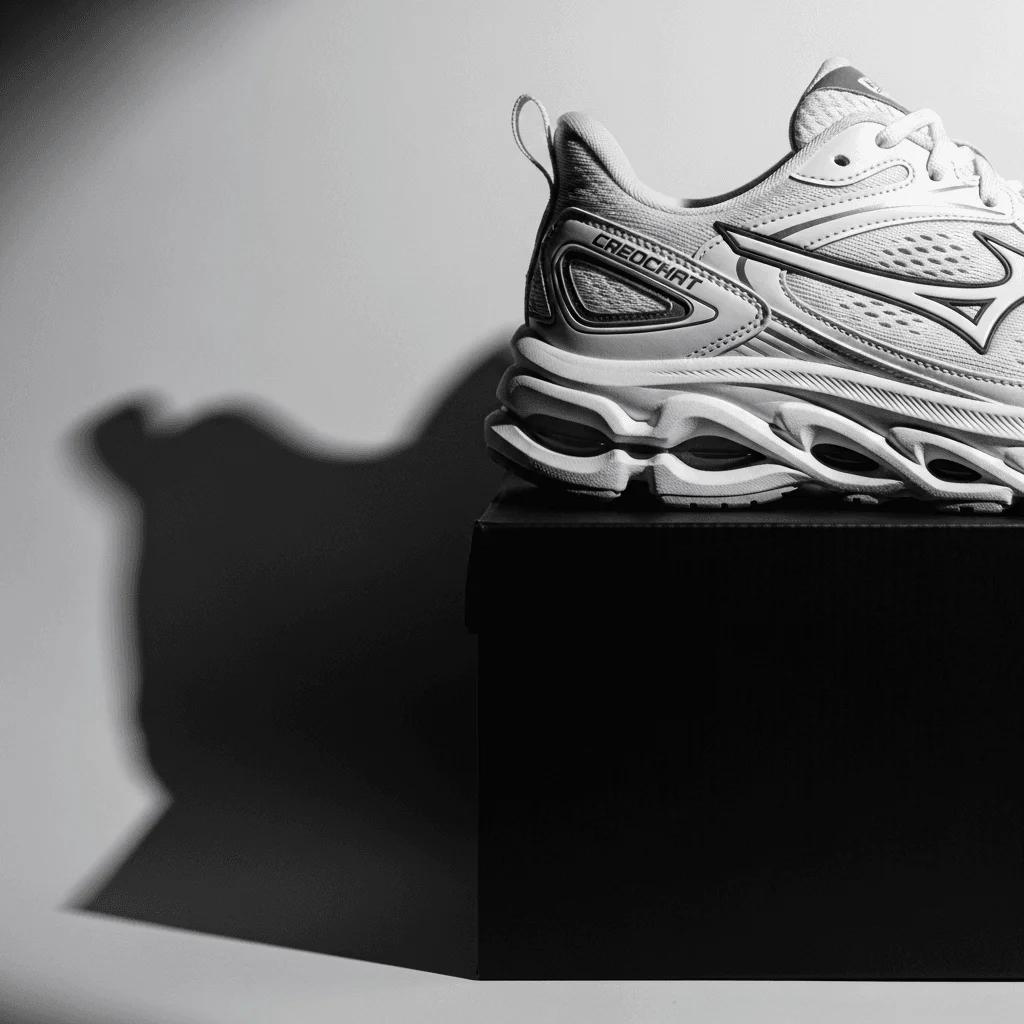
Brand and Marketing Assets
Grok Imagine is suitable for making brand assets. This is because it enables controlled, brand-friendly outputs, flexible style parameters, and rapid iteration. Professionals can use it to produce advertisement visuals and product reveal video AI content. The prompt example below is designed to drive real engagement.
Personal and Entertainment
From fan art, celebrity mashups, and satirical imagery to personalized content, Grok Imagine can handle any visuals for entertainment and personal use. The Fun and Spicy modes enable innovative experimentation not available on other platforms. It is the model's ability to generate unfiltered content that makes users value it above other models.
Why Creators Choose Grok Imagine
Creative Freedom Without Guardrails
Grok Imagine’s ultimate advantage lies in its ability to generate the desired output with minimal moderation, unlike other tools. It allows open expression; therefore, users can explore without limitations.
“Aurora's image generation is designed around a key principle: freedom of creative expression with minimal content restrictions.”
16 Variants in 20 Seconds
The maximum output per request in other AI generators is 4 images. The xAI image generator breaks this limit by producing 16 with faster iteration, offering 4x the output of other models.
“One of its biggest advantages is speed — it generates videos much faster than most competitors. Users can simply upload a photo, and Grok Imagine automatically produces short video clips with four soundtrack variations.”
Aurora — Purpose-Built Generation Engine
Aurora does not use a pattern-matching system but a purpose-built autoregressive architecture that performs sequential prediction of visual elements. This way, it can produce more coherent outputs than traditional models.
“We've enhanced Grok's image generation abilities with a new model, code-named Aurora. Beyond text, the model also has native support for multimodal input, allowing it to take inspiration from or directly edit user-provided images.”
Image and Video in One Tool
Most AI models work only as image generators; however, Grok Imagine delivers something more advanced. It processes image-to-video, text-to-image, text-to-video, and sketch-to-life in a single ecosystem.
“Grok Imagine is xAI's dedicated creative generation suite, initially launched in version 0.9 on October 5, 2025, and updated to version 1.0 on February 1, 2026. The 1.0 release added improved audio quality alongside its core visual capabilities.”
Quality That Holds Up
Aurora produces outputs on par with industry-leading tools in terms of realism and detail. Its quality lies in its ability to produce photorealistic scenes and multi-element compositions without losing coherence.
“Reviews have noted balanced performance in quality, with outputs comparable to leading models like Midjourney in realism and detail for intricate descriptions.”
Precise Aspect Ratio Control
Grok Imagine supports nine aspect ratios, including 9:16 vertical stories, 16:9 widescreen, and 1:1 square. This means creators can get precise dimensions for every platform and format without having to crop or resize.
“Adding '2.39:1 widescreen' tells Grok the exact shape of the frame before a single element is described.”
Before and After

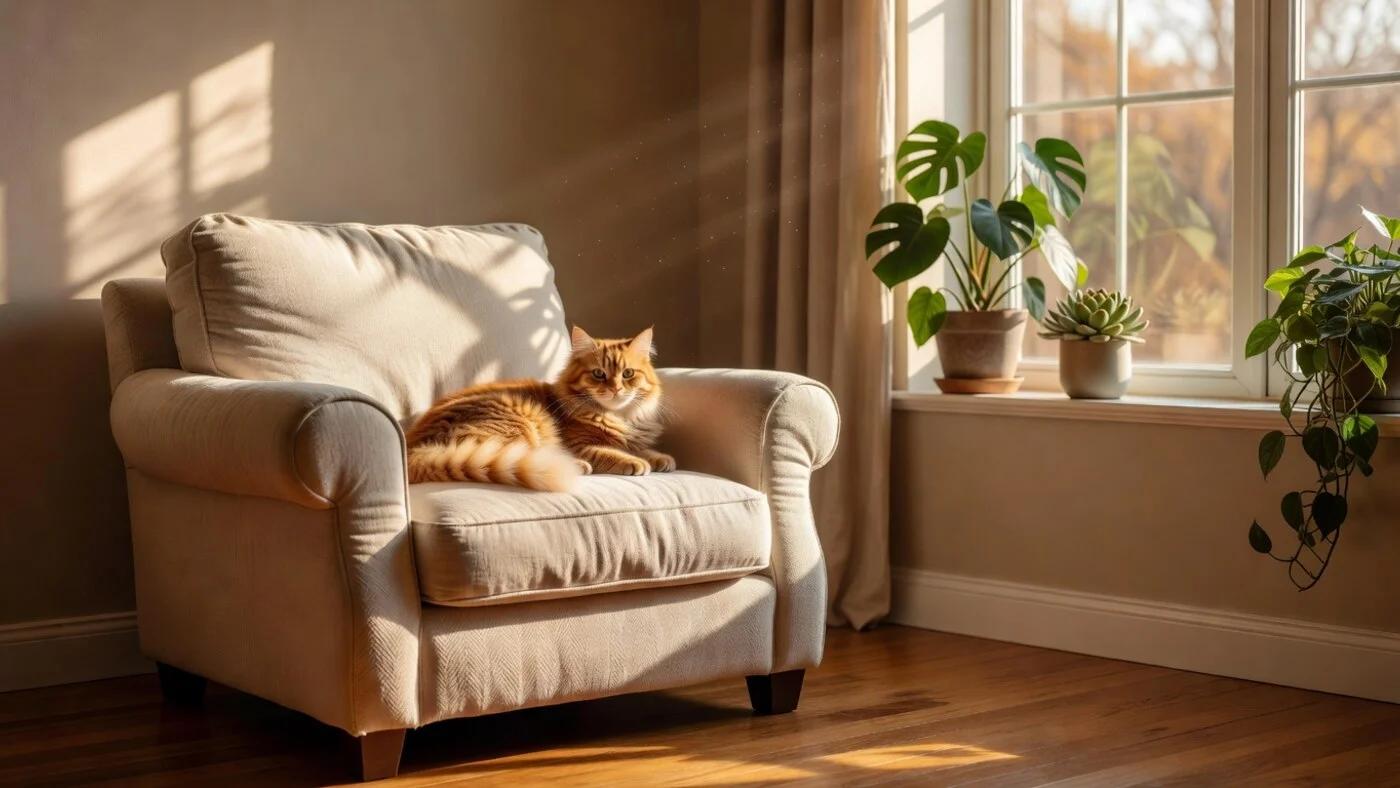
Photorealistic Scene
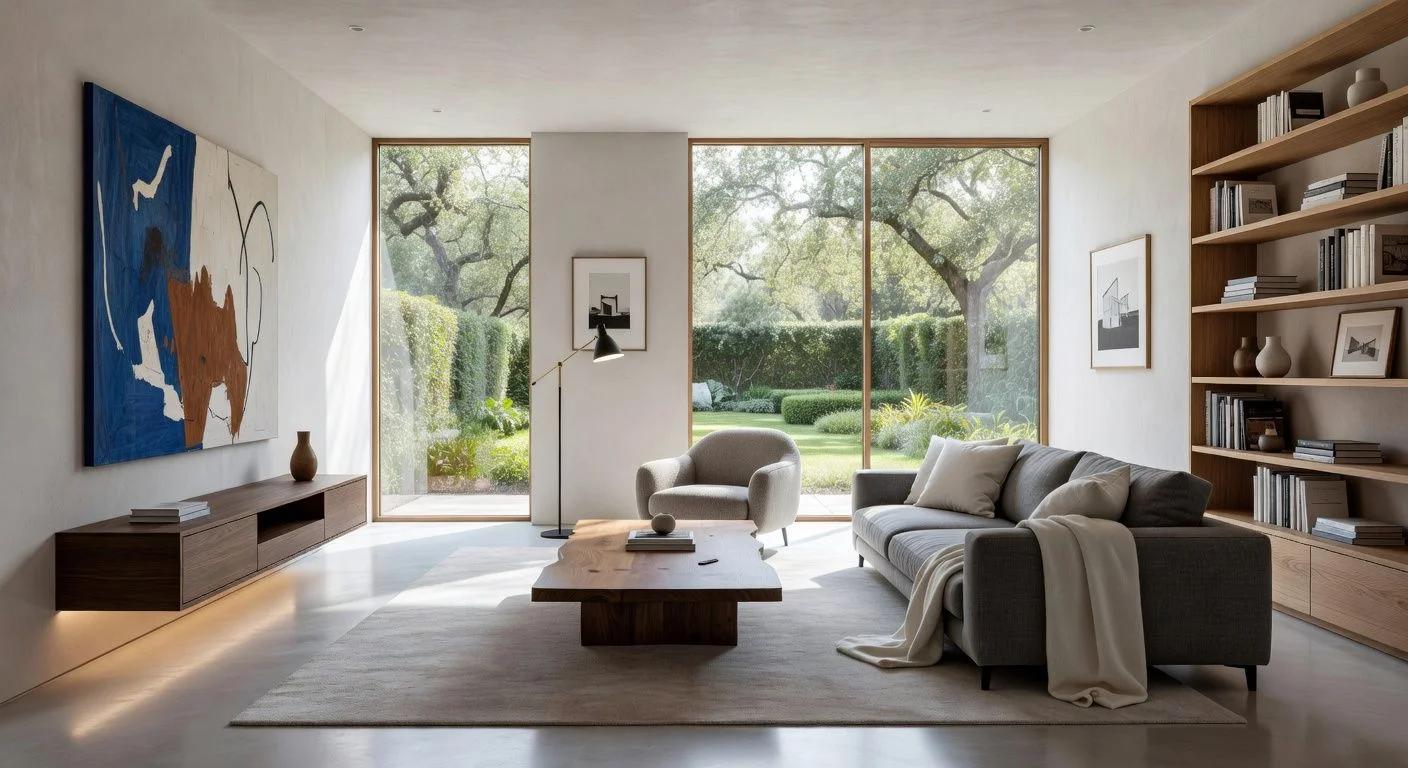
Rough Sketch
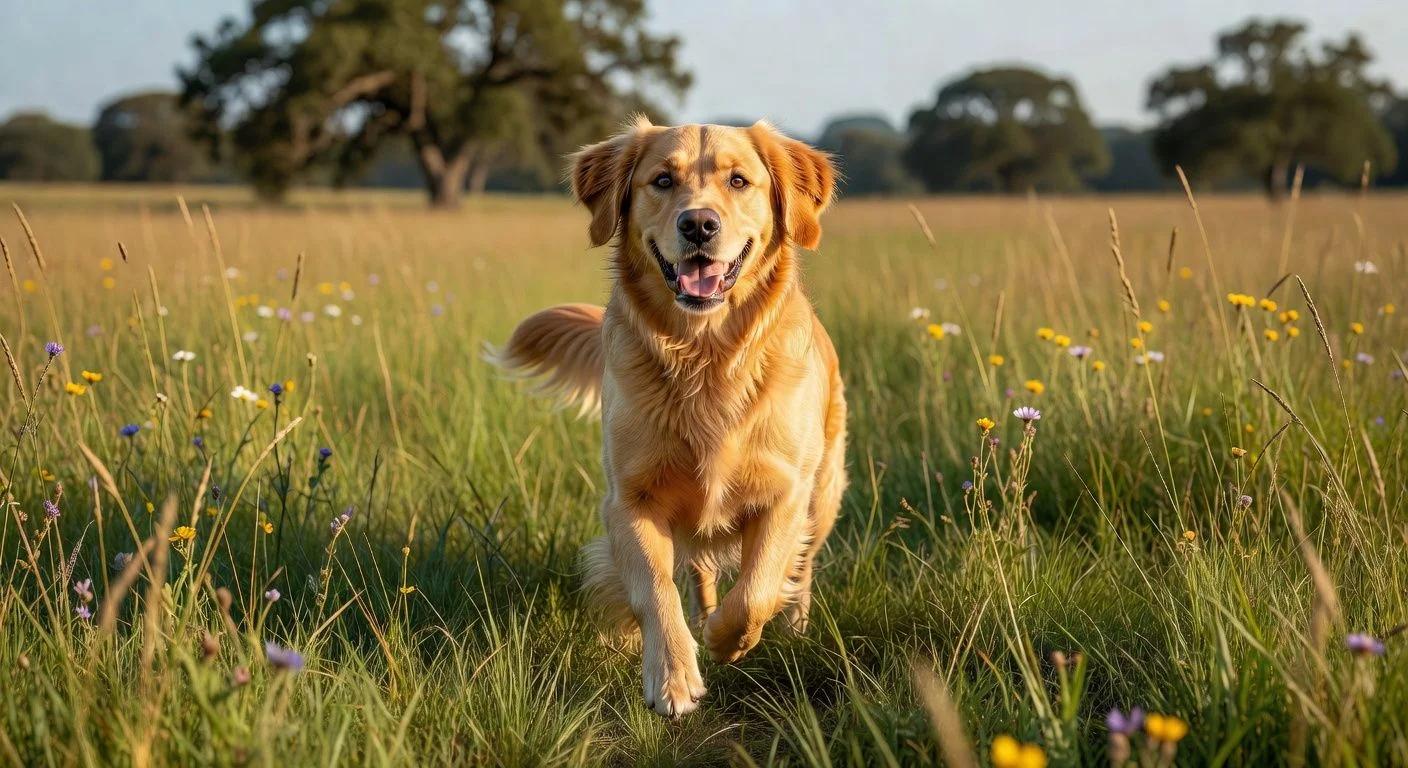
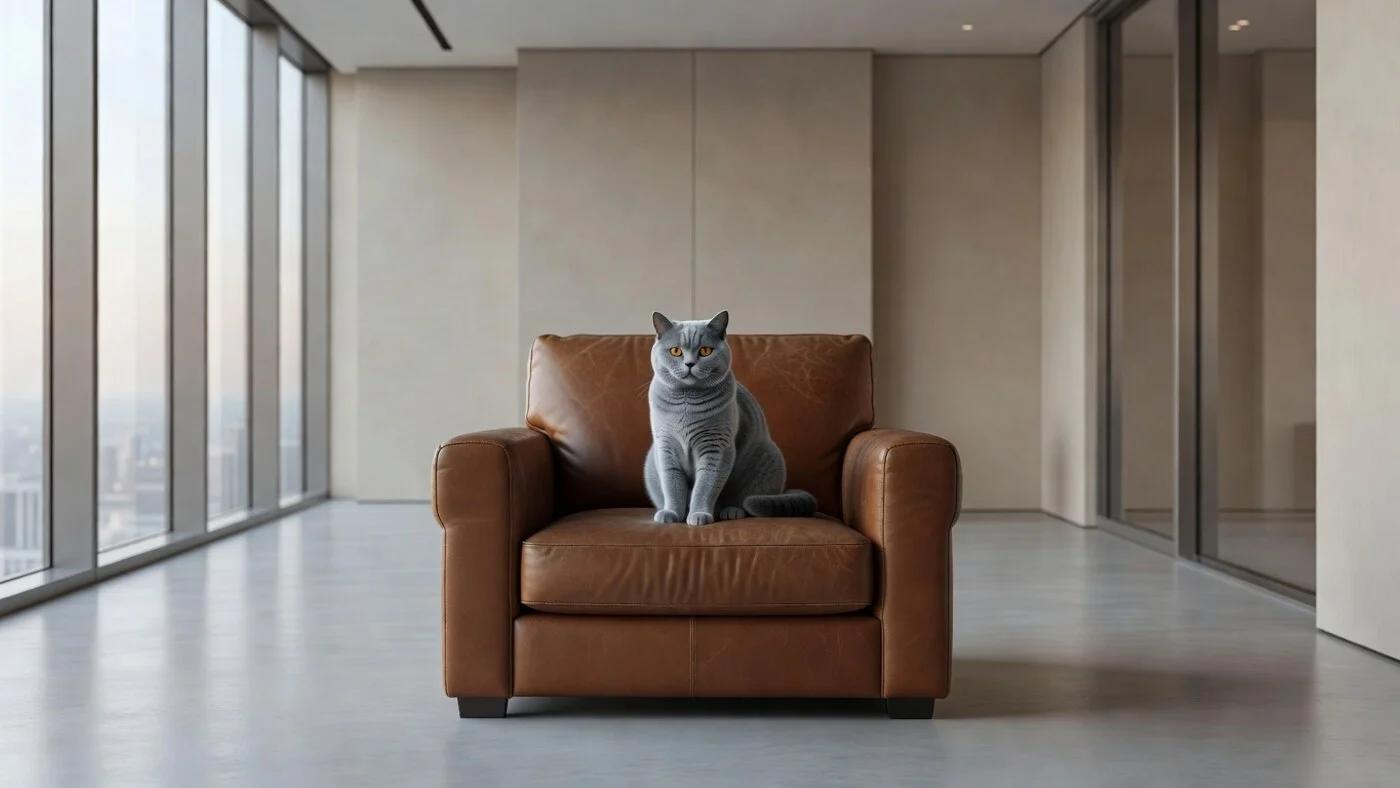
A photo of a dog
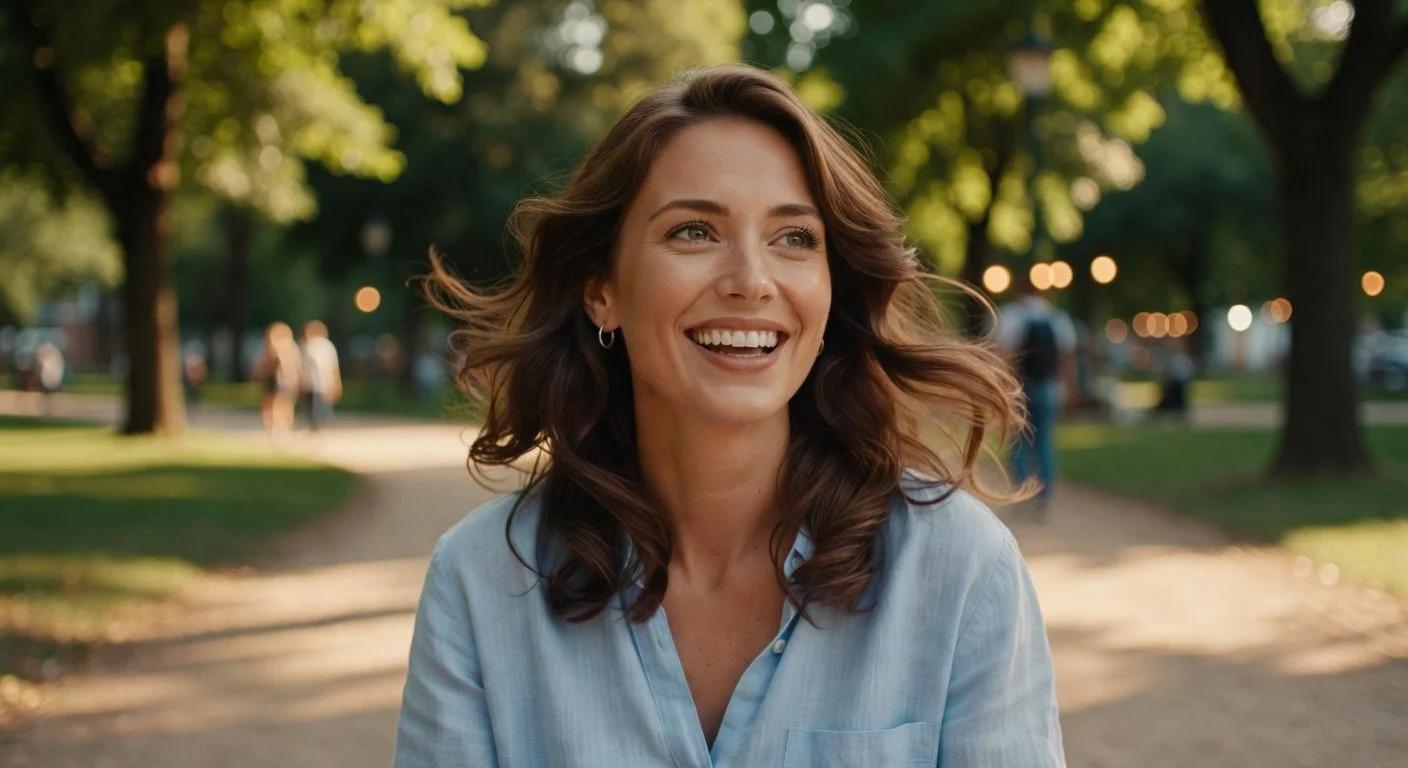
Single Frame
A portrait of a woman
Compare AI Models on Our Site
See how Grok Imagine stacks up against other AI models on our platform.
| Features | Features |  Grok Imagine |  GPT Image |  Midjourney V7 |  Nano Banana Pro |
|---|---|---|---|---|---|
| Engine | Aurora (autoregressive) | GPT-4o (autoregressive) | Diffusion | Gemini 3 Pro | |
| Speed | ~20s (16 variants) | 30–45s | 20–30s | 20–40s | |
| Max Resolution | 2K | 4096×4096 | 1024×1024 | 4096×4096 | |
| Creative Modes | 4 (Custom/Normal/Fun/Spicy) | None | None | None | |
| Video Generation | Yes (6–15s + audio) | ||||
| Unfiltered Content | |||||
| In-Painting | Yes (text commands) | Yes (conversational) | Limited | ||
| Best For | Fast iteration, viral/unfiltered content | Conversational editing | Artistic aesthetics | Professional studio work |
Prompt → Result Gallery
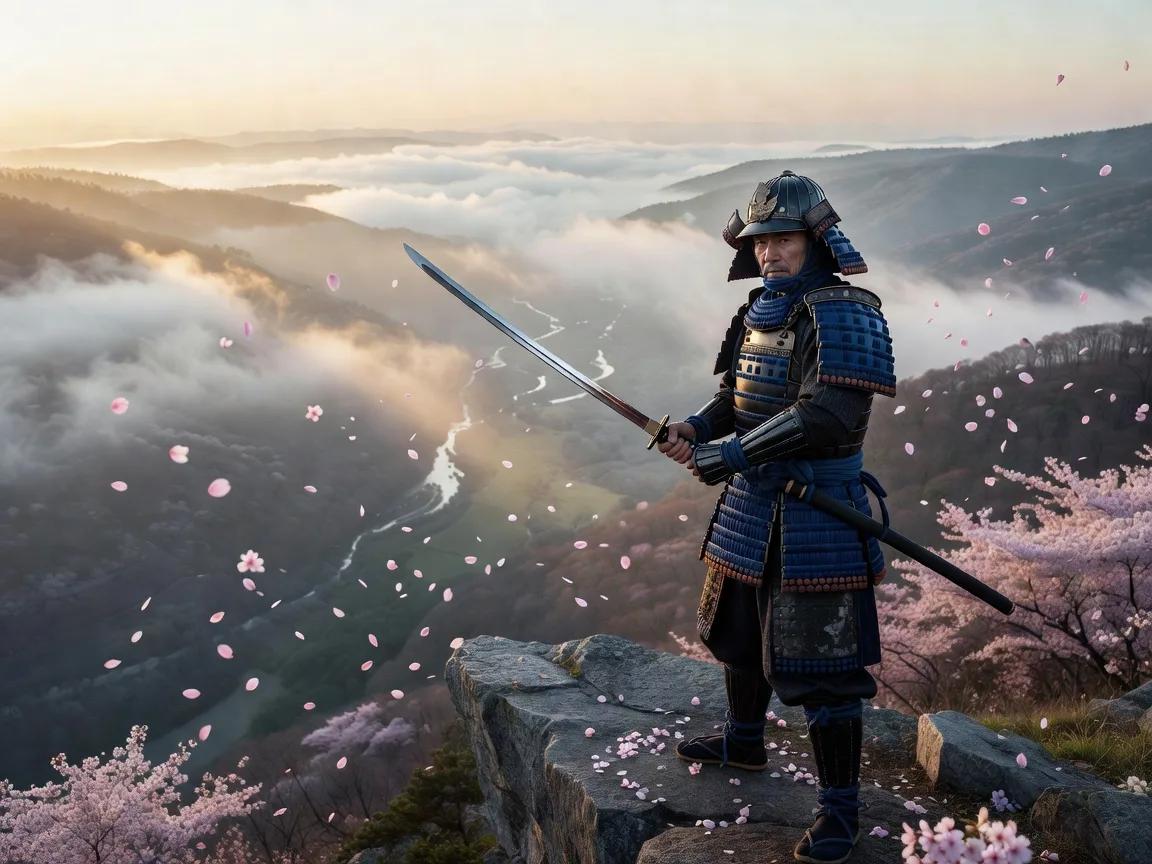
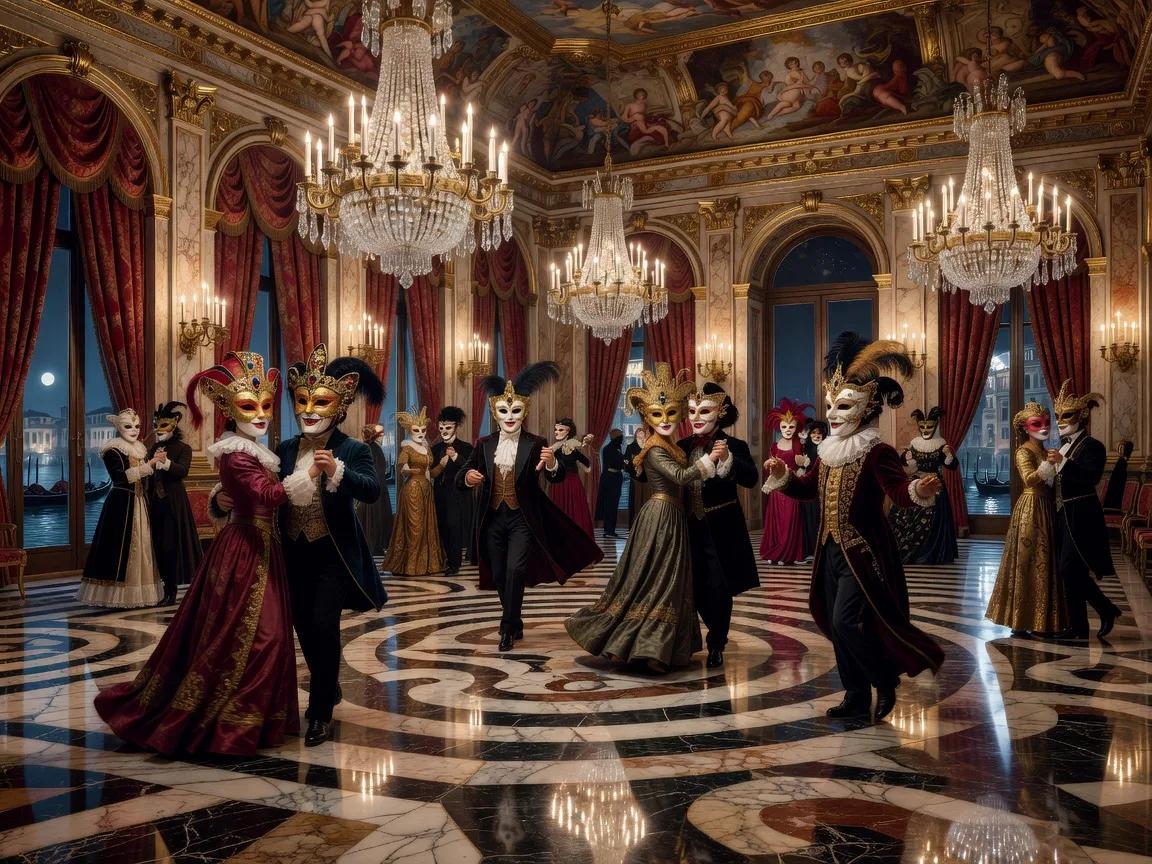
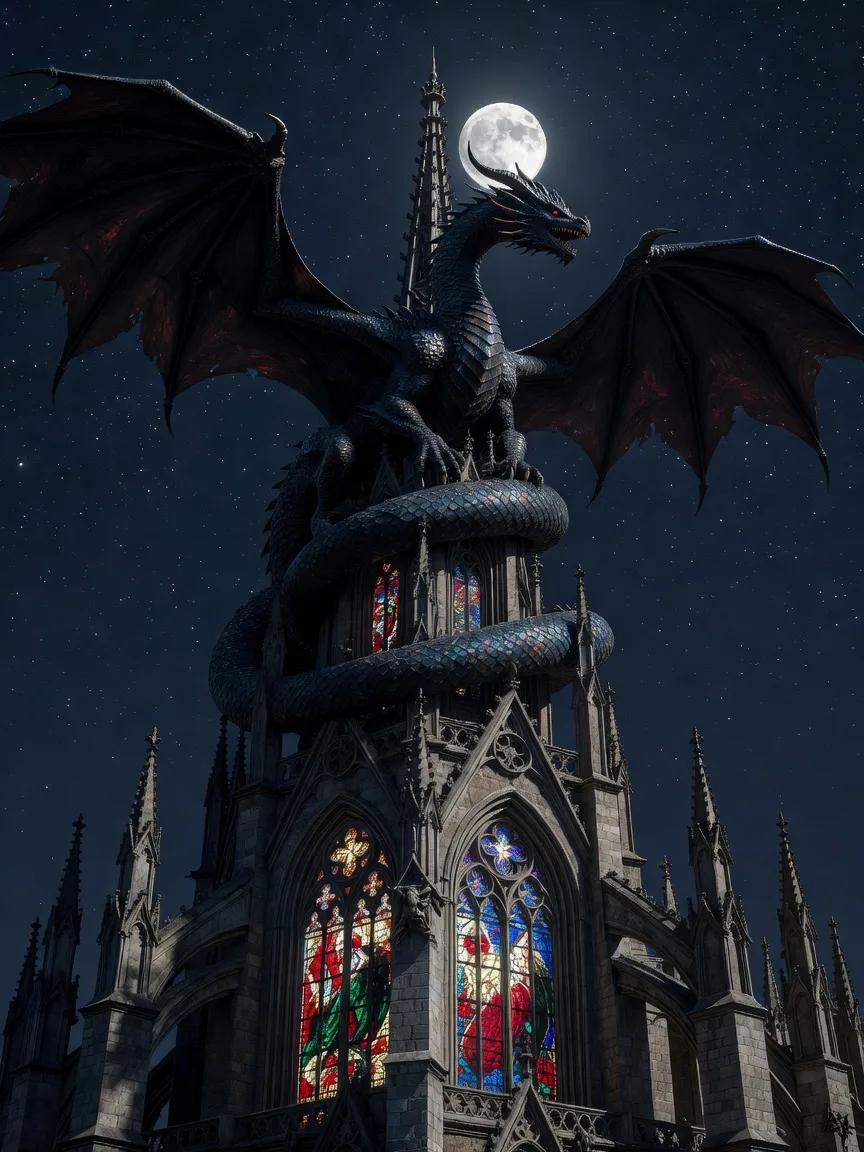
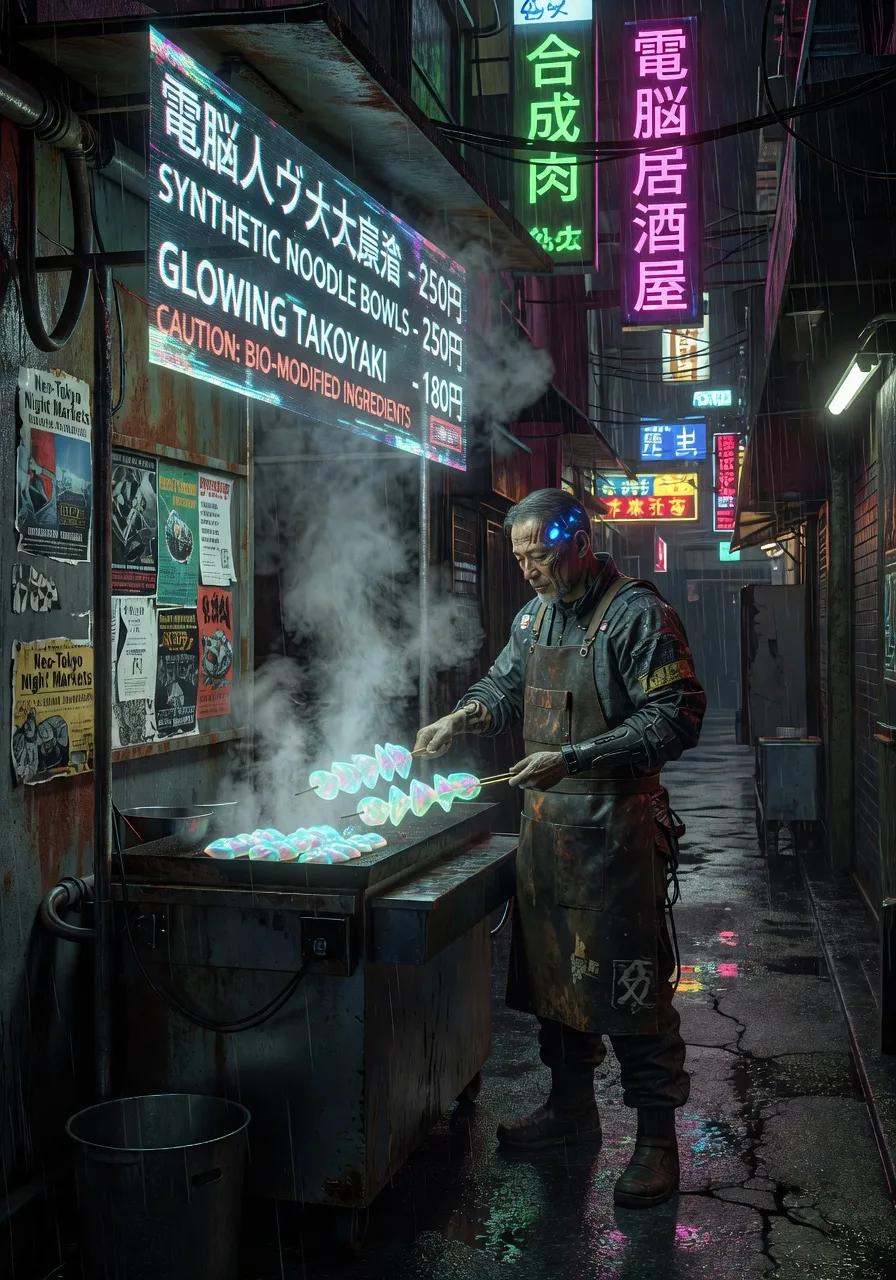
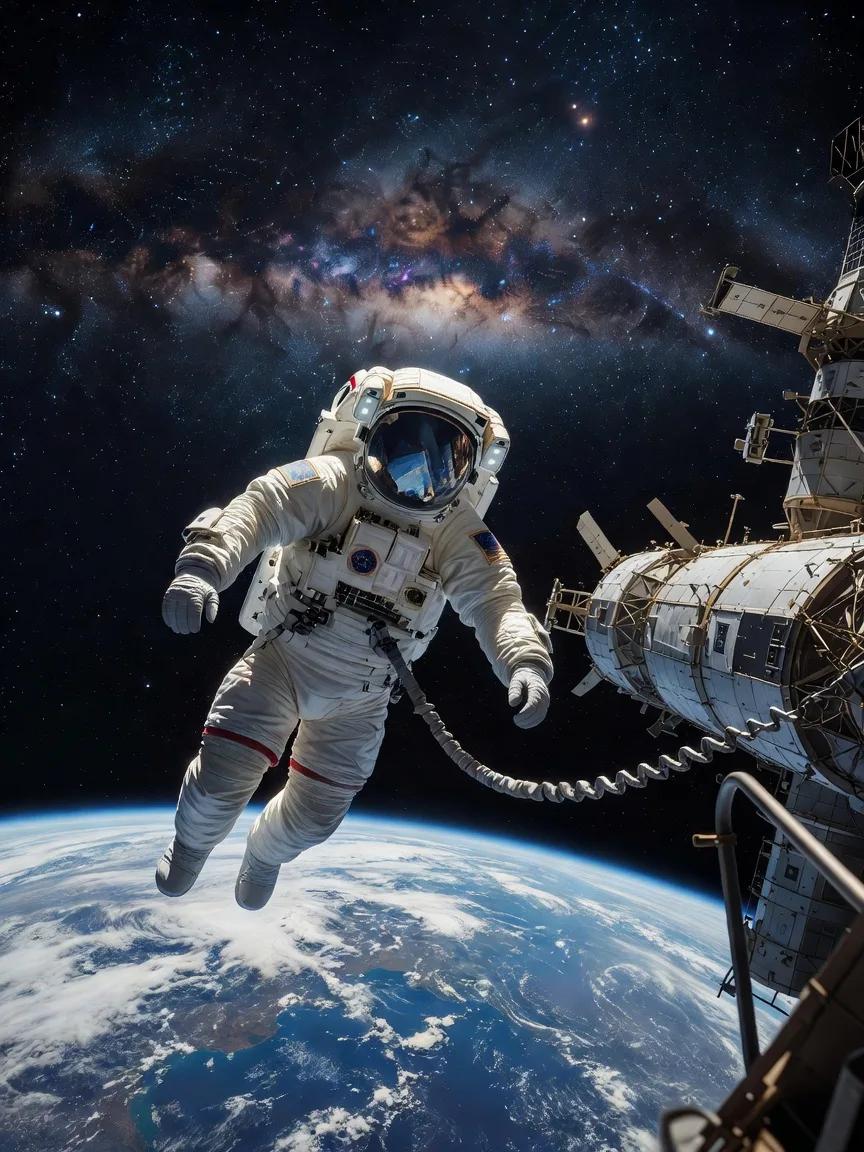
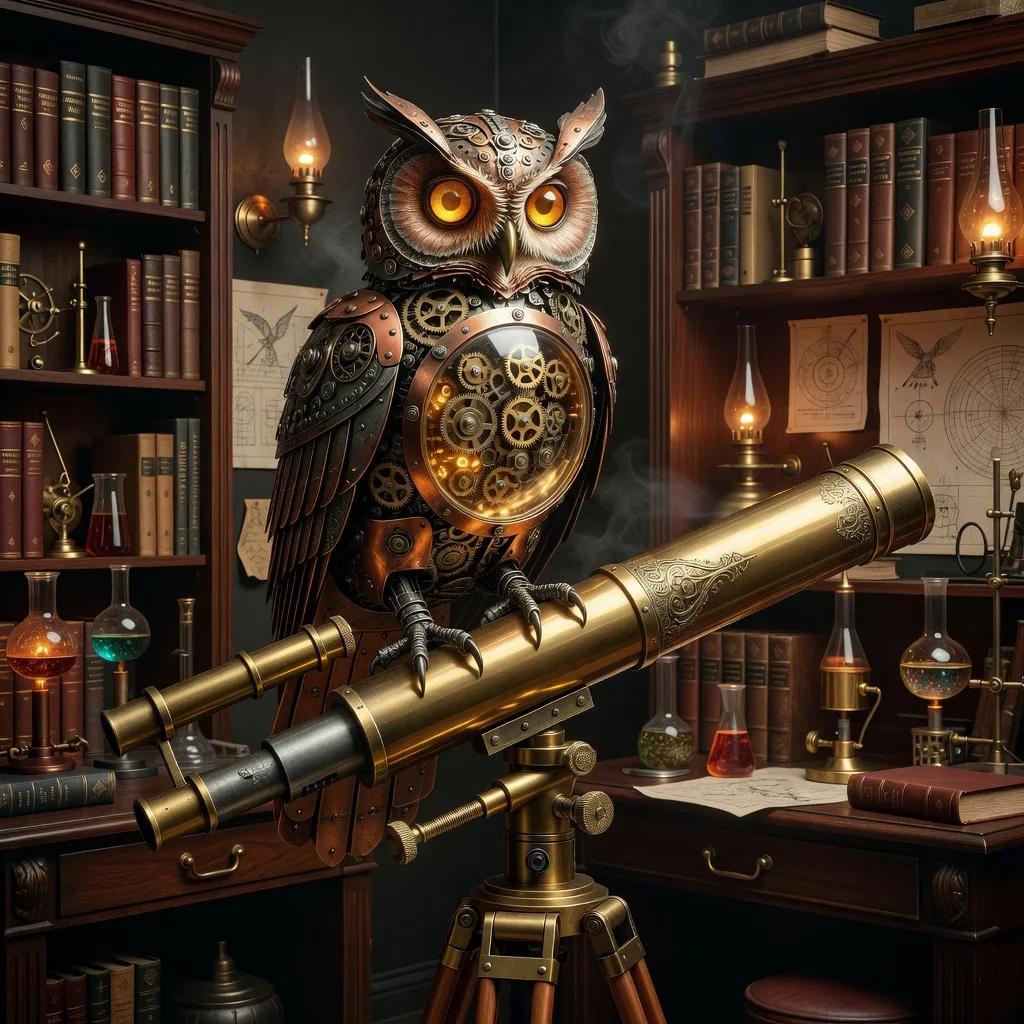
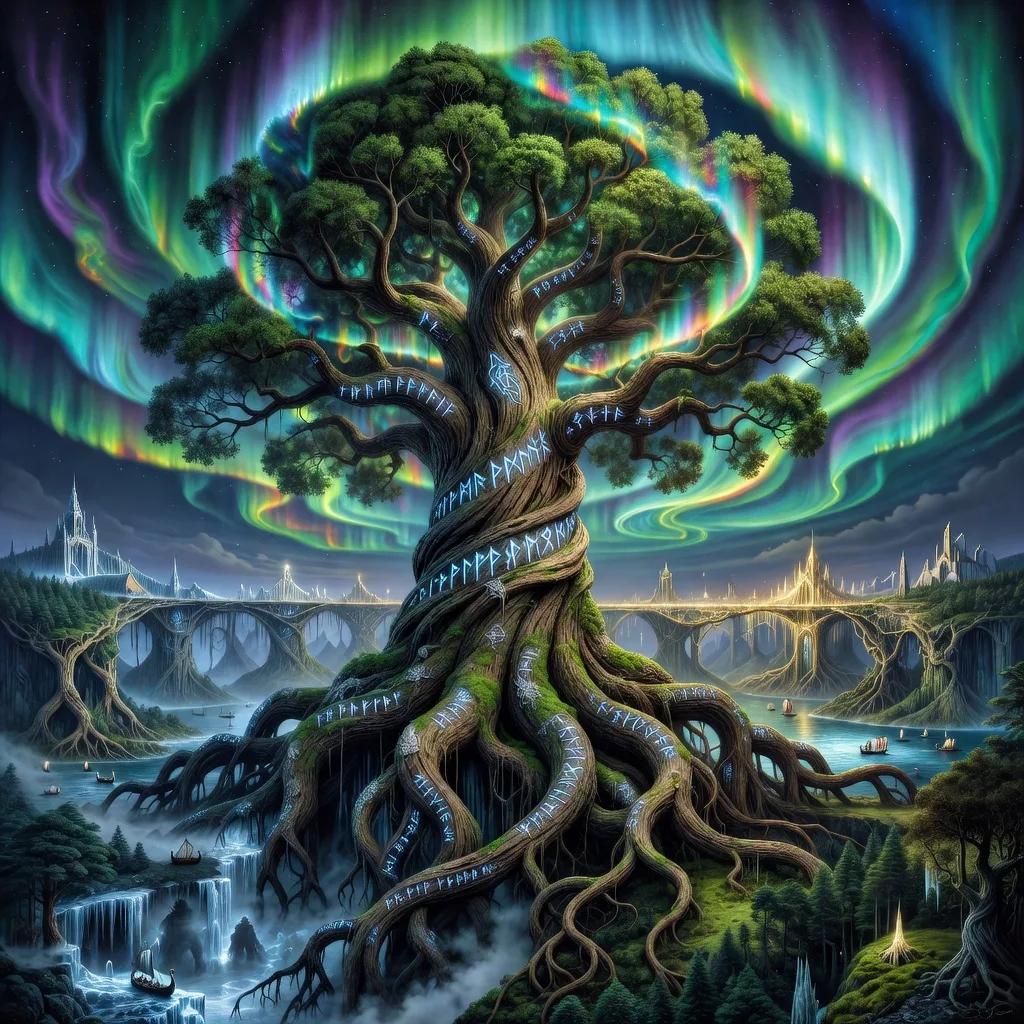
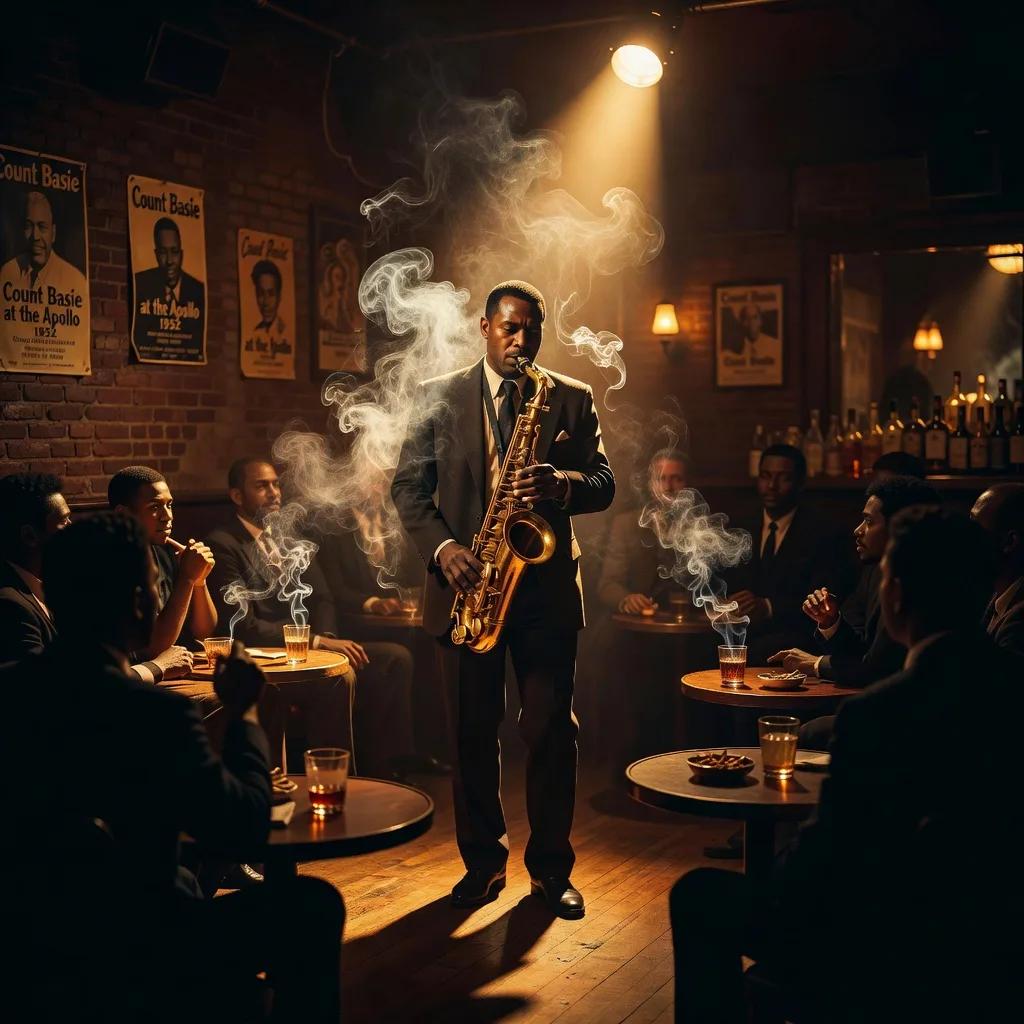
All images generated with Grok Imagine — click to see details