Seedance — The Multi-Modal AI Video Generator with Native Audio
Supports 4 input types. @Mention references. Beat-matched dance synchronization. Native stereo audio with lip-sync in 8+ languages. ByteDance's cinematic video generation — precision meets creative freedom.
What is Seedance?
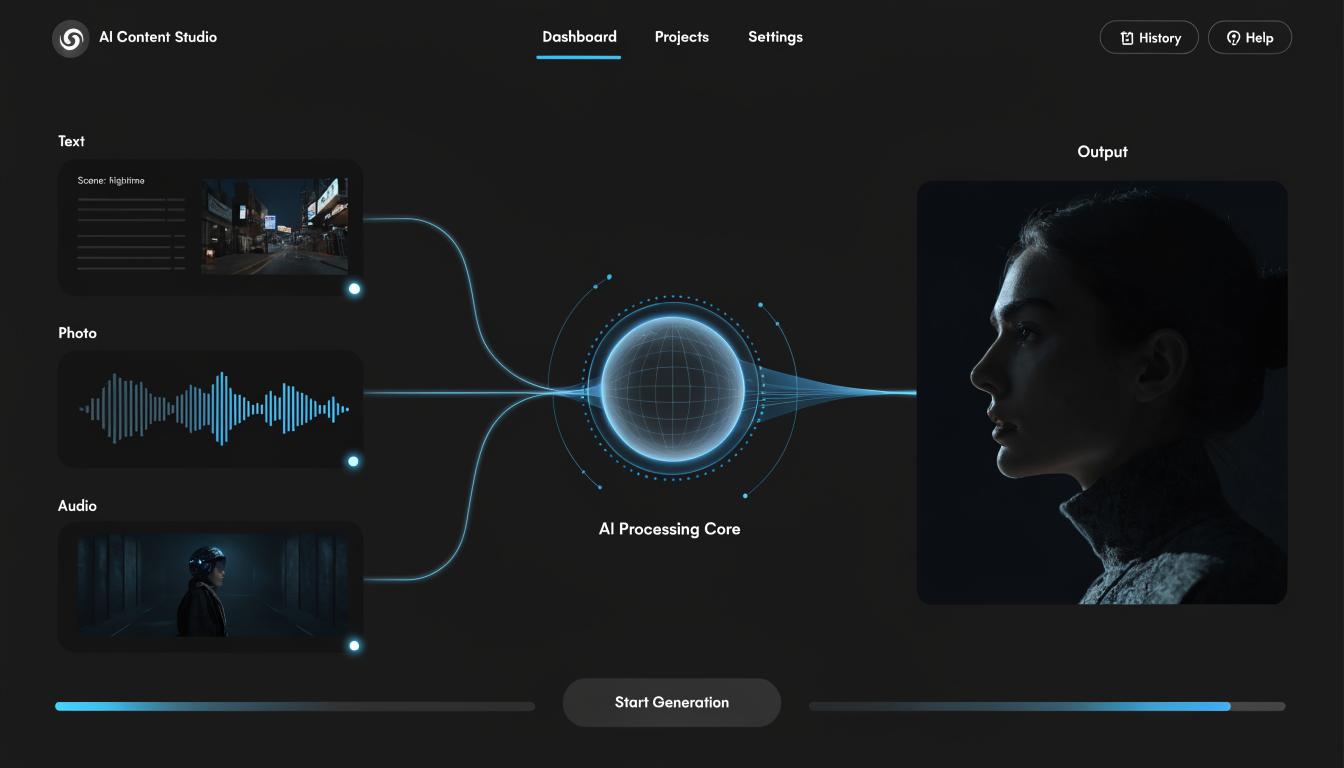
Seedance is an AI video generation model developed by the ByteDance Dreamina platform. It is an AI model that enables creative professionals to generate cinematic, realistic short videos and animation clips. The ByteDance video AI runs on a dual-branch diffusion transformer architecture and also allows 4 inputs, which are text, images, videos, and audio files, to create an output. Seedance 2.0 / 1.5 can generate sound effects and background music matching the timeline of the visuals. It is a dance choreography AI with an @Mention reference system for attaching videos, images, and audio files. The maximum number of inputs it allows is 3 audio files, 3 videos, and 9 images.
With the ByteDance video AI, you won’t need to work with text prompts alone; you can combine text prompts, audio, and video for precise outputs. The 4-modality input video AI will process all these inputs to deliver what you want accurately. The AI model offers director-level control, allowing you to specify camera movement, lighting, shadows, and performance throughout the clip. You also have control over the output to edit unwanted visuals, replace specific actions, and remove characters. Everything is ultra-realistic, from the physics and characters to the visual sequences and the details in each scene. It contains everything you need for professional content production in a single pass.
One of the best things about using this model is that you can access it directly on our platform in a browser, with no setup required. Creators can explore all the input modes to generate videos with synchronized audio.
What Makes Seedance Different
Mention Reference System
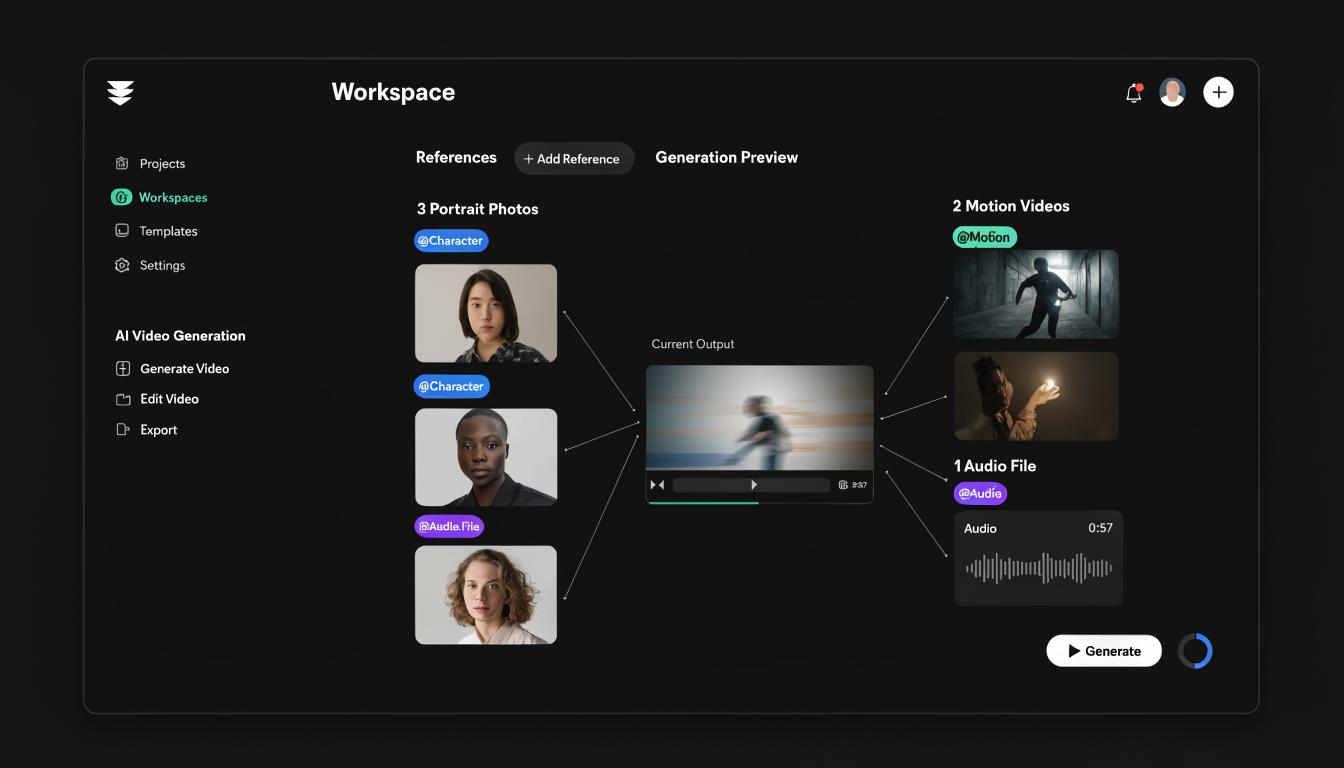
The 4-modality input video AI uses a @Mention reference system, allowing creators to upload multiple files to ensure high-quality output. It supports up to 9 images, 3 existing videos, and 3 audio files. Additionally, you can instruct the AI on how to use these assets by typing @ followed by the asset name.
Native Stereo Audio Generation
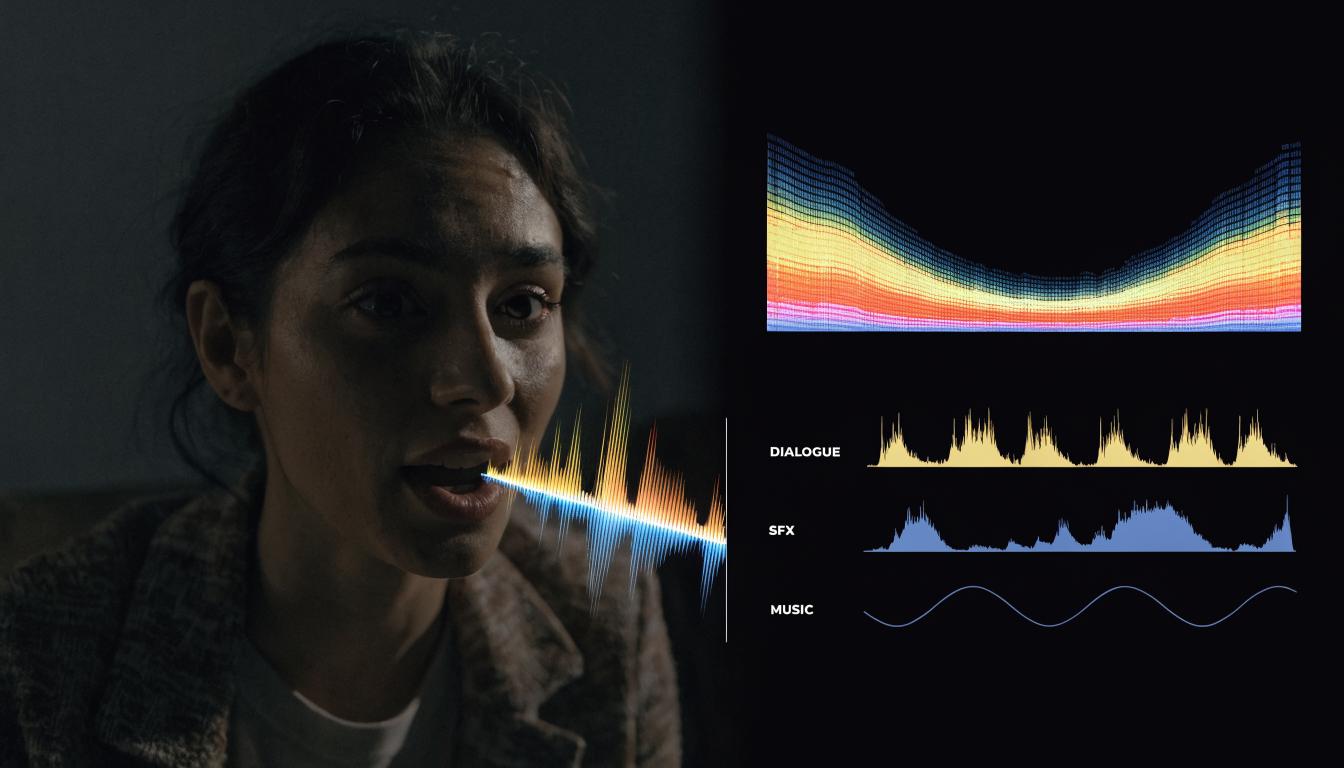
Seedance is an advanced multimodal AI video model that generates both video and audio simultaneously in a single workflow. It can add context-aware background music, environmental sound effects, and lip-syncing in more than 8 languages. You do not need an additional tool to do this, as the audio and video are generated within a single workflow.
Synchronized Dance Choreography
Creators can upload a reference audio file and the dance choreography AI will generate a matching motion for it. It excels in creating dance sync and complex choreography. It can generate rhythmic body movement, dance moves, and gestures to match the video reference. Also, thanks to being a character consistency video AI, it can maintain this motion across many scenes in your outputs.
Benchmark-Proven Quality
Seedance 2.0 delivers outstanding cinematic realism, consistently outperforming other AI video models. It has been celebrated for its dynamic motion, character consistency, and prompt adherence. In addition, the SeedVideoBench benchmark has also proven it to be an exceptional AI video model.
Key Features
4-Modality Input
Seedance AI has a 4-modality input structure that allows uploading audio, images, video, and text. No other AI video model can allow all of these modalities. Combining these modalities allows users to create precise and coherent outputs.
Native Stereo Audio
Seedance 2.0 is an AI video model that can generate high-quality stereo audio and video within a single workflow. Unlike the previous process of generating a silent clip and adding audio later with a separate tool, the AI model generates both visuals and audio simultaneously.
2K Native Resolution
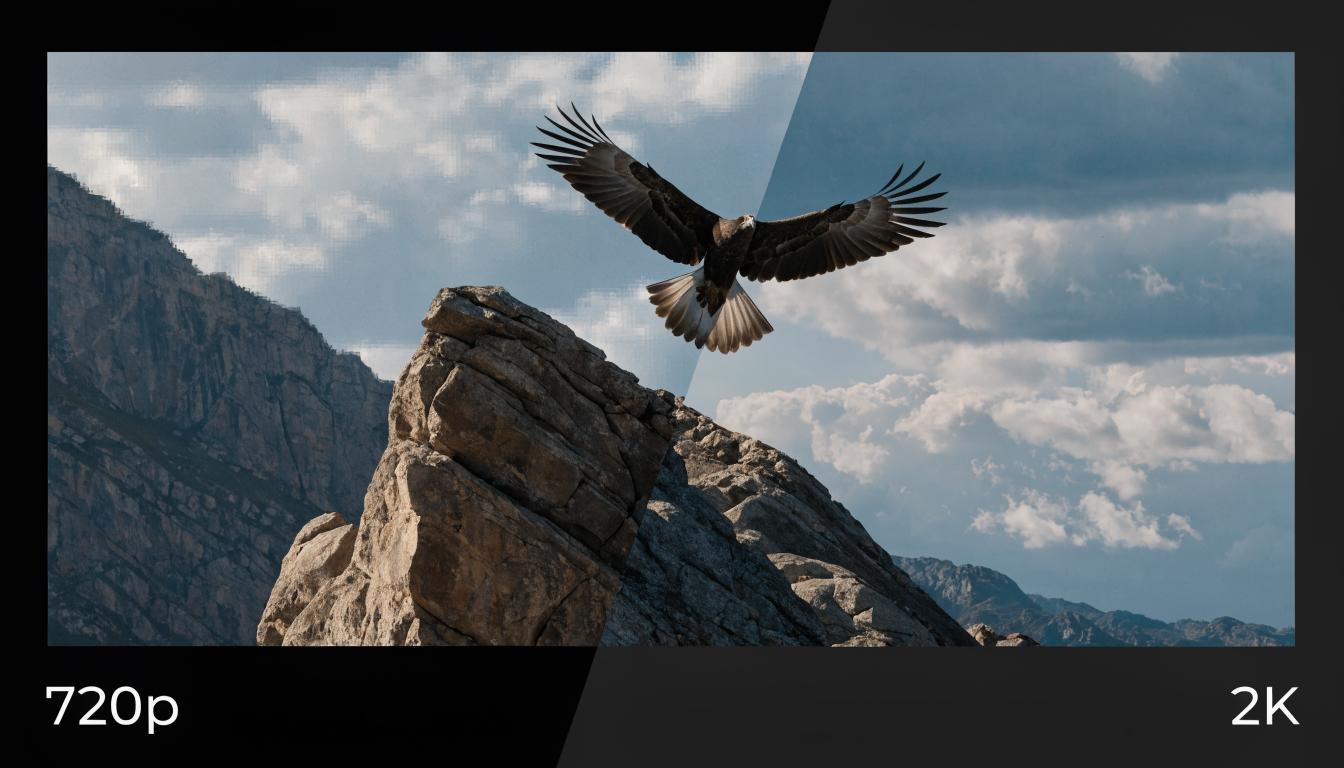
Seedance AI supports up to 2K native resolution video. This quality is an upgrade from the 1080p in the previous version. In addition, it can support various aspect ratios like 1:1, 4:3, 9:16, 16:9, and 21:9.
Multi-Shot Storytelling
Seedance AI video is a multi-shot AI video tool that lets you create a full, cinematic video sequence with camera angles, scene progression, and consistent characters. You can use this creative control to create short narratives and episodic content.
Realistic Physics Engine
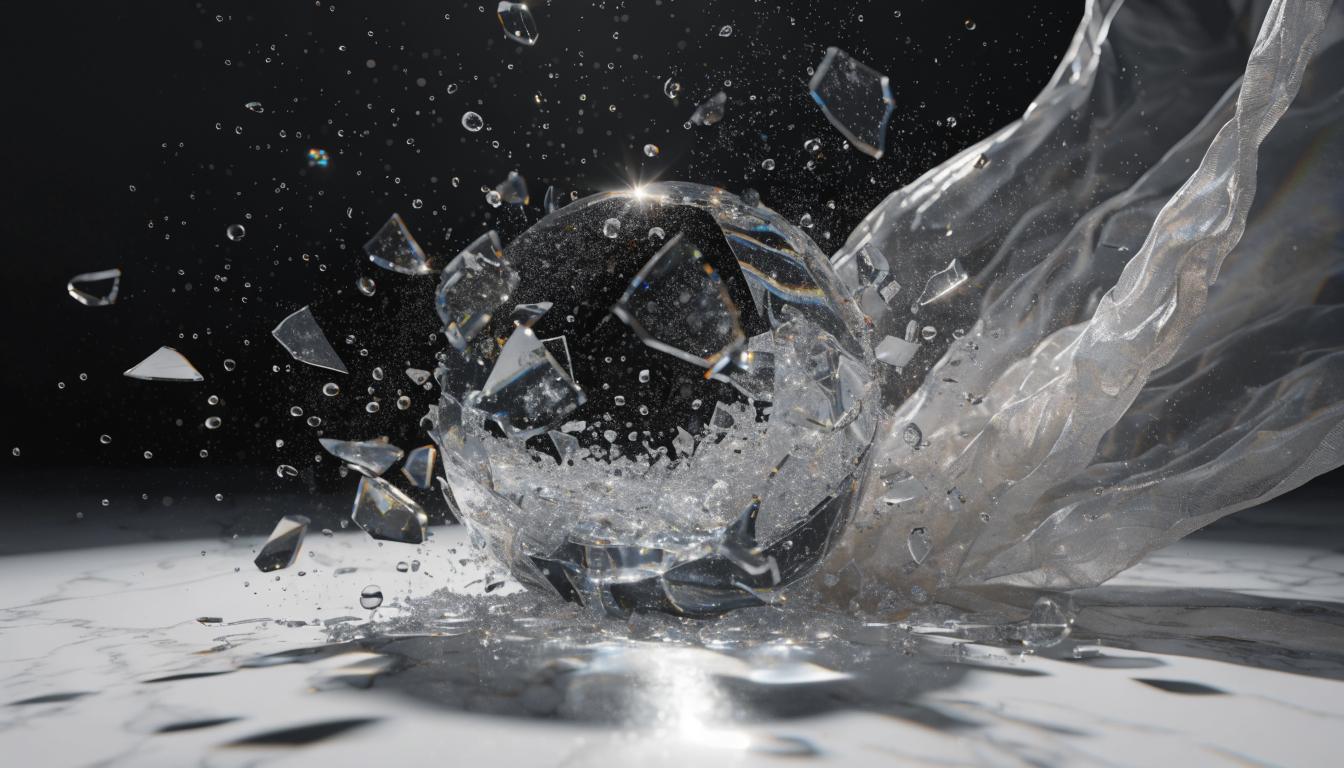
Seedance 2.0 has a physics engine that supports character motion, collisions, fluid dynamics, and fabric simulation. These features remove the floating feel of earlier AI models by offering a believable physics model that adheres to real-world laws.
4–15 Second Clips
Seedance video generator can help create short videos and animation clips ranging from 4–15 seconds, supporting resolutions up to 1080p and 2K. This length is an upgrade from the 4–12 seconds in the previous version.
How It Works
Three steps to your video

Write Your Prompt
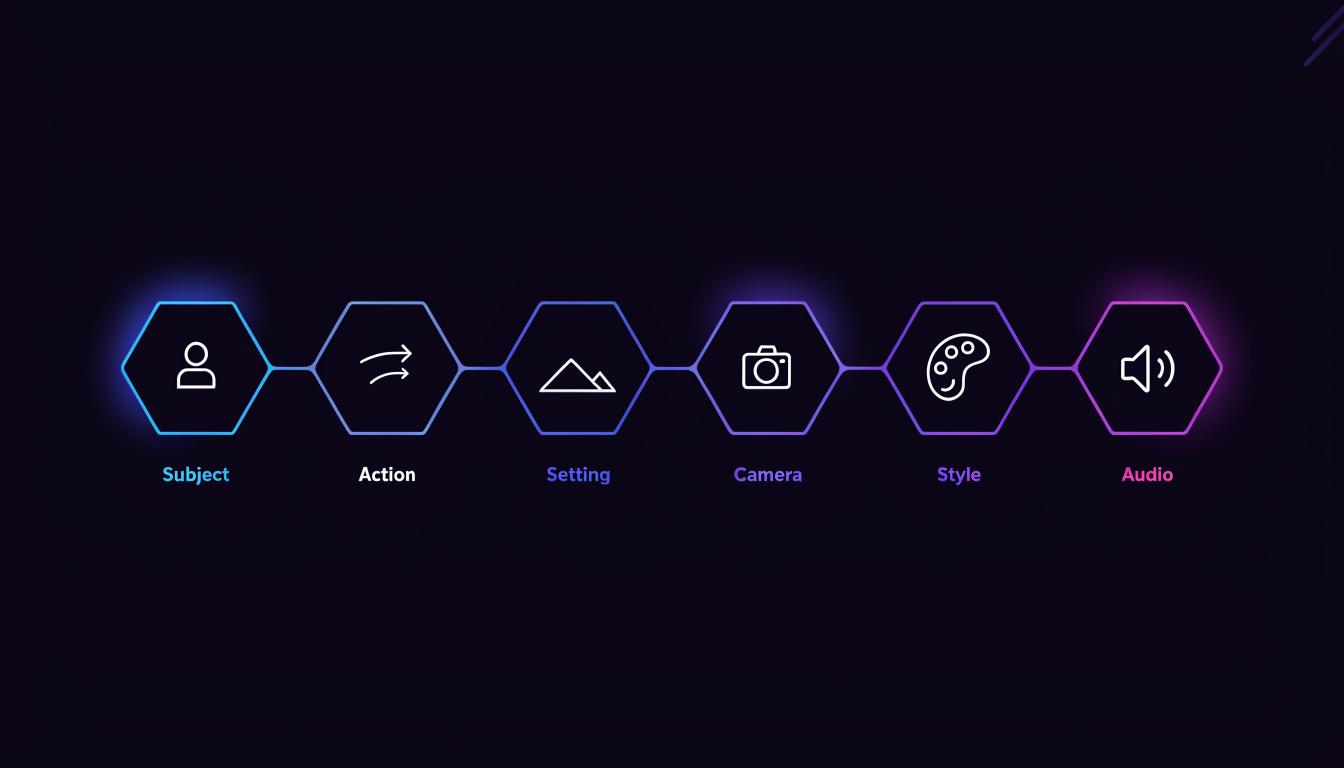
State a description of the scene, motion, camera direction, and mood within a video generation prompt of 60–100 words. For easier prompting, you can follow the 6-step prompt formula: Subject, Action, Setting, Camera, Style, and Audio.
Add References
Using the @Mention system, you can attach audio, images, and videos as creative references. You can use these as a basis for generating a character, motion, sound, and style.
Generate and Export
Seedance video generator handles multimodal input to generate video and high-fidelity audio simultaneously. Additionally, users can preview, regenerate, adjust references, and finally export in 2K resolution.
Audio Generation
Seedance 2.0 does not operate a bolt-on system in which audio is added to a silent clip later; it generates both simultaneously in a single pipeline.
Image-to-Video & Video-to-Video
Multiple input modes with @Mention reference integration
The <span class="highlight">@Mention</span> Reference System
The @Mention reference system is one of the most impressive features of Seedance 2.0. It is a feature unique to the AI model, as others only allow text prompts or image references.
How It Works
Using the AI model, you can attach 12 files, a total reference input to generate coherent outputs. This means you can combine 9 images and 3 video inputs when creating an output.
Users can attach up to 9 images to define the character's appearance and clothing.
Attaching 3 videos ensures you can define the camera path, action sequence, and motion.
With the audio-input video generation feature, creators can upload 3 audio files to determine background music, dialogue, and environmental sound in a visual output.
The model combines all attached references together while processing their audio references, character identities, and motion patterns into a single and coherent output.
Why It's Powerful
Text prompts can mean so many things. For example, “A fighting man” could mean various things. But attaching a character’s image or video to depict motion, and audio for sound effects, will ensure the AI model delivers accurate output.
The Competitive Edge
No other AI video model offers support for all 4 input modalities with the @mention system. Most of them work with text, images, or videos only.
Practical Applications
- Music videos: A combination of the artist's image, dance reference, and soundtrack produces a beat-matched music video.
- Brand content: Combining product images, motion visuals for style reference, and branded audio will generate a high-quality on-brand video.
- Film pre-vis: A mix of storyboard frames, camera-path references, and dialogue audio will help create pre-visualization.
<span class="highlight">Editing</span> Tools
Seedance 2.0 offers a range of editing tools, so it goes beyond basic generation, giving you maximum control over the final output in a single workflow.
Camera Controls
Seedance AI delivers director-level camera controls ensuring you are able to replicate real-world camera techniques and motions using prompts and video references. You can try out movements like dolly, pan, tilt, zoom, and tracking, and it will deliver accordingly
Shot Transitions
You can use shot transitions, dissolve cuts, and any other ways you want to connect your scenes. It can be a multiple-shot sequence with rhythm and pacing.
Style & Lighting Control
You can use the style lighting control video prompt to integrate some variables into your outputs. Reference-tagging systems ensure the style and lighting control is easier to achieve with visual references.
Video Extension
The multi-modal AI allows creators to lengthen or continue an existing video clip. It can use the character appearance, environment, motion, and lighting in an existing scene to create a longer sequence.
Scene Regeneration
Using the regeneration capability of an AI video model, creators can modify specific parts of existing footage. This means you don't have to start from scratch. You can lock in the character identity and background to refine camera angles and motions.
What Creators Say About Seedance
Physics that feel real — even in high-action sequences
Seedance 2.0 is known for its physics engine, which enables it to simulate collisions, gravity, and weight naturally, even in complex, high-action sequences. This means the character’s motion is believable, and the fabric feels like fabric.
Collisions have weight, fabric tears realistically, and characters move with physical believability even in high-action sequences.
Native audio generation with cinematic depth
Seedance 2.0 is exceptional for being able to integrate audio into visuals, ensuring the audio matches every action and scene in the output. You can achieve this in a single workflow with no need for extra tools.
Seedance 2.0 generates audio natively alongside video. Music carries deep bass and cinematic warmth.
A custom architecture built for cinematic quality
Seedance 2.0 is built on a dual-branch diffusion transformer architecture designed by ByteDance. It is an advanced development that replaces the traditional multi-step production to create high-quality visuals and synchronized audio.
Built on a custom dual-branch diffusion transformer architecture, Seedance 2.0 delivers a cinematic quality that previous models could only approximate.
Reference workflow and editing-style control that stand out
Seedance video generator has an omni-reference workflow that allows uploading up to 12 reference assets.
Its reference workflow and editing-style control are unusually strong.
Rewards operators who bring clear creative direction
Seedance AI allows for more creative expression. This means if you can write clear text prompts, add references and structure, you will get the best output.
Seedance 2.0 is strongest when the operator has a concrete visual intention. It performs better when you bring references, structure, and direction.
Remarkably realistic physics and motion
Seedance 2.0 changed everything about cinematic storytelling by understanding real-life physics, believable motion rendering, character consistency, and native audio integration.
The physics and motion in Seedance 2.0 are remarkably realistic.
Prompt → Result Gallery
Generated with Seedance 2.0 — high-quality videos in seconds by ByteDance.


